Best WHMCS Modules for a Hosting Team: A Practical PD Modules Shortlist
Build a WHMCS toolkit by job: cloud servers, DNS self-service, domains, crypto payments, security, monitoring and AI. A practical PD Modules shortlist with real tutorials.
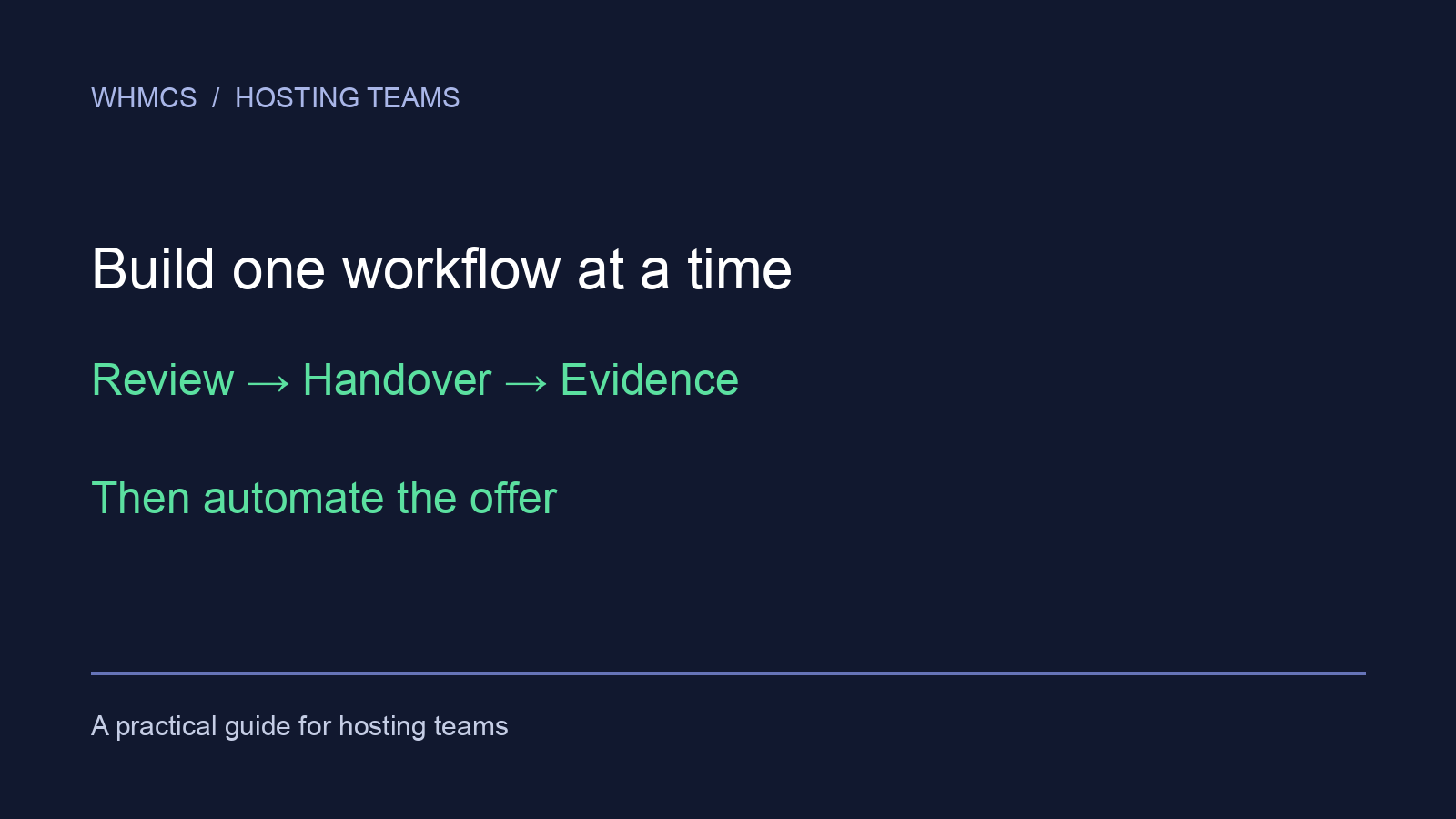
Build a WHMCS module shortlist around the next workflow your hosting team needs to make repeatable. Start with a visible operational problem, teach the team one complete flow and expand when it works. Buying a broad toolkit and introducing every feature at once makes it harder to tell what helped.
These are selections from our own PD Modules range, organised as an adoption sequence. They are not a market-wide ranking. The sequence is flexible: a team preparing a promotion may start with Discount Manager, while a team handing over service logins may prioritise Password Manager.
First, make the problem visible
PD Guard helps staff review security and environment findings inside WHMCS. Its free checks provide a starting point; optional Pro adds capabilities such as monitoring and file-integrity checks. Choose it when an installation needs an understandable review routine and someone to follow up the findings.
A report is useful when it leads to a decision. Name the person who reviews a warning, investigates it and checks the result after any change. Pidi can help explain supported findings, but a conversation is not proof that the underlying issue has been resolved.
Next, make sensitive handovers deliberate
PD Password Manager brings password generation, storage and one-time handoff into the team’s workflow. Choose it when staff otherwise move credentials through ordinary messages or repeatedly copy them between tools. Check which features belong to the free edition and which require Pro on the current product page.
Rehearse both sides: the staff member creating the handoff and the recipient opening it. Decide who should receive it, how long it should remain available and how the team confirms completion. Keep passwords out of ordinary notes.
Watch the actual workflow before choosing
The published tutorial shows the interface and the handoff sequence, so you can assess how it fits your team’s work.
Watch the Password Manager tutorial on YouTube.
Then, make customer decisions traceable
PD Agreements is a paid choice when staff need the exact version a customer accepted. Publishing new wording and retaining earlier signed evidence are different tasks; the module supports that distinction.
Before introducing it, choose one real document workflow and its audience. Check a new acceptance and an older acceptance after a document revision. The practical question is whether the next colleague can locate the relevant evidence without reconstructing a conversation.
Add sales automation when the offer is defined
PD Discount Manager is a paid option for automatic discounts and product bundles. It is a good candidate when staff already understand the offer but repeat the work of applying or explaining its conditions.
Write the intended audience and qualifying products first. Test an order that qualifies and one that does not. That is a better starting point than switching on a broad offer and discovering its reach later. The published Discount Manager tutorial shows the setup and customer view.
Keep free tools in the shortlist
PD Support PIN provides a free caller-verification workflow. PD Notes provides free shared notes and reminders. Either may solve the immediate problem without a paid module. Use a PIN check where callers need verification, and a note with a next action where colleagues need continuity.
| Adoption step | Evidence that it is useful | Before adding more |
|---|---|---|
| Review findings | An owner can explain the finding and next action | Check the result, not just the report count |
| Hand over access | The intended recipient can complete the handoff | Confirm delivery and expiry choices |
| Record acceptance | Staff can find the accepted document version | Verify both old and new evidence |
| Automate an offer | Eligible and ineligible orders behave as intended | Teach support how the offer works |
The shortlist by job
Most WHMCS module searches start from one job: selling servers, giving customers control of their DNS, taking a payment, or keeping the installation and its customers safe. These are the PD Modules that fit each job. Every one is installed from the same PD Modules panel.
Cloud server and VPS provisioning
Each of these turns a cloud account into a server product sold under your own brand. The customer chooses region, plan and operating system at checkout, the server is created automatically, and the client area becomes a control panel with power controls, reboot and firewall.
- PD DigitalOcean Droplets: snapshots, one-click rebuild, CPU and bandwidth graphs, with backups, extra storage and a dedicated IP as priced options.
- PD AWS Lightsail and PD AWS EC2: plans and images stay current from AWS, and a pricing advisor warns you before you sell below cost.
- PD Azure VM and PD Google Compute Engine: SSH-key management, a fresh-OS reinstall with typed confirmation, and boot diagnostics.
Once you sell cloud, PD Cloud Cost & Margin matches each provider charge to the WHMCS service that should be paying for it, so a loss-making service or an orphaned resource shows up. Further reading: selling AWS Lightsail hosting with WHMCS and cloud hosting cost and margin.
DNS self-service for customers
Pick the module for the DNS backend you run: Cloudflare, AWS Route 53, cPanel, PowerDNS and others. Each gives customers a “Manage DNS” area for their own domains and a record editor that checks addresses and hostnames before saving. Zones can be created automatically when a domain is registered. If you run more than one backend, PD DNS Manager covers every supported provider, with migration and cross-provider tools. More in client DNS management in WHMCS.
Domains: monitoring and forwarding
PD Domain Radar checks the registry over RDAP and flags what needs action: domains expiring soon, nameserver changes, a registrar lock that came off, a transfer in progress. PD Domain & Email Forwarder sets up URL and email forwarding for a domain without a hosting account, and customers manage their own forwards. Our range doesn’t include registrar modules; connect your registrar through WHMCS’s own registrar integration.
Billing, payments and offers
PD Crypto Pay takes Bitcoin, Ethereum and stablecoin payments straight to your own wallet, with no payment processor holding the funds and no per-transaction commission. Payment detection runs on your own server, and you and the customer see the same payment timeline. More in accepting crypto payments in WHMCS. PD Discount Manager covers automatic discounts, bundles and free trials for the products you sell, and PD Agreements keeps the exact version each customer accepted.
Security, fraud and verification
- PD Guard audits the WHMCS installation. Its free edition adds admin login alerts and failed-login protection.
- PD Shield stops fake sign-ups and fraudulent orders before anything is provisioned. The honeypot, email verification hold, disposable-email blocking and velocity limits are free.
- PD Support PIN (free) verifies callers.
- PD Password Manager hands over credentials with one-time links.
More in stopping spam sign-ups in WHMCS.
Watching your customers’ services
PD Uptime & Status enrols each service you provision for monitoring automatically and can show customers a branded status page. PD Email Deliverability grades the SPF, DKIM and DMARC records of the domains you host. PD Site Sentinel checks hosted websites from the outside for exposed files, certificate problems and unexpected page changes.
AI for staff and customers
PD AI Assistant looks up clients, invoices and tickets for staff and drafts replies, grounded in your own Knowledge Base, on the AI provider you connect. PD MCP Hub (free) gives your team’s AI tools one governed connection to WHMCS and your PD modules. See controlled AI access to WHMCS.
Choose the toolkit, then the licence
Install the free PD Modules panel and add the modules you need from its Store. Individual licences suit a narrow requirement; All Access is worth considering for a broader, growing toolkit. Licensing does not remove the need to introduce workflows deliberately.
For the buying checks behind this shortlist, use our WHMCS module evaluation guide. Browse the current WHMCS catalogue for requirements and edition details.
Frequently asked questions
Which module should I install first?
Choose the recurring task with the clearest cost in repeat work. Give it an owner and a successful end-to-end example before adding the next workflow.
Is PD Guard a replacement for acting on warnings?
No. It helps surface findings; your team still needs to investigate, make the appropriate change and verify the result.
Do I need Pro for everything shown in a tutorial?
Some tutorials include Pro features. Use the product page to match the demonstrated capability to the edition you plan to use.
Does PD Modules include WHMCS registrar modules?
No. Connect your registrar through WHMCS’s own registrar integration. PD Modules adds DNS self-service, domain monitoring and forwarding on top.
Which PD Modules are free?
PD Modules itself, PD Support PIN and PD MCP Hub are free. PD Guard, PD Shield, PD Password Manager, PD Uptime & Status and PD Site Sentinel have free editions with an optional Pro upgrade. The WHMCS catalogue shows the current edition of every module.
Must I buy All Access?
No. Free modules and individual paid modules remain useful routes when your needs are narrower.
