Automatic discounts, product bundles and free trials for WHMCS — rule-based, no promo code needed
★★★★★5.0 · our rating, not customer reviews
Made and supported by Projektif Digital Ltd.
Runs inside PD Modules, the panel
every module installs into.
Billing & Sales
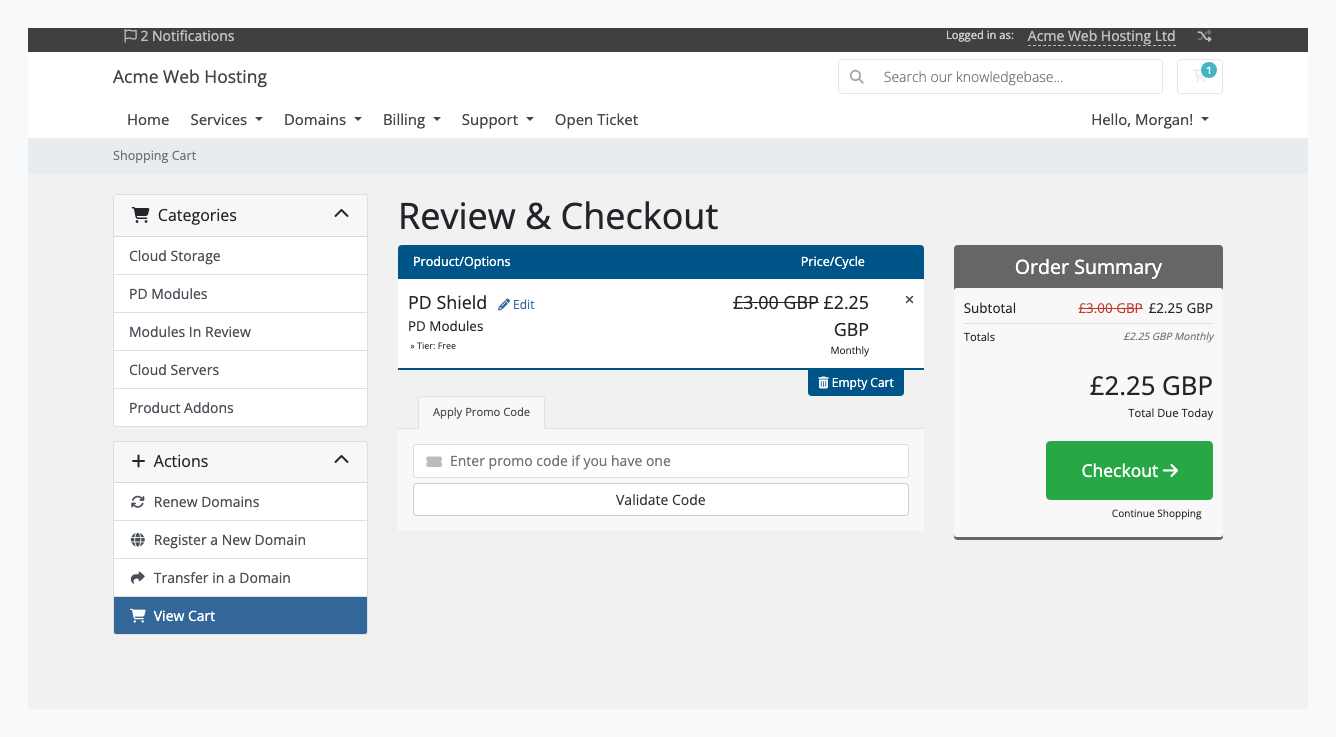
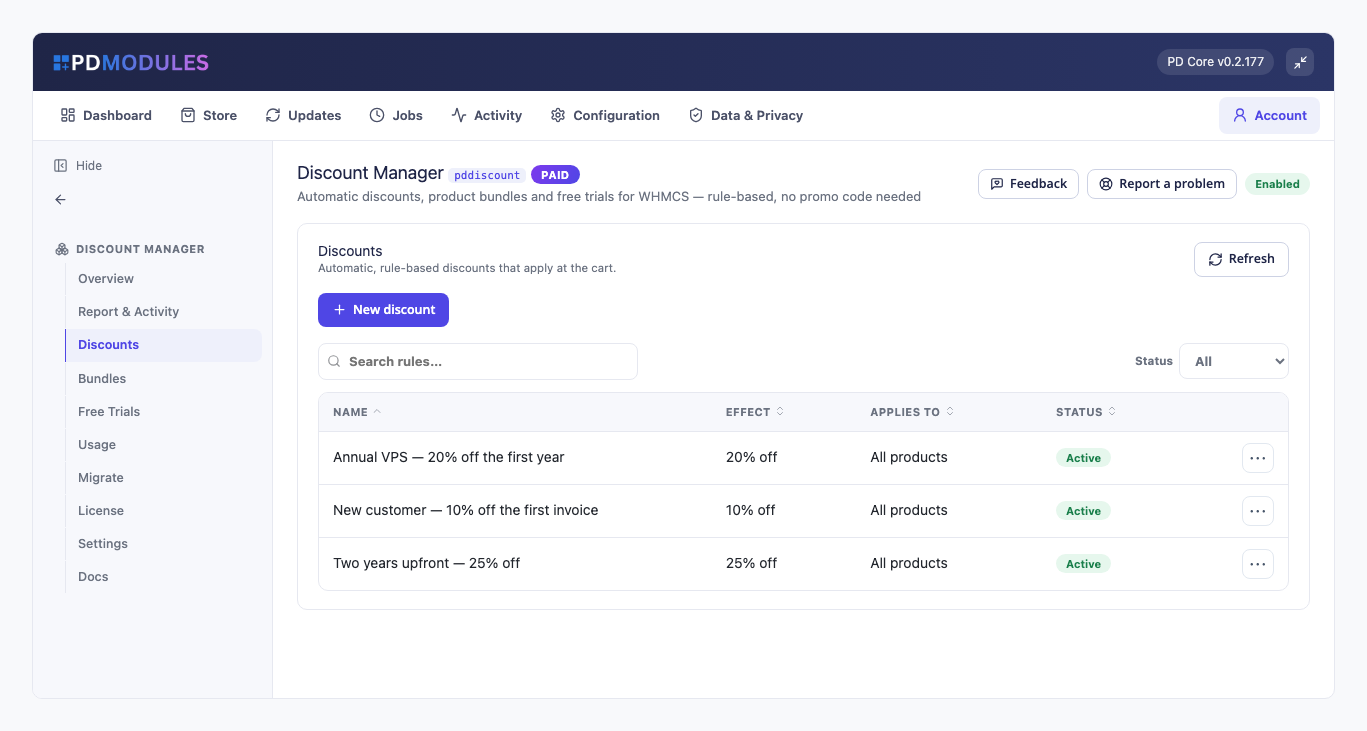
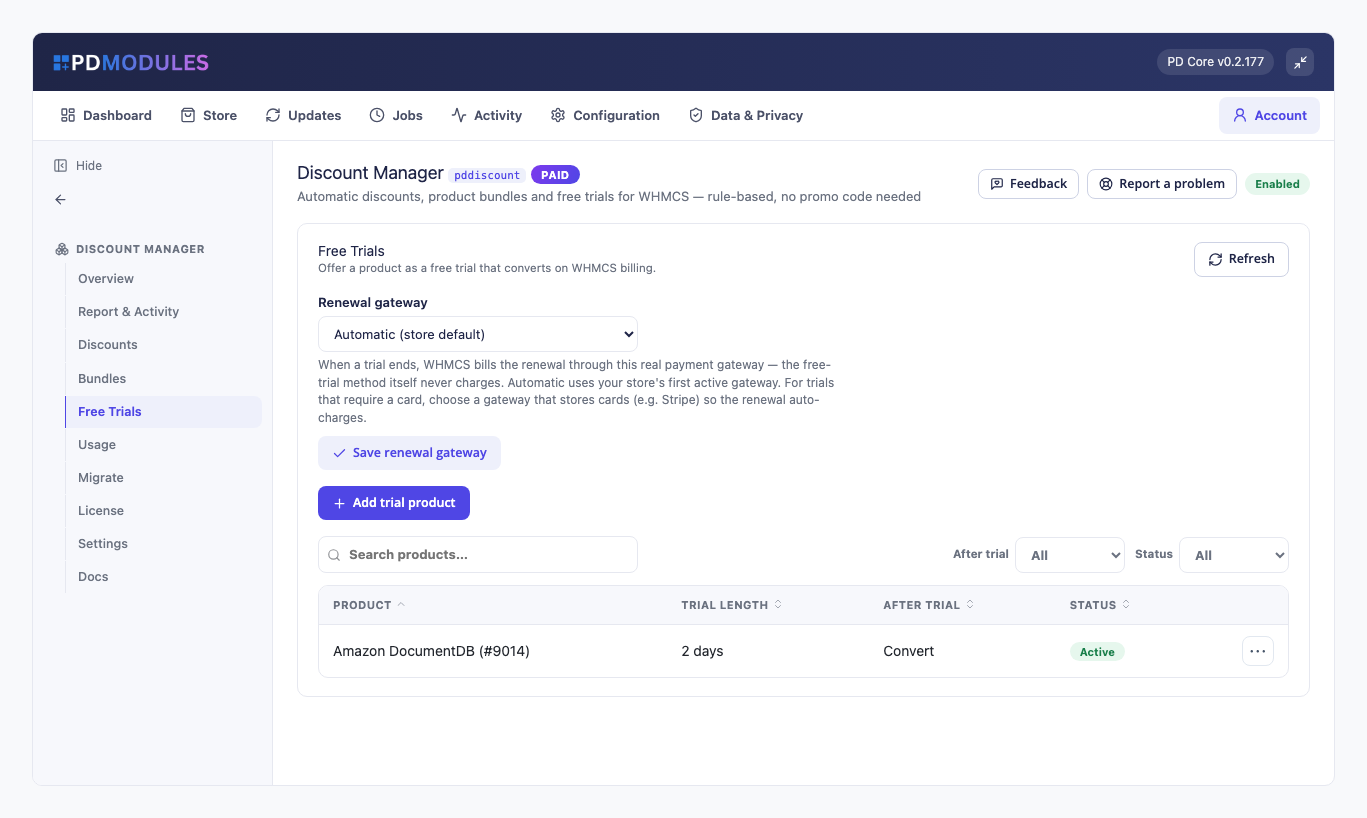
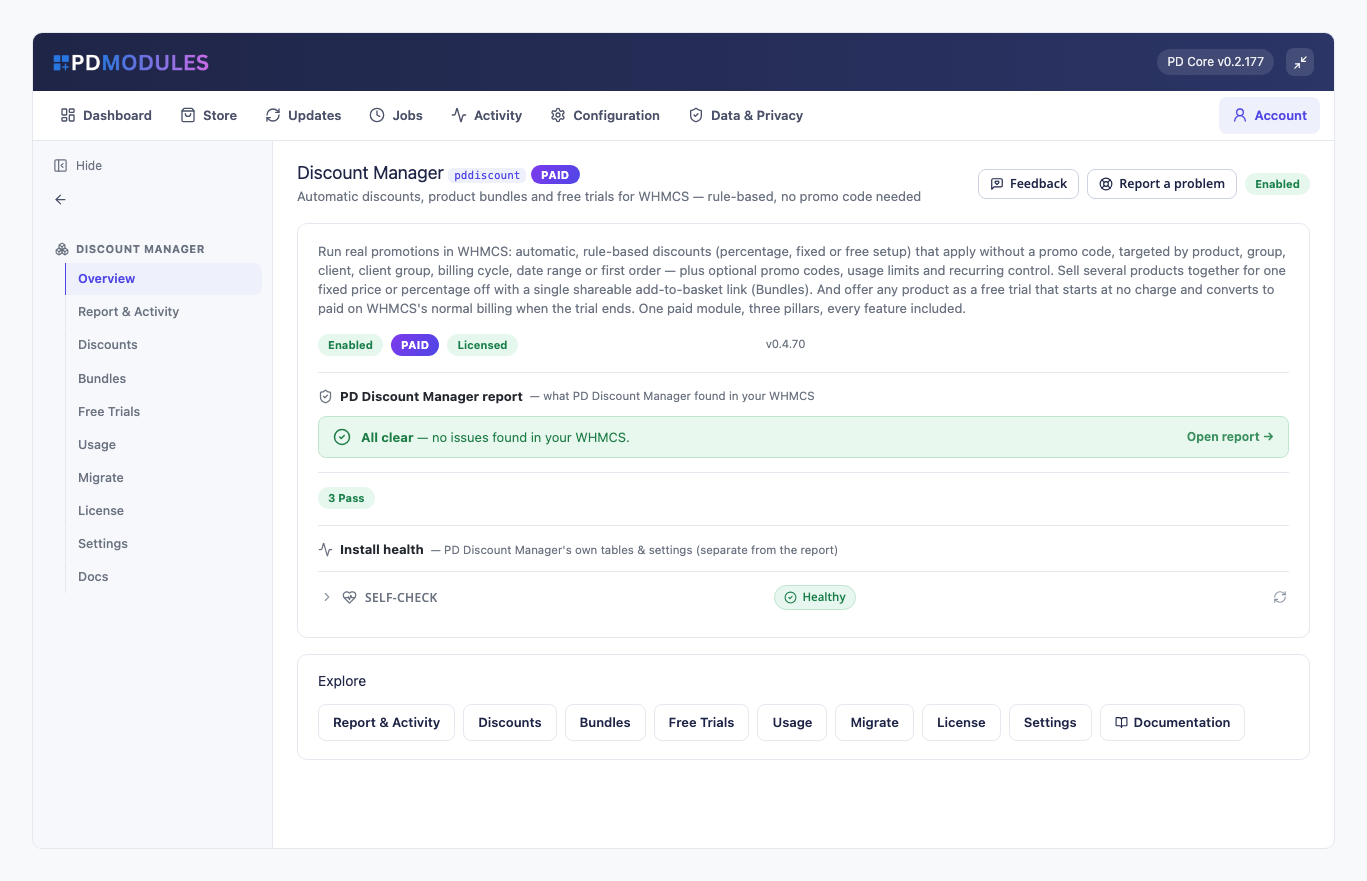
The price drops in the cart with no promo code typed — see the box sitting empty beside it.Rule-based discounts that apply themselves: seasonal, commitment, first-invoice.Free trials as a payment method — no card, no invoice, until the trial ends.Sell a set of products for one total, bought in a single click.The whole module at a glance, with every tool a click away.Who used which discount, and what it cost you.1 / 6
PD Discount Manager lets a hosting company run real promotions in WHMCS without a promo code for the customer to find or mistype. You write rules such as "10% off the first invoice for new customers" or "25% off when they pay two years upfront", and the discount appears in the store and cart by itself. You can also sell several products together for one price with a single add-to-basket link, and offer any product as a free trial that converts to a paid service on your normal WHMCS billing.
It is built for hosts who run seasonal offers, loyalty rewards and trials, and who want to see what each discount cost them.
Why hosts choose PD Discount Manager
Discounts that apply themselves. A rule with no promo code applies to every matching order, with nothing for the customer to type. The store, the configure page and the cart show the discounted price beside the original, and the price shown is the price charged at checkout.
Rules that target who you mean. Aim a rule at products, product groups, add-ons, domains by TLD, specific clients or client groups. Add conditions: new clients only, first order only, clients who already own certain products, a minimum number of active services, billing cycles, a date range, a minimum order value or a minimum item price.
You decide how long it lasts. Take the discount off the first invoice only, the first N invoices, or every renewal. What a customer was sold is what they keep: an every-renewal discount carries on at renewal even after the offer has ended, and switching a rule off stops only new sales.
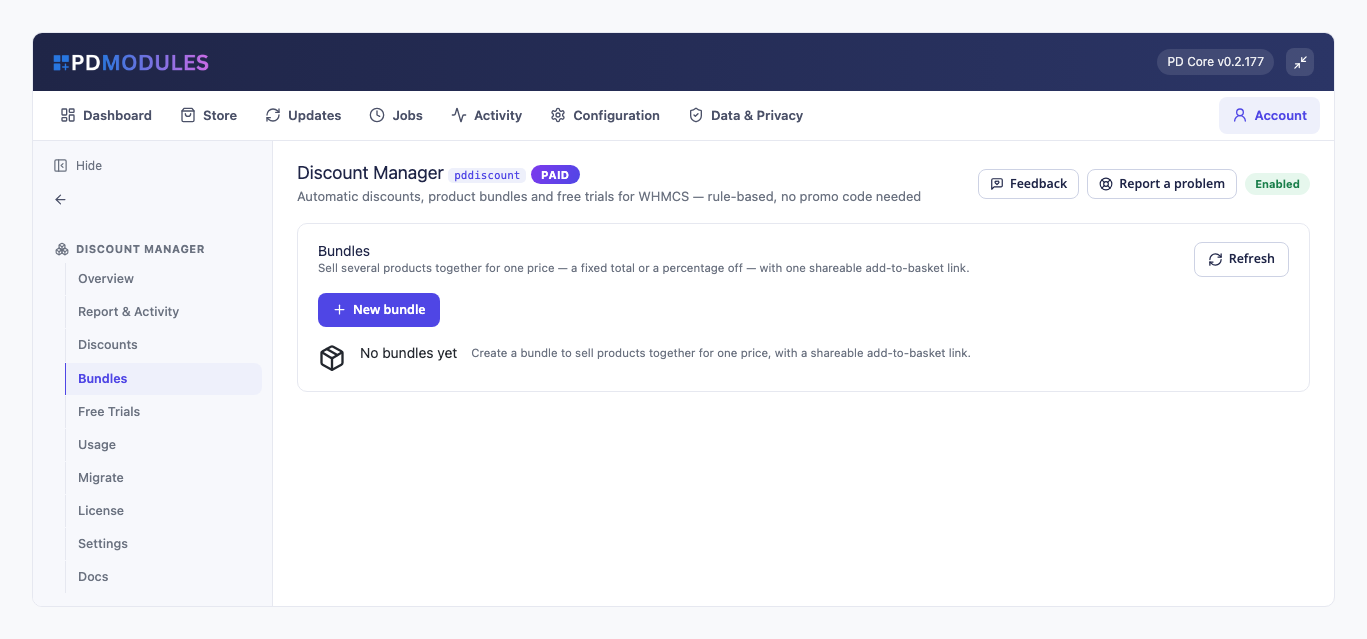
Bundles that sell a set. Offer several products for a fixed total or a percentage off, with one shareable link that drops every product into the cart at the bundle price. The link works for signed-out visitors.
Free trials as a payment method. An eligible customer picks the free-trial method at checkout and the service runs for the trial length, with no payment and no invoice until the trial ends. You choose whether it then converts, suspends or cancels.
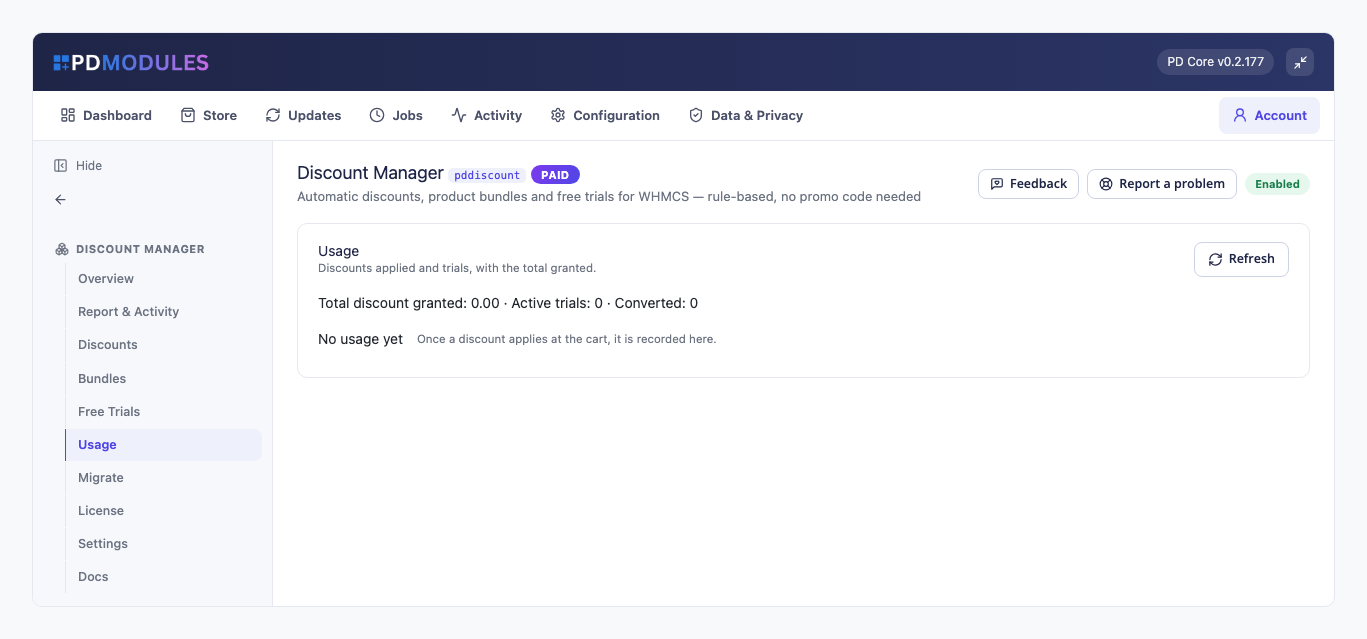
See what it cost. The Usage tab lists each discount given, to which client and for how much, with a total per currency rather than one mixed figure, plus how many trials are running and how many converted.
How it works
Create a rule. Choose the discount, what it applies to, who qualifies, and how long it lasts. A rule takes effect for the next cart the moment you save it, with no cron needed.
Customers see the price. The cart shows the lower price beside the original, with the promo code box left empty.
The invoice says what came off. Each discounted invoice line carries a note such as "includes 10% off (was £12.00)".
Renewals follow your terms. First-invoice rules return to full price at renewal; every-renewal rules continue.
Check the Usage tab to see who used what.
The price drops in the cart with no promo code typed
What you get in WHMCS
Discount rules
Percentage off, a fixed amount off (never more than the price) or free setup fee, taken from the recurring price, the setup fee or both
A 100% rule makes the order £0 and the service is provisioned, so you can test a product end to end without a billable invoice
Fixed amounts set in your default currency are converted at your exchange rates, or you can set an exact amount per currency; rounding follows each currency
A value matrix sets the discount per product per cycle, or per TLD per year per action, with a preview of each price
Up to three quantity tiers that scale the discount by how many of an item are ordered
Domain rules by TLD, by action (register, transfer, renew) and by registration year; premium domains are never discounted
Optional promo codes. A code only applies when entered, and the cart says what it gives, such as "SPRING20: 20% off"
With stacking off, the best single matching rule applies; with stacking on, matching rules combine in priority order
Limits and control
A total usage limit retires a rule after N orders, and a per-client limit stops it for a client after they have used it N times
Renewals never use up a limit
One click disables or enables a rule. A master "Apply discounts" switch pauses every rule and bundle for new orders, and customers keep what they already bought
A rule applies to an upgrade only when you tick "also apply when a client upgrades to this product"
Bundles and free trials
Fixed-total or percentage bundles, applied on every payment, the first payment only, or the first N payments
A bundle can target a product's configurable option, such as a Pro tier
Trials limited to new clients, one per client per product, or one per client in total
A trial can require a payment method on file, so a customer is never shown £0 and then charged in full
Choose invoice timing: raise the invoice a set number of days before the trial ends, or issue it at checkout payable on the trial end date
When the trial ends, the renewal is billed through a real payment gateway, and the client is emailed beforehand
A client who cancels during a trial is not chased for the trial invoice
Rewarding early payers
A client who pays an invoice at least N days before it is due receives account credit, as a percentage or a fixed amount, with an optional cap per invoice. An invoice earns it once, and Add Funds invoices earn nothing
What your customers get
A lower price with no code to find: discounted prices show in the store, cart, domain search and TLD pricing pages
A clear invoice: every discounted line states what came off and what the price was
A free trial that is honest: the trial method appears only for eligible carts, labelled with the trial length, and a client who is not eligible can still buy at full price
Your wording: customer-facing text can be reworded or translated in an override file that updates never overwrite
One product, every feature
PD Discount Manager is one paid module with everything included: discounts, bundles, trials and early-payment rewards. There are no add-on tiers. It costs nothing beyond its subscription, with no third-party service or metered charges. It installs into PD Modules in one click, updates itself, and adds its own tables without modifying WHMCS files.
If your licence lapses, customers keep being served through the grace period and expiry. Once it is suspended, new discounts, bundle prices and free trials stop and the store simply charges its normal prices. Nothing is deleted and customers see nothing about licensing.
Requirements
WHMCS 9 or later on PHP 8.2 or later, with the ionCube Loader
PD Modules, the free control panel every PD module installs into
WHMCS Discounts, Bundles and Free Trials: PD Discount Manager Tutorial | PD Modules.
Watch on YouTube.
The player loads from YouTube when you press play.
Questions
How is this different from WHMCS promo codes?
WHMCS's own discounts are promotion codes, client-group discounts and product bundles. PD Discount Manager adds automatic, rule-based discounts that apply with no code, precise targeting (product, group, TLD, client, client group, billing cycle, date range, quantity), recurring control, usage limits, bundles and free trials. You can still make a rule promo-code-only when you want that.
Do discounts apply automatically or does the customer enter a code?
Your choice, per rule. Leave the promo code blank and the discount applies automatically to every matching order. Give it a code and it only applies when the customer enters that code at checkout.
Will this affect my normal hosting and domain orders?
No. A discount only applies where its rule says it should. If a rule targets one product or group, only that is affected — with no matching rule, prices are exactly as WHMCS shows them.
How does a free trial actually bill?
The trial order goes through at no charge and the service runs for the trial length. When the trial ends, WHMCS's own renewal billing takes over — convert raises the first real invoice so the service becomes paid, or cancel terminates it. There's no separate billing system to reconcile, and per-client rules stop the offer being abused.
How does a bundle reach the cart?
You group the products and set one fixed total or a percentage off, then share the single add-to-basket link the module gives you. Clicking it drops the whole bundle into the client's cart at the bundle price, ready for checkout.
Can I pause a promotion without losing it?
Yes. Switch an individual rule or bundle off with one click, or flip the master switch to pause every discount at once. Customers keep what they already bought, nothing is deleted, and turning it back on resumes exactly as before.
Is this one price or lots of tiers?
One paid product with all three pillars included — discounts, bundles and free trials — sold as a single recurring licence. No add-ons or tiers to juggle.
What happens if my subscription lapses?
Nothing of yours is touched, and nothing is deleted. The module steps down in stages instead: a 14-day grace period where everything still works and you get a renewal reminder, then admin management locks while your customers carry on being served, and only after that do new discounts, bundle prices and free trials stop — your store simply charges its normal prices, and nothing is shown to your customers about licensing. Your rules, bundles, trials and usage history stay exactly where they are. Renewing restores everything immediately.
What does it cost to run, on top of the subscription?
Nothing beyond the module subscription. PD Discount Manager runs entirely inside your WHMCS and does not connect to a paid third-party service, so there is no usage bill, no per-message or per-GB charge, and no metered anything.
Which WHMCS and PHP versions does it need?
WHMCS 9 or later, on PHP 8.2 or later. It installs alongside whatever else you run — it adds its own tables and templates rather than modifying WHMCS files, so it does not collide with other vendors' modules or with a customised theme. Uninstalling removes its own tables and settings; the email templates it added stay, so wording you edited is kept.
How do I get help?
Open a ticket from your client area, or use Get help inside the PD Modules panel, which attaches a diagnostic report — you see a preview of exactly what it contains, and can exclude any part of it, before anything is sent. Support is included with an active subscription; bug reports are welcome whatever your licence state.
What’s new in 0.4.113
A discounted price stays on one line with its currency in the store, cart and domain pricing, instead of the currency dropping onto a line of its own.