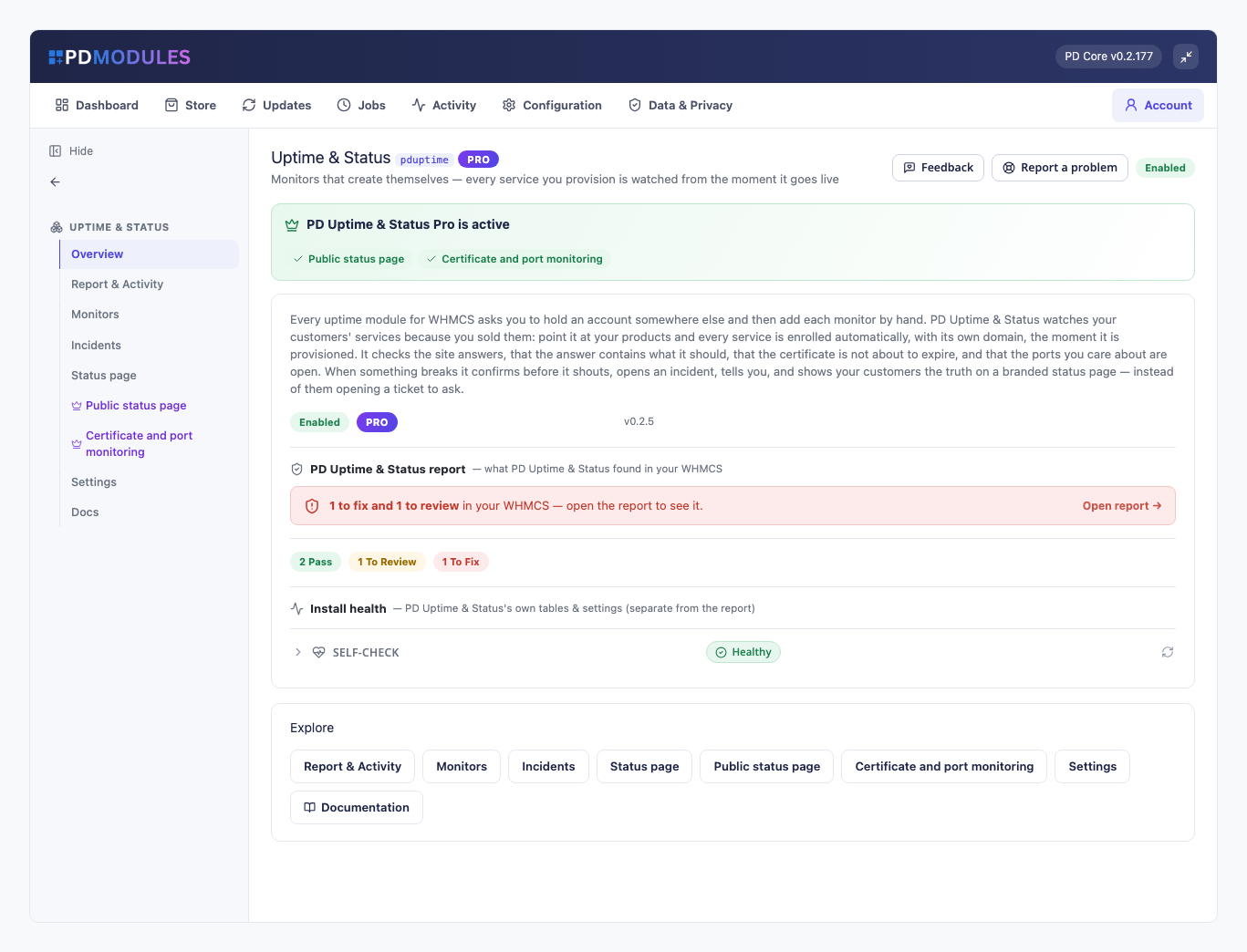
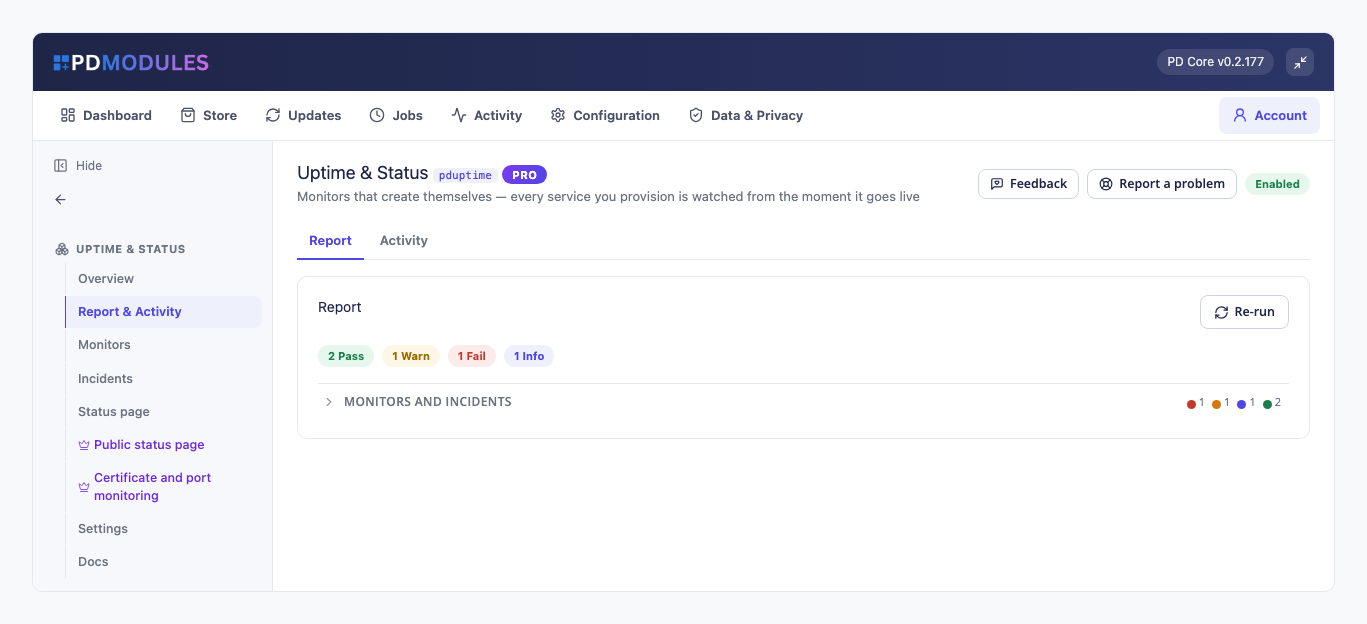
PD Uptime & Status watches every service you sell, automatically. The moment a hosting service is set up in WHMCS, a monitor is created for its domain. It is checked on a schedule from your own server, an incident opens when it stops answering, you get one email when it goes down and one when it recovers, and your customers can see their own uptime on their service page. There is no third-party monitoring account to open and no list of sites to maintain.
It is built for hosting companies and agencies who want to know about an outage before the customer rings, and who want to answer "was my site down?" with a record rather than a guess. The core is free; Pro adds certificate and port checks, a public status page and webhook alerts.
Why hosts choose PD Uptime & Status
Coverage that keeps up with your sales. Monitors are created when a service is provisioned, using the domain on the service, and removed when it is terminated. Nothing depends on someone remembering to add the new customer. A service with no domain is skipped rather than watched pointlessly, and a monitor you added by hand is never deleted behind your back.
Alerts you will still trust in a year. A monitor must fail several checks in a row before it counts as down (two by default, one to five as you choose). Alerts go out on the change only: a four-hour outage sends two emails, not forty-eight. When your own server cannot run a check, the result is recorded as inconclusive. No incident, no alert, no customer marked down because of a problem at your end.
Checks that catch the real failure. A website check treats any 2xx or 3xx as up and follows redirects, so http to https to www is success. Add a keyword the page must contain and a parked page, a database error or an "account suspended" screen is detected as the outage it is.
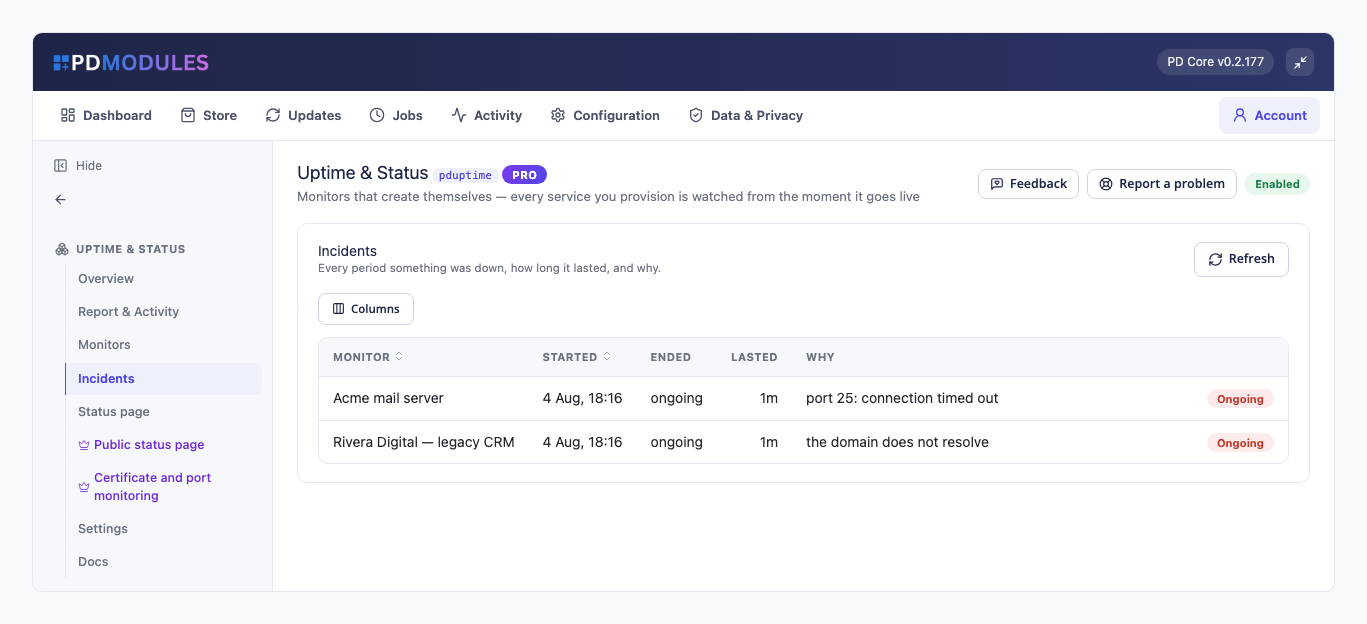
A real record of every outage. Each confirmed outage opens an incident with the reason, and closes it on recovery with the duration. The Incidents tab is the history you point to when a customer asks what happened and when.
Fewer "is it down?" tickets. Customers see their current state, 30-day uptime and recent interruptions on their own service page. Where there is not yet enough history, the panel shows a dash, never a flattering 100%.
Nothing to sign up for, nothing metered. Checks run from your WHMCS server on your own cron. Nothing leaves it except the check itself, and no third-party service is billed.
How it works
- Install it. PD Uptime & Status installs from PD Modules in one click. Automatic enrolment is on by default.
- Choose what to watch. Pick products from a searchable list, or leave it empty to watch everything you provision.
- Checks run on your cron. Each monitor is checked every 5, 10, 15 or 30 minutes (5 by default). Nothing is checked more often than its interval, however often the cron fires.
- You hear about changes, not noise. A confirmed outage opens an incident and emails you. Recovery closes it and tells you.
What you get in WHMCS
Monitoring
- Website checks, free: 2xx and 3xx count as up, redirects followed by default, optional keyword the page must contain
- Pro: TCP port checks for mail, databases, control panels and anything that is not a website
- Pro: certificate checks that fail within 21 days of expiry, naming the exact date, and fail again if it has expired
- A timeout of 3 to 30 seconds per check (10 by default): each check is one request with no retries, and a slower site counts as a failed check
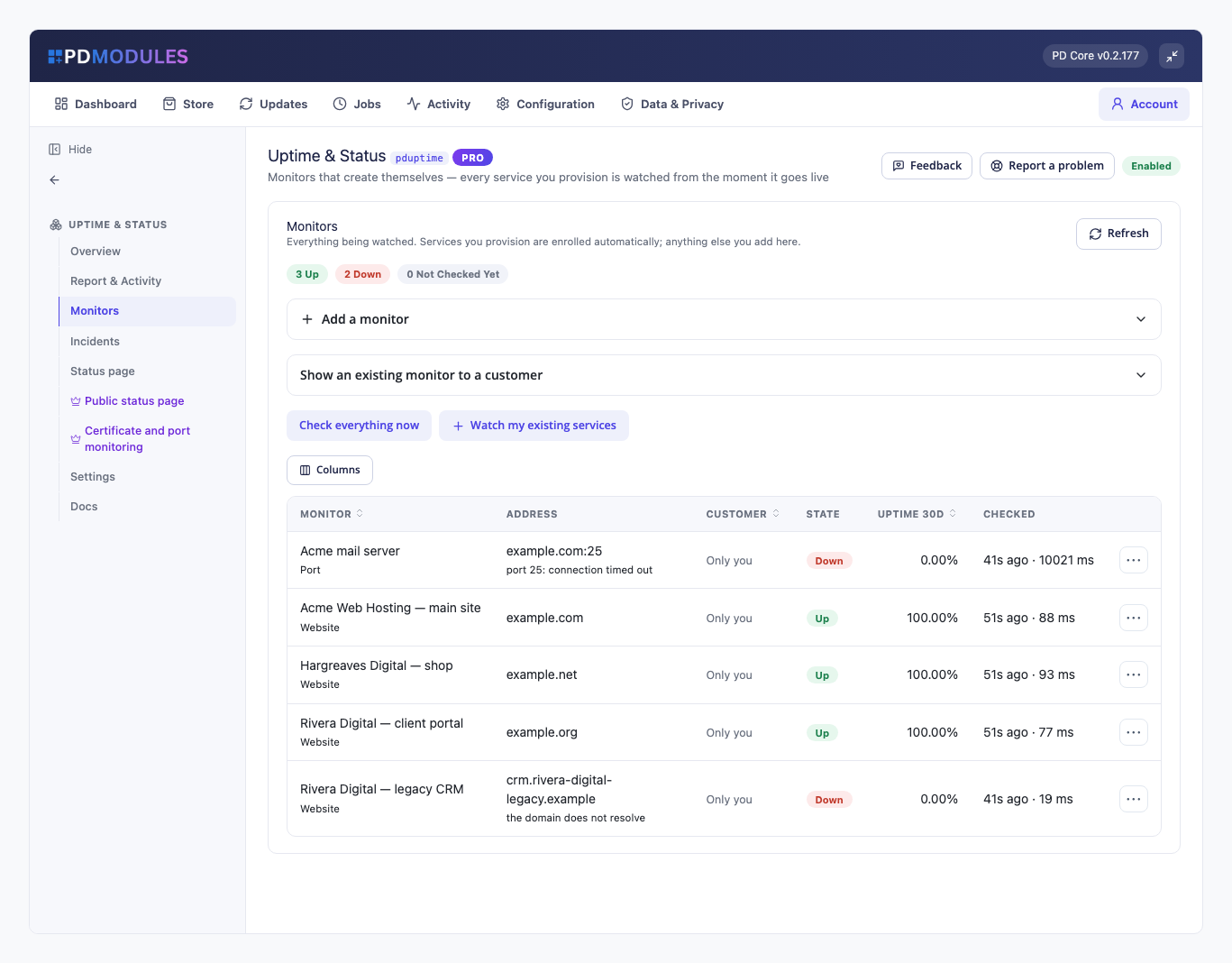
- Check everything now, from the Monitors tab, whenever you want an answer immediately
- Old check results are pruned automatically, so the tables never grow without bound
Alerts
- Email to the addresses you set, or to your WHMCS system address
- One message when a monitor goes down and, optionally, one when it recovers
- Pro: the same alert as a JSON POST to any HTTPS webhook, sent as well as email. Slack and Discord incoming webhooks work as they are
Running it day to day
- A Monitors list with state, 30-day uptime and last-check time for every monitor, and a counter of what is up and down
- An Incidents list: every period something was down, how long it lasted and why
- Add a monitor by hand for anything that is not a hosting service. It behaves like an automatic one and is never removed automatically
- Pro: a status page that shows only the monitors you publish, with your own heading and 7 to 90 days of history
What your customers get
- Their own availability on their WHMCS service page: current state, 30-day uptime and recent interruptions, for their services only
- Honest numbers. Uptime is successful checks divided by all checks in the window. With no history it shows a dash, and inconclusive checks are not counted
- A status page to read instead of a ticket to open (Pro), showing the shared infrastructure you choose to publish
The customer panel is on by default and has a single switch. It renders on WHMCS's Six, Twenty-One and Nexus themes and is fully translatable, with wording overrides that survive updates.
Security built in
- The status page is not served at all until you switch it on, so nothing becomes public by accident.
- It shows only monitors you publish. An incident on an unpublished monitor is never shown, however many there are.
- A customer sees only their own monitors, never another customer's.
Free, with a Pro tier
PD Uptime & Status is free. Automatic enrolment, website checks, keyword checks, confirmation, incidents, email alerts and the customer panel cost nothing, for up to ten website monitors (you can set the free limit from 1 to 25). Anything beyond the limit is listed and clearly labelled as not checked, so you are never left believing something is watched when it is not.
Pro is £12 per month. It lifts the limit and adds certificate and port monitoring, the public status page and webhook alerts. It upgrades in place on the same licence, with nothing to reinstall.
If Pro lapses you get a 14-day grace period with everything working. After that, monitoring carries on as the free tier: your monitors and history are kept, the status page stops being served and certificate and port monitors stop being checked. Nothing is deleted.
Requirements
- WHMCS 9 or later and PHP 8.2 or later, with the ionCube Loader
- cURL, plus OpenSSL for certificate checks, and a working WHMCS cron
- PD Modules (free), which installs PD Uptime & Status
 Featured