A Practical WordPress Plugin Update Workflow for Business Websites
A practical WordPress plugin update workflow: prepare recovery, review changes and test forms, bookings and other important journeys after the update.
A WordPress update can finish successfully while a useful part of the website stops working. The homepage still opens, but an enquiry no longer arrives, a booking step looks different or an editor cannot complete the task they normally perform.
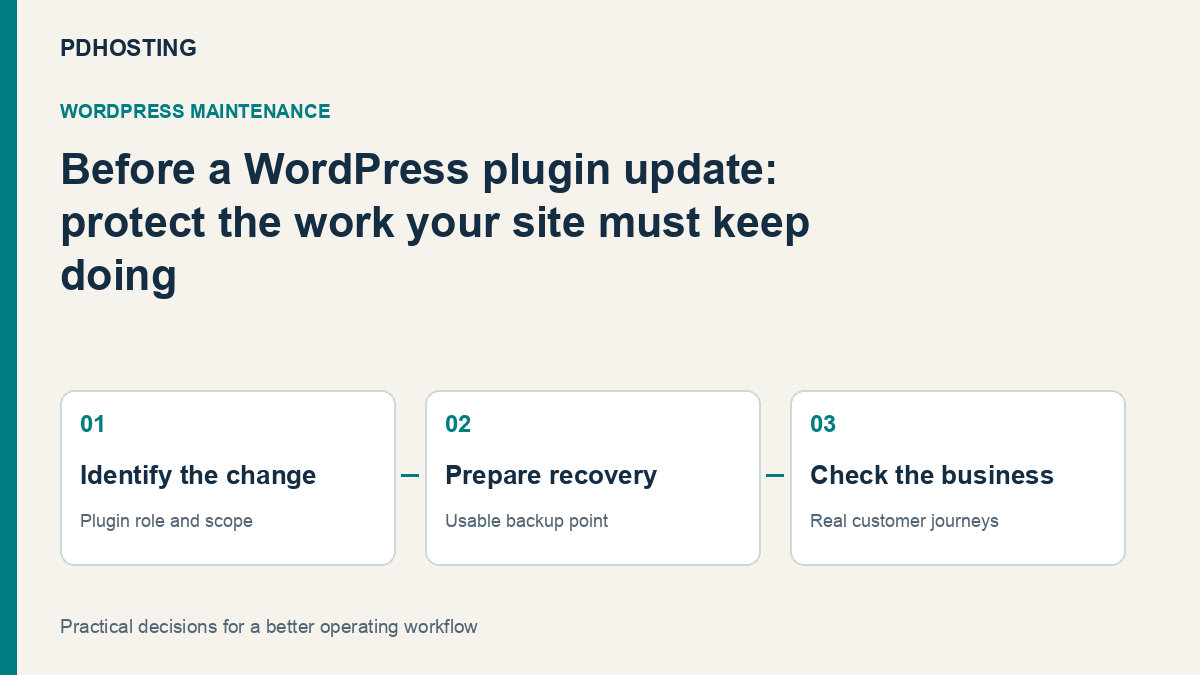
A good plugin-update workflow checks the business outcome as well as the update screen. Prepare a recovery point, understand the change, apply it through the supported route and test the journeys that matter to the site. That turns maintenance into a repeatable routine rather than a hopeful click followed by a glance at the homepage.
For a business website, the objective is to keep software maintained while preserving the service customers use. Hosting, backups and a clear maintenance responsibility make that easier, but somebody still needs to own the application checks.
Know which plugins support the important journeys
Begin with a simple map of the site’s functionality. Identify which plugins handle contact forms, bookings, commerce, membership, mail delivery, caching and any integrations the business depends on.
This does not need to become a complicated inventory project. A short list connecting each important journey to its responsible plugin and maintainer is enough to make update decisions more informed.
For example, a local services company may depend on one enquiry form and its email notification. An agency’s customer portal may have a more involved signed-in journey. The most valuable test is the one that proves the intended task still works for that site.
If nobody knows why a plugin is installed, investigate its role before treating it as either essential or disposable. A visible page may depend on a less visible integration, while an unused extension still adds something the team must maintain.
WordPress’s plugin-management documentation explains the supported management and update controls, including compatibility information. Use that alongside the plugin author’s own change notes rather than assuming an update is relevant only when the button says it is available.
Read enough to understand the change
Review the release notes and stated requirements for the plugin you intend to update. Look for changes involving data, templates, integrations or the site’s current environment, not just new visible features.
Compatibility information is useful evidence, but it does not reproduce your site’s exact combination of theme, extensions and customisations. Your acceptance checks should therefore reflect what the business actually uses.
If a change has an urgent security purpose, prioritise it accordingly rather than leaving it indefinitely in a generic maintenance queue. Preparation should help the team make a timely change, not become a reason to avoid maintaining the site.
Choose a time when someone can assess the result and respond if needed. An update applied just before the responsible person leaves for several days is harder to review than one with a defined owner and a short check window.
Prepare a usable recovery point
Before a consequential update, know which backup you would use and what it contains. Website files and the database hold different parts of the site, and some plugins change stored data as part of their update.
The official WordPress updating guide includes backing up before changes. The practical question is not simply whether a copy exists, but whether the team knows how to recover the intended state.
For a site receiving new orders or bookings, a full database restoration can affect activity created after the backup. Plan for that before deciding that restoring yesterday’s entire site is the default answer to every extension problem.
A separate review environment can be helpful where one is available and suitable. Keep it representative of the relevant setup and avoid allowing test workflows to send real customer messages or perform live transactions accidentally. Do not assume that the hosting package includes such an environment unless it is actually part of the service.
Make the change through a supported route
Use the supported WordPress or vendor update process for the extension. Keep a record of what changed and when, so any unexpected result can be connected to the actual work.
Where practical, use a manageable sequence of changes rather than changing unrelated parts of the site and then trying to infer which one caused a problem. Some updates have dependencies or an intended order; follow the relevant product instructions rather than turning “one at a time” into a rigid rule that ignores them.
A successful update screen establishes that the update process reported success. It does not test a form, prove a scheduled job ran or confirm the external service received an integration request.
That distinction is useful for the person doing the work. They can finish the installation step confidently and then move to a defined acceptance checklist, instead of mistaking the absence of an immediate error for a completed business test.
Test what visitors and staff actually do
Choose a small set of representative checks before making the change. Keep them specific enough that another person can understand the expected outcome.
| Journey | A useful post-update check | What it establishes |
|---|---|---|
| Enquiry form | Submit through the agreed test process and confirm the notification arrives | The form and intended delivery path work together |
| Booking | Complete the permitted test journey and review the resulting record | The customer can reach the intended outcome |
| Member area | Use an appropriate test account to review the relevant signed-in task | Personalised behaviour still matches expectations |
| Publishing | Edit or publish suitable test content through the normal workflow | Staff can still maintain the site |
| Important page | Review layout, links and interactive controls on the intended devices | The page remains usable beyond its initial load |
| Integration | Confirm the receiving system’s expected test result | The web response alone is not being treated as delivery proof |
These are examples to adapt, not instructions to place a real order or send an unsolicited message. Use your site’s agreed test arrangements for anything with an external effect.
A business with a single enquiry form may need only a short, well-chosen set. A transactional site needs checks suited to the work it performs. The quality of the chosen journey matters more than a long list of pages opened without an expected result.
Review the normal public view after cache changes
Caching can make an old page look correct while the new application output has changed, or keep showing old content after a successful correction. A useful acceptance check looks at the normal visitor experience as well as the administrative view.
Use the site’s existing cache tools as appropriate for the change, then check the affected public page and the important interactive journey. A static page and a personalised operation may travel through different paths.
Avoid solving an uncertain application result by indiscriminately disabling security or replacing every cache setting. First establish which content or operation is being observed and what changed. The goal is a current, working customer view, not a collection of unrelated configuration changes.
For example, after a form-plugin update, loading a cached contact page is not enough. The agreed form submission and its intended result still need to be checked.
Decide how automatic updates fit the site
WordPress provides per-plugin automatic-update controls. They can support timely maintenance, while an attended maintenance process may be appropriate for changes requiring particular application checks.
The important point is ownership. Somebody should know how updates happen, which notifications are reviewed and how a problem would be noticed. Automatic updates do not eliminate the need to check the business service, and manual updates are not automatically safer if nobody applies them.
Choose a process the business can sustain. A site with very little custom behaviour may have a different routine from a site with tightly connected plugins and a custom ordering journey. Review that choice when the site changes substantially.
The decision should include recovery and monitoring as well as the update switch. An automatic change with an understood recovery route and useful checks is a different arrangement from an unattended site whose owner discovers problems weeks later.
Record the result and keep the next step clear
After the change, record the update, check time and any observations worth retaining. If an issue appears, identify the affected journey and compare it with the planned result.
Reverting plugin files and restoring the whole database are different operations. Follow the extension’s supported recovery route where applicable and consider newer site activity before replacing stored data. A previous code package may not reverse a data migration on its own.
For a business owner working with an agency, a concise completion note is useful: what changed, which journeys passed and what remains to be addressed. It should describe the work done, not claim that one test proves every possible future interaction.
That makes maintenance visible without turning every update into a lengthy report. The next person has enough context to understand the current state and continue the work.
Choose hosting that supports the maintenance routine
A useful WordPress hosting service provides a foundation for the site and a clear recovery route. PD Hosting’s current WordPress hosting offer includes UK hosting, LiteSpeed and LSCache, automatic SSL, daily backups and migration, with cPanel access.
Those service features support the wider website operation. They should still be distinguished from an agreement to manage every plugin, custom integration and post-update application test on the owner’s behalf.
If you are reviewing hosting, explain how the site is maintained and which journeys matter. Discuss backup scope and restoration alongside the current plan rather than choosing purely by storage allowance.
A practical routine combines those parts: maintained software, an appropriate hosting environment, a usable recovery point and a short set of meaningful checks. That is how a business can keep WordPress current without reducing the process to either “never update” or “click everything and hope”.
Frequently asked questions
What should I do before updating a WordPress plugin?
Understand the change, identify the affected business journeys and prepare a suitable recovery point. Use the supported update route and assign somebody to check the result.
Is the homepage enough to test afterwards?
No. Check the task the plugin supports, such as a form notification, booking or signed-in operation. A page loading successfully is not proof that the complete journey works.
Should every plugin update be manual?
Not necessarily. WordPress supports automatic-update controls. Choose a sustainable process with appropriate ownership, monitoring and recovery rather than assuming either mode removes responsibility.
Does restoring old plugin files always reverse the update?
No. Some updates also change stored data. Review the plugin’s supported recovery process and consider any business activity created since the backup.
Do daily hosting backups replace post-update checks?
No. Backups provide a recovery resource; checks establish whether the updated site performs its intended tasks. Both have a role.
Does WordPress hosting include all plugin maintenance?
Use the actual service agreement. Hosting capabilities and ongoing application maintenance are different responsibilities and should be agreed explicitly.
