Free Modules for WHMCS and Blesta: Choose Your First Useful Workflow
Start with a useful free PD Modules workflow: customer verification, team notes or scoped AI tools. Compare Support PIN, Notes and MCP Hub for both platforms.
You do not need to adopt a whole catalogue to get value from PD Modules. Start with one recurring job your hosting team wants to improve: verifying callers, keeping a clear handover record or giving an AI assistant controlled access to useful tools.
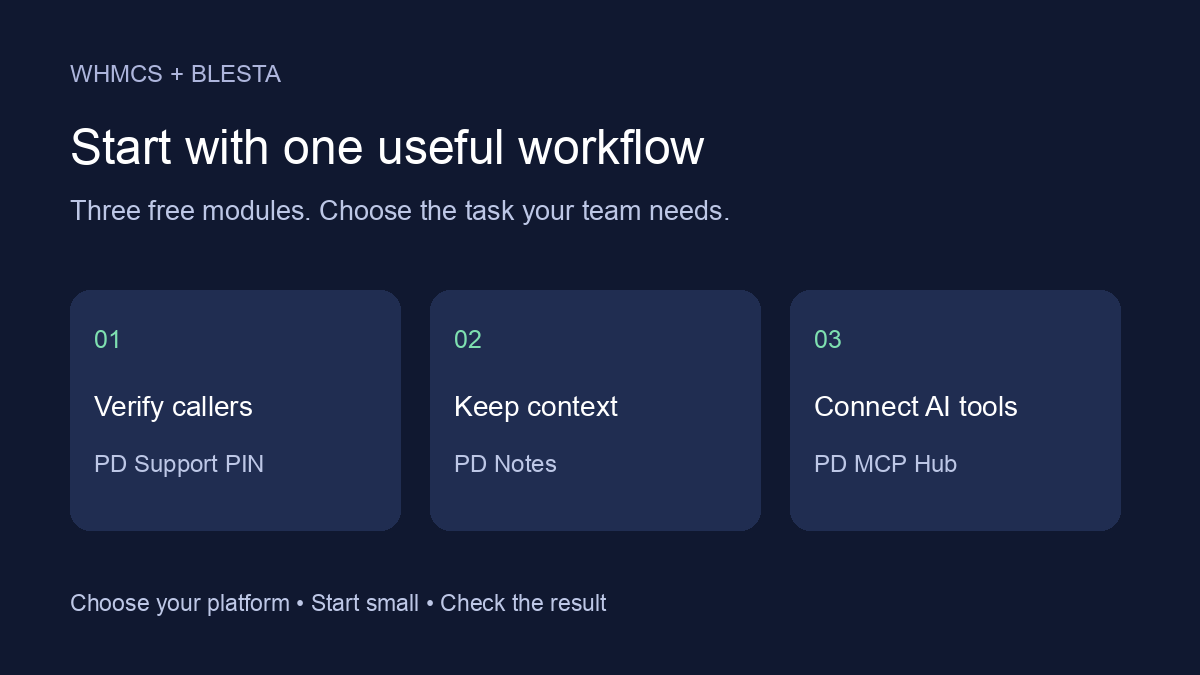
PD Support PIN, PD Notes and PD MCP Hub are free modules available for both WHMCS and Blesta. Each solves a different problem. Choose the workflow first, then use the edition for your billing platform.
Choose your starting point
| Your team’s task | Start with | First useful result |
|---|---|---|
| Check who is calling before discussing an account | PD Support PIN | Staff can check a customer’s supplied PIN through the verification workflow. |
| Keep account context and follow-ups together | PD Notes | A colleague can find the relevant note and see who owns the follow-up. |
| Connect an external AI assistant to permitted tools | PD MCP Hub | The assistant can complete a bounded, permitted lookup through a scoped connection. |
For support calls: start with PD Support PIN
A caller knowing a company name does not answer every account-verification question. PD Support PIN gives your team a dedicated customer PIN workflow, rather than asking customers to disclose their account password.
Make the first rollout about one clear habit: staff ask for the PIN and use the module’s verification workflow before continuing with the account conversation. Show colleagues where to perform the check and how to interpret the result. A PIN check supports your team’s process; it does not mean every requested account change should automatically be carried out.
Keep the initial handover short and practical. The useful outcome is that another colleague can repeat the check consistently.
Explore PD Support PIN for WHMCS or PD Support PIN for Blesta.
For team handovers: start with PD Notes
A useful note answers three questions: what happened, what should happen next and who will follow it up. PD Notes lets staff attach notes to clients, services and domains, organise them with tags and pinning, and use due dates and reminders.
For a first workflow, choose a routine follow-up. Record the relevant context on the appropriate client or service, assign the follow-up and give it a due date. A colleague should be able to find the note and understand the next step without reconstructing a conversation.
Notes are internal by default. Customer visibility is an explicit choice, so review the relevant controls before using that feature. Keep internal handover material and the message intended for a customer clearly distinguished.
Once the team has a useful pattern, reusable templates can help it repeat that structure. Begin with a small, consistent practice before building a large collection of templates.
Explore PD Notes for WHMCS or PD Notes for Blesta.
For external AI assistants: start with PD MCP Hub
PD MCP Hub connects compatible external AI assistants to permitted tools from your billing platform and contributing PD modules. It provides connection profiles, scoping, read-only controls, an approval queue and an audit trail.
A useful first task is a bounded lookup. Decide what the assistant should be able to read, configure a connection for that purpose and check the returned result. Begin with the access needed for that task rather than enabling every available capability.
The audit trail gives you a place to review tool activity. Expand the workflow only when you understand the tools involved and the permissions they need. The Hub being free does not mean an external AI service or another provider has no separate charges.
PD MCP Hub is different from Pidi. Pidi is the built-in PD Modules support assistant; MCP Hub connects external assistants to scoped tools. Choose the one that fits the work you want to do.
Explore PD MCP Hub for WHMCS or PD MCP Hub for Blesta.
One panel, the edition for your platform
Begin with PD Modules for WHMCS or PD Modules for Blesta. Install and activate the free panel, connect your account, then add the chosen module through its Store.
The account connection supports licensing, updates and support even for free modules. Each platform has its own installation guidance and interface; follow the instructions for the system you run. Current requirements belong on the linked product pages.
These three modules have no paid feature tier. Other modules in the catalogue may have paid licences or optional Pro features, so check the particular module rather than assuming every catalogue feature is free.
Make the first workflow stick
Choose one owner, one task and one observable result. For Support PIN, that could be a colleague successfully following the verification process. For Notes, it could be a follow-up that another team member can find and act on. For MCP Hub, it could be a permitted lookup with a result you have checked.
Use what you learn to improve the handover. Add another module when it solves another clear problem. The benefit of the shared panel is that your toolkit can grow around useful work.
Frequently asked questions
Are these modules available for both WHMCS and Blesta?
Yes. PD Support PIN, PD Notes and PD MCP Hub have editions for both platforms. Choose the matching product page and installation instructions.
Are features held back for a paid tier?
These three modules are fully featured free modules with no paid tier. Separate services used alongside them may have their own charges.
Do I have to install all three?
No. Install the panel and choose the module that supports your first task. You can add others later.
Is MCP Hub the same as Pidi?
No. MCP Hub connects compatible external AI assistants to scoped tools. Pidi provides support inside the PD Modules ecosystem.
