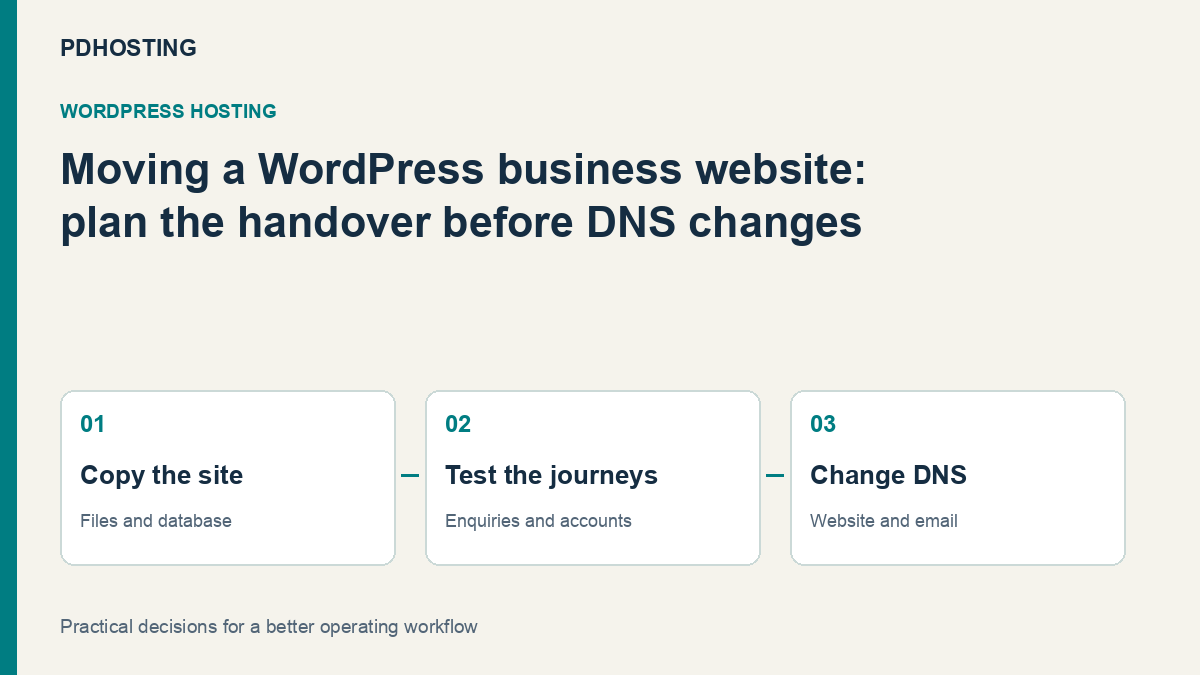
Moving WordPress Hosting in the UK: A Website, Email and DNS Migration Guide
Plan a UK WordPress hosting move around your website, database, email and DNS. See business checks, practical examples and PD Hosting’s migration service.
A WordPress hosting move is successful when the business can carry on using its website—not simply when the homepage opens on a different server. Enquiries still need to arrive, customers need to reach their accounts, and the domain must continue routing email to the right place.
For a UK business considering a new host, migration is an opportunity to improve the service behind the website. PD Hosting’s WordPress plans combine UK hosting, LiteSpeed and LSCache, automatic SSL, daily backups and an included WordPress migration service. The migration covers moving the site and database and checking the result before switching the domain.
This guide explains how to think through that move, what to prepare and which business checks deserve attention. It is a decision and handover guide rather than instructions to make unreviewed changes to a live website.
Separate the website, domain and email decisions
People often say “move our website” when they mean several different things. Keeping those decisions separate makes it easier to brief the new host and understand what will change.
| Part of the setup | What the move may involve | A question to resolve |
|---|---|---|
| WordPress website | Moving files and database to the new hosting account | Will the public address remain the same? |
| Domain registration | Changing the registrar that manages the domain | Is a registrar transfer needed at all? |
| DNS | Changing the records or nameservers that direct traffic | Which organisation will maintain the zone afterwards? |
| Keeping or moving mailboxes and message routing | Are email services included in the agreed migration scope? | |
| Connected services | Forms, payments, booking tools and other integrations | Which business journeys need to be checked? |
The WordPress migration handbook distinguishes a move to another server from changing the site’s domain and URLs. You can change hosting while retaining the same website address. A registrar transfer is a separate decision, not a necessary part of every WordPress hosting move.
For example, a business might keep its existing registrar and email provider while moving only the website to PD Hosting. Another might decide to bring several services together. The right handover follows the arrangement you choose rather than assuming everything has to move on the same afternoon.
Start with the work your website performs
A brochure site, a booking website and an online shop may all use WordPress, but they do not have the same migration priorities. The important checks come from the work the business relies on.
For a service business, the enquiry form may matter more than a rarely visited gallery. For a membership website, signing in and reaching restricted material is central. For a shop, the team needs to account for orders, stock changes, payment callbacks and customer emails as well as the visible catalogue.
Write a short list of representative journeys before the move. Include the action, the expected result and the person who can confirm it. “Submit our main enquiry form and confirm the message arrives in the intended mailbox” is a more useful acceptance check than “forms look fine”.
The list is also a practical way to explain the site to a new host. Your provider can move the installation, but the business knows which forms, subscriptions, bookings and staff workflows matter most.
Prepare a useful migration handover
A clear handover reduces the amount of information that has to be discovered during the move. It should describe the existing hosting arrangement, the WordPress installation, the domain/DNS responsibility and any separate email or connected-service requirements.
Include the important plugins and theme, the parts of the site that change frequently, and any unusual deployment arrangement. If another agency maintains the website, establish who will coordinate with them. Provide required access through the agreed secure channel rather than putting passwords into a public planning document.
The handover should also distinguish a hosting migration from a website rebuild. A move is not automatically an agreement to redesign the theme, replace plugins or resolve every pre-existing application issue. Agree the intended result so the site can be checked against it.
This is particularly useful for a business that has accumulated several suppliers. The person paying the hosting invoice may not be the person who controls the DNS, receives form mail or manages the online payment account. Identifying those responsibilities early makes the actual handover more orderly.
Use the migration to check the hosting service too
A new host should provide a service that fits the site after the move. PD Hosting’s WordPress offering runs on UK servers with LiteSpeed and LSCache, with cPanel access and standard WordPress control. It includes migration, SSL and daily backups; the current service page describes the plans and inclusions.
Those features have different jobs. Server-side caching can reduce repeated work for cacheable pages. SSL supports the site’s HTTPS connection. Backups provide a recovery resource. None replaces checking that the application and its important customer journeys work on the new account.
When comparing providers, consider who will manage the website itself and which support responsibilities are included. Ask about application requirements and capacity in terms of your actual workload rather than selecting a plan only because it advertises a large storage number.
Review PD Hosting’s UK WordPress hosting for the current service details. This article deliberately avoids plan sizes and prices so it remains focused on the migration decision.
Check the new copy before directing visitors to it
A WordPress installation involves its files and database. Moving only the visible theme or uploading a few folders does not establish that the whole application has moved correctly. The migration method needs to carry the intended installation and preserve the relationships the website uses.
Agree how the new copy will be checked before the public handover. The exact preview method depends on the installation and migration arrangement. Its purpose is to test the destination without prematurely treating a partially prepared copy as the live system.
Check representative pages and media, then the business journeys identified earlier. Confirm links, navigation, sign-in flows and forms in the way a visitor or staff member actually uses them. A page that renders correctly is one check; a form whose message reaches the correct destination is another.
PD Hosting’s published migration service describes moving the site and database and checking the result before the domain is switched. Your own acceptance list makes those checks more meaningful for the particular business the site serves.
Treat email routing as its own workstream
A website move does not automatically mean mailboxes move. Your business may use email with the existing host, a separate mail provider or a service managed by an agency.
Record the intended arrangement before DNS changes. The person handling the zone needs to know which mail-routing and authentication records support that arrangement, not merely which address should serve the website. A nameserver change and a website-record change are also different operations; the handover should specify which one is intended.
Consider an illustrative small consultancy whose website and mail have been billed by different providers. It wants a new WordPress host but is happy with its existing mail service. The migration brief should say explicitly that email stays where it is, identify who manages the relevant DNS records and include a normal inbound/outbound email check after the website handover.
That example is not a customer story or a promise that every email arrangement is included in a website migration. It shows why a short inventory of the existing services is useful before anyone starts changing their destinations.
Plan for content that changes during the move
A quiet brochure website can be easier to move than a shop that receives new orders throughout the day. The question is what may change between preparing a copy and making the destination live.
Identify the changing information: new posts, uploaded files, contact submissions, bookings, orders or account changes. Agree with the people carrying out the migration how that information will be handled and whether a final update or planned editing window is needed.
For an illustrative online shop, a copy prepared earlier in the day is not automatically the definitive record of orders placed later. The business and migration team need one agreed point at which the destination becomes authoritative, with a method appropriate to that site’s integrations and transaction flow.
This is a coordination issue, not a reason to promise a universal “zero downtime” move. A useful migration plan explains what the business can do during each stage and who makes the handover decision.
Make the public handover a defined checkpoint
Before the change, agree who is responsible for DNS and who can confirm the website’s readiness. Keep the old setup available for an agreed period rather than cancelling it before the move has been accepted.
After the handover, check the normal domain and HTTPS page, representative content, sign-in and the business journeys on the acceptance list. If caching or a CDN is part of the arrangement, include a check that visitors see the intended current content. Do not judge completion solely from a preview address used earlier.
Also check the systems outside WordPress that the website relies on. A booking form can display successfully while its notification path is wrong; an order can be visible on screen while a downstream integration needs attention. The acceptance list helps staff distinguish those outcomes.
When the checks are complete, record who owns the new hosting account, domain/DNS administration, WordPress maintenance and backup access. The move is a good opportunity to leave those responsibilities clearer than they were before.
What to ask when arranging a WordPress migration
A productive conversation with a prospective host can start with a few concrete questions:
- Which parts of our installation and database will you move, and how will the destination be checked?
- Can our public website address remain the same?
- Is email staying with its current provider, and who will preserve its DNS records?
- How should we handle new content, bookings or orders during the move?
- Which checks should our staff perform before we accept the result?
- What hosting, backup and support arrangements apply after migration?
These questions make a provider’s migration offering easier to evaluate. They also reveal whether the business has an ordinary hosting move or a more involved application/project handover to plan.
Move the website onto a service that fits the business
The value of a WordPress hosting migration is the working service you end up with: a website your team can use, a known place to manage hosting, and a clear arrangement for its domain, email and recovery resources.
PD Hosting provides UK WordPress hosting with an included migration service, LiteSpeed/LSCache, automatic SSL and daily backups. Bring a clear description of the site and its important journeys so the move can be planned around the business rather than just its homepage.
Explore UK WordPress hosting with migration and review the current service details before choosing the plan for your website.
Frequently asked questions
Can I move WordPress hosting without transferring my domain?
Yes. Hosting and domain registration are separate services. You can retain your registrar while changing the website’s hosting destination, with the appropriate DNS arrangement.
Do I need to change my website address when moving host?
Not necessarily. A server move can retain the existing domain and URLs. Changing the public address is a separate project decision with additional application and content implications.
Will a WordPress migration move our email too?
Do not assume so. Agree whether mailboxes are moving or remaining with their current provider, and include the relevant DNS and email checks in the handover.
Does PD Hosting include WordPress migration?
The current WordPress hosting service includes moving the existing site and database and checking the result before switching the domain. Confirm the scope and any unusual requirements for your installation when arranging the move.
Is checking the homepage enough?
No. Test representative pages and the journeys the business relies on, such as enquiries, account access, bookings or checkout. Confirm the expected result outside the page as well, such as the arrival of a form message.
Should we cancel the old hosting as soon as the files are copied?
Keep it available through the agreed handover and acceptance period. Copying files is not the same as confirming that the destination has the complete intended data and supports the important workflows.
