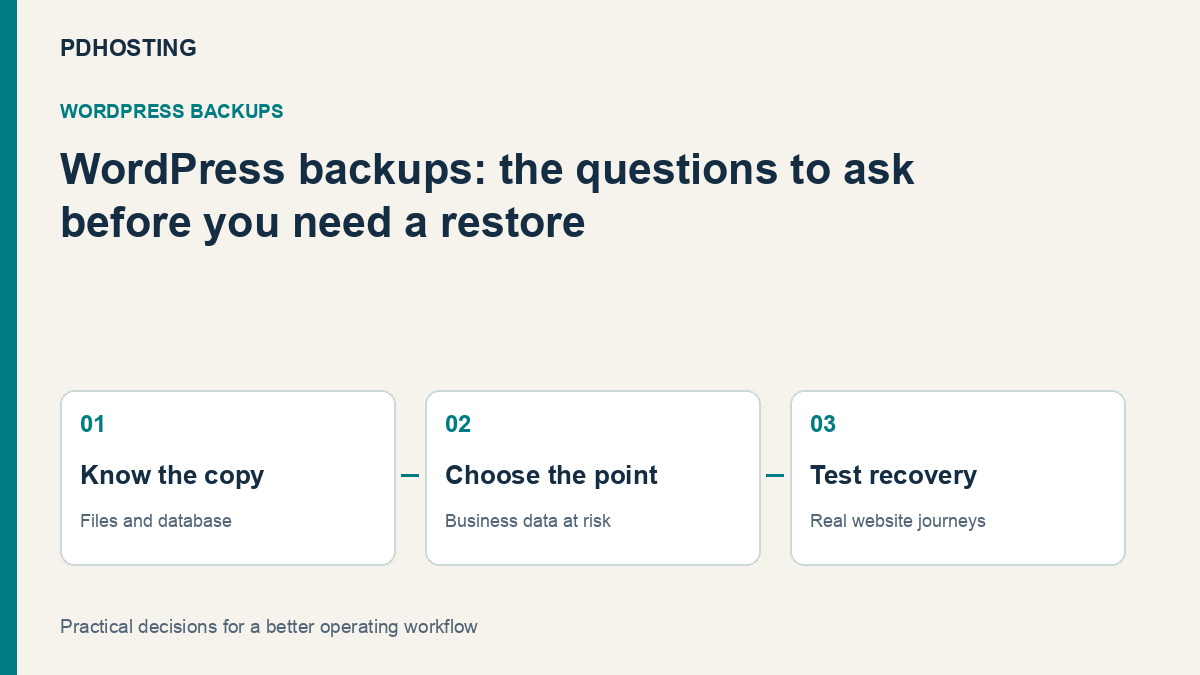
WordPress Backups: What You Need to Restore a Working Business Website
Choose useful WordPress backups by what your business can restore. Understand files, database, restore points and website checks, plus PD Hosting’s daily backups.
A useful WordPress backup gives you a route to restore the website your business needs, with its content, configuration and important functions intact at the chosen point in time. The value is the recoverable result, rather than the presence of a file labelled “backup”.
For a business website, that result might mean getting its service pages and enquiry route back after a change. For a more active site, it may also involve recent orders, bookings or member activity. The right questions therefore concern what is captured, which restore points exist and how the team will verify the recovered site.
PD Hosting’s UK WordPress plans include daily backups with a restore route through cPanel. This guide explains how to assess that kind of hosting feature alongside your own site’s operating needs, and how to make backup planning understandable to the people responsible for the business.
Know which parts make up the website
A typical WordPress site needs both its database and its files. The database holds content and application information; files include the themes, plugins, uploads and configuration used to deliver it. A copy of only one part is not automatically a complete restore set.
The WordPress backup handbook explains this distinction and the importance of keeping the appropriate parts together. When reviewing a backup service or tool, ask what it captures rather than assuming “website backup” always means the same scope.
For your business, the next step is to identify anything outside that normal site set. An external booking platform, email service or third-party payment arrangement may be part of the customer journey without being stored in WordPress. Record those dependencies so a site restore is not mistaken for a backup of every business system.
This is an inventory exercise, not a reason to make the plan complicated. A short description of the website, its data and the services it depends on helps staff ask precise questions about coverage.
Match the recovery point to how the site changes
The importance of a restore point depends on what happened after it. A brochure site whose last change was a week ago has a different activity pattern from a site receiving bookings throughout the day.
Ask the business what information it needs to preserve. Recent customer activity, newly uploaded content and configuration changes may each matter differently. A restore point should be understood in that context, with a plan for the changes it would leave out.
Consider two illustrative sites. A consultancy mainly publishes occasional service updates and receives enquiries through a connected workflow. An online booking business records appointments regularly. Both need backups, but they should not assume the same point-in-time recovery arrangement suits their activity equally well.
Daily hosting backups can provide a useful foundation. A site with more frequent business transactions may need an additional application-level or operational arrangement. Discuss that actual workload with the provider rather than equating one daily copy with continuous capture of everything.
The aim is a clear expectation: which point the website can return to, what happened afterwards and who will handle any resulting reconciliation.
Ask about restore points, retention and scope
“Backups included” is a useful service feature, but the practical detail belongs in the evaluation. A buyer should know which copies are available and how restoration works for the intended site.
| Question | Why it matters to the business |
|---|---|
| What is included? | The website needs the appropriate files and data, not an assumed scope |
| Which dates are available? | The useful copy may be earlier than the most recent one |
| What retention applies? | The team needs to know how long a relevant point remains available |
| Where is the restore performed? | A test copy and the live website have different purposes |
| What gets replaced? | Staff need to understand how later changes will be affected |
| Who can carry it out? | The route should be available to the right person when needed |
These are questions to establish for your own plan, not a claim that every provider includes every restore option. In particular, do not infer a retention period, a separate offsite location or a staging feature from the word “daily”.
Keep the answers with the site’s operating information. That gives the business a shared expectation and makes it easier to revisit the arrangement when the website’s role grows.
Keep a usable copy separate from the change being made
Routine backups and a deliberate pre-change copy serve related purposes. Before a significant theme, plugin or configuration change, establish which restore point represents the site before that work.
The useful decision is not simply “we have a backup somewhere”. It is whether the relevant copy can be identified and used for the change the team is about to make. Record the intended scope and the person responsible for the work.
Think about access as well. If the only person who knows the restore process is unavailable, a technically good copy may be harder to use promptly. Make the provider relationship and account responsibility recoverable by the business through its normal authorised arrangements.
Copy location and independence also deserve an explicit answer from the service or tool you use. Understand which events a particular arrangement protects against instead of assuming every stored copy remains available under every circumstance.
These choices belong to your operating plan. They do not require every website owner to manage a backup system manually, but they do require someone to know what the hosting service and any additional tool actually provide.
Test the recovered experience, not just the import
A successful restore should be followed by a check of the website’s purpose. A homepage loading is a start; it is not proof that navigation, images, forms and business functions all behave as intended.
An illustrative acceptance set for a service-business website could include the homepage, a detailed service page, the contact route and a mobile navigation check. A transactional site needs its own appropriate test plan for its important functions.
Where a test environment is available, use it according to the site’s operating process and keep external actions controlled. A restored copy should not accidentally send real customer messages or be mistaken for the live site. This is a practical testing choice, not a claim that a particular hosting plan automatically includes a staging platform.
The outcome worth recording is the check performed and its result. That is more meaningful than a note saying an archive was created. It also helps the next person understand which recovery route has actually been exercised.
No test proves that every future recovery will be identical. It does give the business better evidence about the current process and the website it is intended to recover.
Understand what a restore does to later work
Restoring a point in time can replace information added after that point. That is why the timing and scope matter, particularly for a website that receives orders, appointments or other continuing activity.
Before a live restoration, identify the selected restore point and the work that has happened since it. Decide how that later information will be handled through the site’s appropriate process. A full-site restore and the recovery of a specific file are different operations.
The same distinction applies to a design change. If only a particular part needs attention, the team should understand the available recovery options rather than assuming every situation calls for replacing the whole site.
For a business owner, the useful question is what the operation will put back and what it will replace. Get that answer in the context of your actual site so the intended recovery and the business expectations agree.
Include backups in the hosting decision
PD Hosting’s WordPress hosting includes daily backups that can be restored through cPanel, alongside a UK platform with LiteSpeed and LSCache, automatic SSL and WordPress migration.
Those features give you a hosting foundation to compare. Bring your site’s activity pattern into the conversation: whether it mainly publishes information, receives regular bookings or runs another important customer workflow. Ask about the current backup and restore details for the intended plan.
This is also useful when moving an existing WordPress site. A migration has its own acceptance process, and the ongoing backup arrangement should be understood after the move. The new service should have a clear owner, an identified restore route and the appropriate expectations for the site’s data.
Explore PD Hosting’s WordPress plans and discuss the website you actually operate. A helpful backup conversation begins with what the business needs to recover, then connects that result to the available service and any additional arrangements.
WordPress backup and restore FAQ
Do WordPress backups need both files and the database?
A typical complete site recovery needs the appropriate files and database together. Confirm the scope of the backup rather than assuming a downloaded WordPress folder also contains the database.
Are daily backups suitable for every business website?
Daily copies can be useful, but the right recovery arrangement depends on the site’s changes and customer activity. A frequently transacting site may need an additional approach for information created between copies.
Does “daily backup” specify the retention period?
No. Backup frequency and retention are different details. Ask which restore dates are available and how long they are retained for the intended service.
Is a restored homepage enough to verify recovery?
No. Check representative content, navigation and the business functions the site needs. The useful test concerns the recovered experience rather than only a completed import.
Can a restore affect work added after the backup?
Yes. A point-in-time restoration can replace later changes within its scope. Identify the relevant activity and the intended recovery operation before using it on the live site.
Does PD Hosting include WordPress backups?
Its current WordPress hosting plans include daily backups with a restore route through cPanel. Review the plan details and discuss any additional requirements arising from your own site’s workload.
Does a website backup also cover external email or booking systems?
Not automatically. Identify the systems outside WordPress and establish their own coverage and recovery arrangements. The website and the wider business workflow are related, but they do not necessarily share one backup set.
