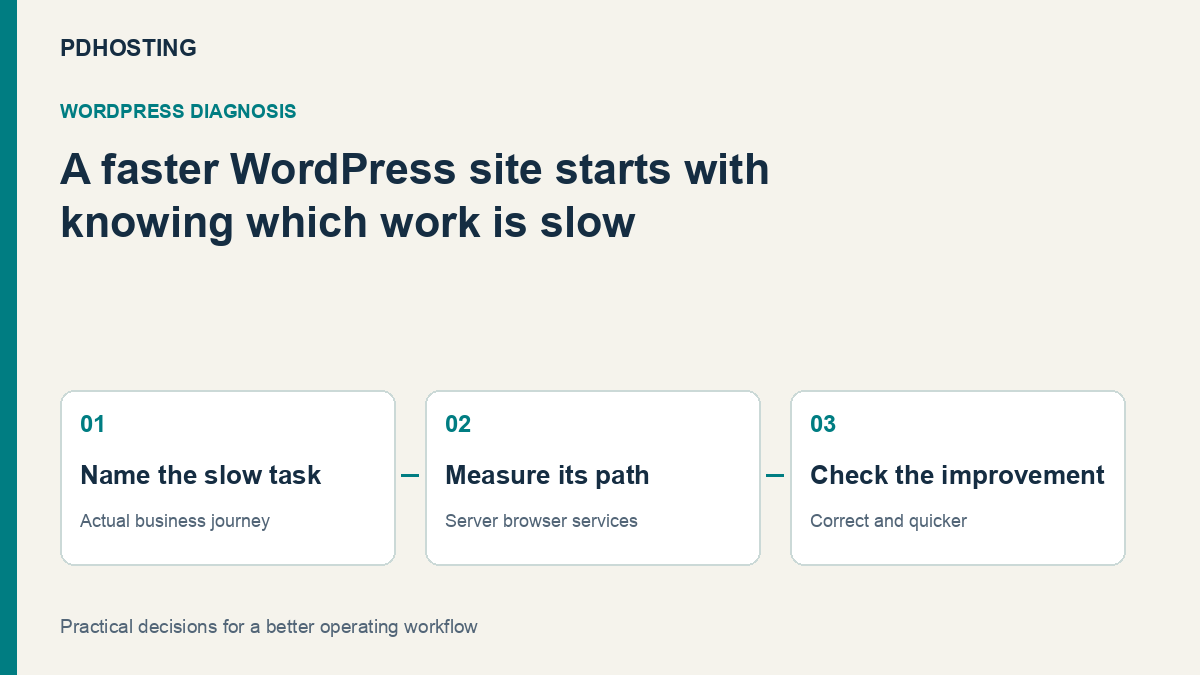
Why Is WordPress Slow? Diagnose Hosting, PHP, Database and Cache Bottlenecks
Diagnose slow WordPress pages by separating server response, PHP and database work, browser rendering and external calls before choosing UK hosting.
A WordPress site can feel fast on its home page and slow when someone searches, signs in or sends an enquiry. That is not a contradiction. Those visits can ask the website to do very different work.
Before buying more resources or another optimisation plugin, identify which part of the journey is slow. The most useful WordPress performance review separates server response, application work, browser rendering and external dependencies. That gives a UK business a better basis for choosing hosting and improving the pages that matter.
This guide uses a practical diagnostic sequence rather than a promised speed score. The aim is to make the next decision clear: what to measure, who can change it and how to tell whether the customer’s experience improved.
Describe the slow journey before changing the site
“WordPress is slow” is a starting observation, not a diagnosis. Write down the page, the action and the visitor state. Is the problem a first visit to a public page, a signed-in account, the editor, a search result or the moment after a form is submitted?
Imagine a local business whose home page loads promptly but whose booking confirmation takes several seconds. That hypothetical problem deserves a different investigation from a large image delaying the first screen. Changing the home-page cache might leave the booking delay untouched.
Record whether the delay occurs consistently, at busy times, on a particular device or after a recent change. A short description of the affected journey is more useful than collecting unrelated test scores from different URLs and conditions.
Keep a successful reference journey too. Comparing a fast public page with a slow account action can help narrow the investigation without assuming the hosting platform is either entirely responsible or entirely irrelevant.
Read a performance report as evidence, not a verdict
Google’s PageSpeed Insights documentation distinguishes controlled lab diagnostics from field data reflecting real-user experience. Field data covers a trailing collection period and may be unavailable for a page with insufficient samples. A fresh code change therefore need not appear immediately in the real-user assessment.
Use that distinction to choose the next check. A lab result can help investigate a repeatable page-load issue. Field data can show whether real visitors have a broader problem. Neither should be presented as an exact recording of the booking action you have not yet tested.
The useful question is not simply whether the score rose. Did the affected visitor action improve under comparable conditions? Did the enquiry arrive? Did the customer see the correct account state? Performance and correctness need to be checked together.
Separate waiting for the server from waiting for the screen
A page can be delayed before the browser receives its main response, or after the response arrives while the browser loads assets and renders the page. Those are different places to look.
If the main response is slow, investigate the work required to produce it: PHP execution, database access, external calls and the hosting resources available at that time. If the response arrives promptly but the important content appears late, examine images, fonts, scripts and the layout of the page.
This is a working distinction, not a complete diagnosis from one timing number. A page may have several bottlenecks. Use the observation to choose a focused experiment instead of changing every layer at once.
| What the visitor experiences | Useful next investigation | What to avoid assuming |
|---|---|---|
| A long wait before content begins | Main response and application work | That an image compressor fixes server waiting |
| The page appears but the main image is late | Image size, delivery and rendering | That more PHP capacity changes image dimensions |
| Public pages are fast, accounts are slow | Signed-in application and database work | That the public page-cache result represents both |
| A form stalls after submission | Form processing and external dependencies | That the home-page speed score covers the submit action |
| Slowdowns mainly at busy periods | Concurrent work and resource limits | That a quiet single-page test represents peak demand |
Understand which requests can use a page cache
A page cache can serve a prepared response for suitable public requests. Requests that depend on an individual visitor’s account or current transaction require the correct personalised behaviour. The cache policy should reflect that difference.
That is why a cached home page can look healthy while a search, account page or booking step remains slow. Those requests may still execute WordPress and its dependencies. Testing only the easiest cached URL can hide the part of the site that customers actually struggle to use.
Compare the relevant public and personalised journeys in a controlled way. Do not expose private content to a public cache to improve a score. Do not disable protection across the site as a shortcut to a faster test. Correct content and access are part of a successful performance change.
For a business site, the question is what happens when a visitor becomes a customer: submits a form, signs in, books or completes another meaningful action. Keep that journey in the review even if most traffic reads public pages.
Look at PHP and database work with a specific question
WordPress generates dynamic responses through its application and database. Themes, plugins and the site’s data shape the work each request requires. The WordPress optimisation handbook describes several contributing factors, including hosting, configuration, software and media; there is no single resource measure that explains every slow site.
A useful investigation connects work to the affected request. Did a particular feature introduce an expensive search? Is a background task competing with the booking journey? Does the issue appear only with a large set of content or an authenticated account?
Make changes on a suitable test copy where possible, with an appropriate recovery plan. Disabling an essential plugin on the live site can break the business action you are trying to improve. A diagnostic experiment should be narrow enough that its effect can be understood.
Database maintenance is also more than deleting things because a table looks large. Establish what the data belongs to and what the application needs. The target is reducing unnecessary work while preserving the site’s behaviour and records.
External services can be the slow part
A request may wait for a payment service, email API, booking platform, CRM or other external dependency. That delay can appear to the visitor as a slow WordPress action even when the local page assets are small.
In the hypothetical booking example, inspect the sequence after submission. Is WordPress creating the booking, sending a notification, contacting another system or waiting for a response? Identify the stage before deciding that a larger hosting package will solve it.
Some integrations offer asynchronous processing or different timeout behaviour. The correct approach depends on the integration and the business requirement; do not move work into the background without checking what the customer must know immediately.
Verify the outcome as well as the response time. A quick “success” page with a missing booking or undelivered notification is not a successful optimisation.
Match hosting resources to the work you have found
Hosting matters when the workload exceeds the resources or capabilities of the current service. The right conversation is specific: concurrent dynamic requests, memory pressure, storage behaviour, application requirements and the support or control your team needs.
A VPS offers a different level of administration and control, but it is not an automatic cure for an inefficient query or a slow external service. Equally, a website that genuinely needs more capacity should not be expected to solve every limit with another cache setting.
When comparing UK WordPress hosting, explain the affected journey and the workload. Ask which plan supports it and what management responsibilities belong to the provider or your team. Avoid choosing solely from a headline storage allowance that says little about the slow action.
Explore PD Hosting WordPress hosting as part of that review. Bring a clear description of the site, the important visitor actions and the limitations you have identified, so the hosting discussion is about the service you need.
Change one meaningful thing and repeat the journey
Keep the original observation, the intended change and the result together. Repeat the same important action under comparable conditions, including any signed-in or post-submission steps. Check the business outcome and the public page, not only a tool’s headline number.
That gives the next decision a basis. If the main response improves but the image remains late, the work has moved to a different layer. If the booking delay is unchanged, investigate its dependency rather than continuing to tune an unrelated page.
A useful performance process leaves the business with an explanation of what changed and why. It replaces “try another plugin” with a better understanding of the website and the hosting it needs.
Frequently asked questions
Why can my WordPress home page be fast while account pages are slow?
A public page may use a prepared cache response, while personalised requests still need application and database work. Test both kinds of journey rather than treating one result as representative of the entire site.
Does a better PageSpeed score prove my booking process is faster?
No. Test the booking action itself, including submission and confirmation. A page-load report does not automatically measure that separate business workflow.
Will moving to a VPS fix slow WordPress?
It may help when resource capacity or server control is the relevant limitation. It will not automatically correct inefficient application work, oversized assets or a slow external dependency.
Should I disable every plugin to test performance?
Use a controlled test environment and a focused experiment. Disabling essential live functionality can interrupt the visitor journey and make the result misleading.
Can hosting location be the only speed factor?
No. Distance can affect a request, but application work, assets, caching and external services also matter. Measure the affected journey before attributing the whole delay to location.
Why has a change not immediately appeared in real-user data?
Field assessments can use a trailing collection period and require enough samples. Use appropriate immediate diagnostics alongside later real-user evidence.
What information helps a hosting provider assess a slow site?
Provide the affected URL or action, visitor state, approximate timing, frequency, recent changes and the result you expected. Redact private account and form data from any shared examples.