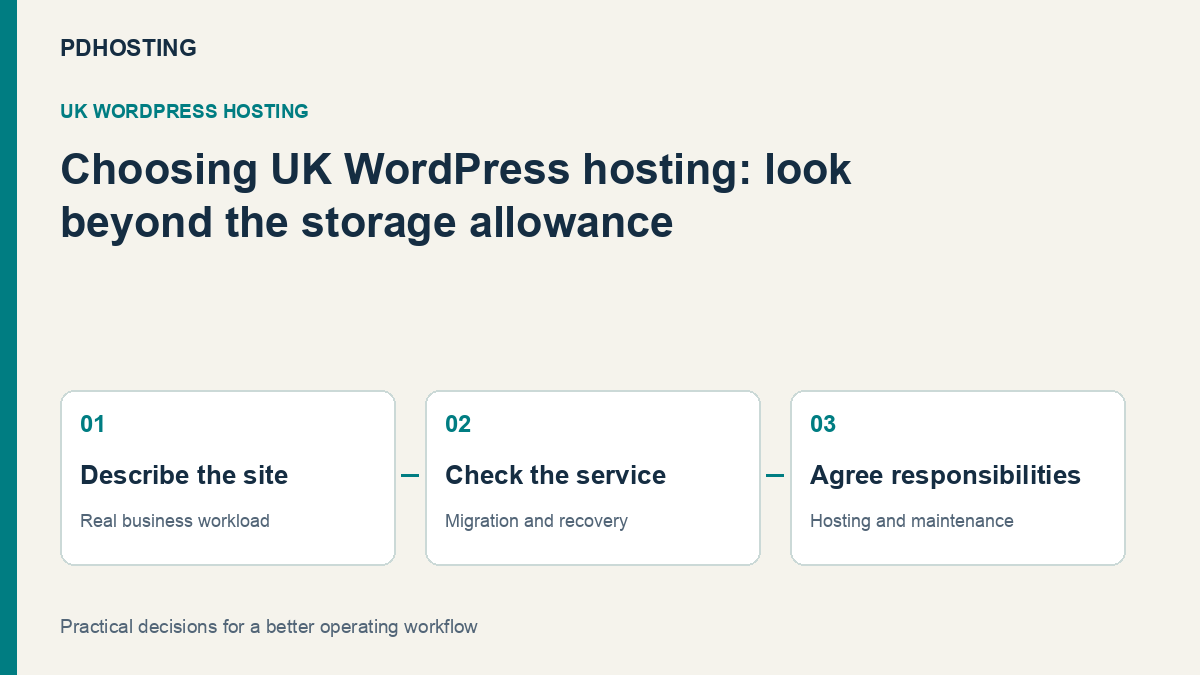
Choosing UK WordPress Hosting: Performance, Backups and Support That Matter
Compare UK WordPress hosting by performance, backups, migration and support. A practical business checklist with PD Hosting’s current WordPress offer.
A business website needs more than somewhere to store WordPress files. It needs a hosting environment that suits the work the site performs, a sensible way to move in, and a clear route to recover when a change goes wrong.
For UK WordPress hosting, compare the working service rather than disk space alone. Performance, backups, migration, email and support affect how the website serves customers and how much time you spend maintaining it. The right choice should make the site’s daily operation easier to understand.
PD Hosting offers WordPress hosting on UK servers with LiteSpeed and LSCache, cPanel, automatic SSL, daily backups and WordPress migration. This guide explains how to evaluate those features against your own website, so the plan you choose reflects what the business actually needs. Current inclusions are on the WordPress hosting page.
Begin with the job your website does
A brochure site, an editorial publication and a customer-facing application can all run WordPress while placing different demands on hosting. Counting the pages does not tell you which one has the more demanding workload.
Start with the actions that matter to your business. For a local services company, that may be a visitor opening a service page and submitting an enquiry. For an organisation with member access, it may be a signed-in user retrieving personalised information. For a frequently updated publication, it may be editors publishing without the administration area becoming frustrating.
Write down those journeys before comparing plans. They give you something concrete to discuss and test, rather than a vague request for “fast hosting”.
A useful short brief includes the current site address, the main plugins or application features, the number of websites and mailboxes, the approximate storage in use and any recurring slow task. You do not need to understand the whole server stack to describe what the business expects its website to do.
Understand what LiteSpeed caching contributes
For a public page that can be cached, the server can return a stored result rather than making WordPress rebuild the same response for every visitor. That can reduce repeated application work and is one reason the caching environment belongs in a hosting comparison.
LiteSpeed’s documentation explains the relationship between its server cache and the WordPress plugin: the server handles the cached response, while the plugin communicates application rules about what to store and when it becomes stale. The plugin’s presence alone does not establish that the required server caching is available. See the LiteSpeed Cache overview.
For a buyer, the useful question is therefore specific: does the hosting platform support the cache, and is the site configured appropriately for it? PD Hosting’s WordPress service identifies LiteSpeed and LSCache as part of its platform.
A brochure page may benefit differently from a personalised dashboard or a frequently changing operation. Treat the actual customer journey as the test, rather than expecting one cached homepage score to describe everything the site does.
WordPress’s own performance guide also treats hosting, configuration, software and media as contributing factors. A suitable server environment gives the site a foundation; it does not make every image, plugin or external script efficient automatically.
Choose capacity around the workload and room to grow
Storage still matters. Media, uploads, mail and retained files can occupy more space than the WordPress application itself. A site with years of photography may need a different plan from a small business site with a handful of compressed images.
Website count matters too. If you manage several separate sites, compare that requirement explicitly instead of assuming that spare disk space means unlimited installations. Mailbox and database needs should be included in the same review.
Current PD Hosting WordPress plans provide different allowances. Compare them on the live service page, where the current terms and billing choices are presented, rather than relying on a number copied into a blog post that may later become stale.
Leave a realistic amount of growth room, but make it purposeful. “We add new product photography every month” is a useful reason to plan for storage growth. “The largest number must be fastest” is not enough information to choose an appropriate service.
If a particular operation is already slow, describe it. An administration task, a public page and an integration call can need different investigation. Moving to a larger plan should respond to the actual constraint rather than replace understanding with a bigger allowance.
Treat backups as a recovery capability
A backup is valuable when it gives you a workable route back from an unwanted change. The practical buying questions concern what is covered, which copies are available and how a restoration is performed.
PD Hosting’s service page includes daily backups and describes restoration through cPanel. That is a concrete capability to compare. It does not by itself establish every retention interval, an off-site copy arrangement or the exact recovery point your business needs.
Ask those questions in the context of the site. A brochure page updated occasionally has a different change pattern from a site that receives orders, bookings or submissions throughout the day. A daily copy may still leave later activity that needs consideration before a restore.
Before making a major change, know which recovery method you would use and who will perform it. Restoring files and restoring a database may affect different parts of the site, so the relevant decision is the state you intend to recover, not simply whether a “backup” label appears in the plan.
For example, reverting a plugin change on a busy site may require preserving newer business activity. That is a reason to plan the recovery process carefully, rather than assume the most recent full restore is always the right action.
Make migration a defined project
WordPress migration can be an important part of choosing a host because it affects the transition, not just the service after it is running. A clear move includes the site, the intended domain behaviour and a way to check the result.
PD Hosting includes WordPress migration in its offer. When discussing a move, identify the website and database involved, any mail service that needs separate treatment, and the important functions that should be checked before traffic is redirected.
A domain’s registration, its DNS and the server hosting WordPress are related but distinct. Moving the site does not inherently require moving every other service on the domain. If email is staying where it is, that needs to remain part of the migration plan.
Useful acceptance checks follow the way customers use the site: open important pages, review media, submit a test form through the agreed process and check the relevant application journeys. These are the checks that make a migration meaningful to a business owner.
Agree what can be reviewed before the change and when fresh content should stop being added to the old site. A move becomes more predictable when the final copy and the DNS change are treated as coordinated steps, rather than an unexplained switch somewhere in the background.
SSL is one part of a trustworthy website
Automatic SSL helps make HTTPS an ordinary part of running the website, rather than another certificate renewal date the owner must manage manually. It belongs in the comparison alongside the rest of the hosting service.
The site’s behaviour after HTTPS is enabled still deserves attention. Visitors should reach the intended address and the site’s important pages and forms should work as expected. A certificate is not a replacement for reviewing the application and its configuration.
Likewise, hosting security features and website maintenance serve related but different jobs. A platform can provide protective controls while the site owner or appointed maintainer remains responsible for content, extensions and account choices within WordPress.
The useful service conversation is about who handles which task. It is clearer than using “secure” as a promise that no site can ever have a problem.
Know who maintains WordPress after the move
Hosting and ongoing website work are often discussed together, but they should not be assumed to mean the same service. A website owner benefits from knowing who updates extensions, checks an important journey after a change and deals with a theme or integration issue.
List those tasks and decide whether you will handle them, an agency will handle them or you need a separately agreed maintenance service. A WordPress hosting plan does not automatically appoint somebody to manage every third-party application decision.
That clarity makes support more useful. If a page is slow, describe which page, what action is affected and whether it changed after an update. If the issue concerns the hosting environment, the host has a concrete starting point. If it concerns a custom application feature, the person responsible for that feature can be involved appropriately.
Good support is part of choosing a provider; clear ownership makes it easier to use. You are buying a working relationship around the website as well as the resources beneath it.
Compare the service with a practical checklist
| Area | What to establish | Why it affects the choice |
|---|---|---|
| Main website journeys | Public pages, forms, signed-in features and administration work | The site should be assessed against what customers and staff actually do |
| Caching environment | Server support and the WordPress configuration | A plugin name alone does not explain the whole caching path |
| Capacity | Websites, storage, email and database requirements | A plan should fit the actual workload and expected growth |
| Recovery | Available copies, scope and restoration route | A backup becomes useful through a workable recovery process |
| Migration | Site, database, DNS, email boundaries and checks | A defined move makes the transition easier to assess |
| HTTPS | Certificate provision and intended site behaviour | The service and application should work together |
| Maintenance | Who handles application updates and post-change checks | Hosting and website work need clear responsibility |
Use the checklist to compare offers on the same basis. One plan may meet the website’s needs with a familiar control panel; another situation may require a different infrastructure discussion. The objective is a good fit, not the longest feature list.
Where PD Hosting’s WordPress service fits
PD Hosting’s WordPress plans combine a UK hosting location and a WordPress-oriented platform with cPanel access. The current offer includes migration, SSL and backups, giving business owners a defined set of service features to evaluate together.
That can suit a business that wants to run a standard WordPress site without taking on the day-to-day administration of an entire server. It also gives an agency a hosting option to assess alongside its own website maintenance responsibilities.
If you are deciding between the ordinary hosting and WordPress ranges, compare the current web hosting plans with the WordPress hosting plans. Focus on the current allowances and WordPress-specific offer, not an assumption that one label automatically covers every workload.
Bring a short description of the site and the journeys that matter when discussing the choice. It is the quickest route to a useful recommendation grounded in the website, rather than a generic answer based only on the size of its files.
Frequently asked questions
What should a UK business compare when choosing WordPress hosting?
Start with the site’s important tasks, then compare performance, capacity, backups, migration, email and support responsibilities. Disk space is useful information, but it does not describe the whole service.
Does installing a cache plugin mean server caching is available?
Not necessarily. LiteSpeed distinguishes the server cache from the plugin that communicates WordPress caching rules. Check the hosting environment as well as the plugin configuration.
Will a cached homepage prove the entire site is fast?
No. Important forms, administration tasks and personalised journeys may behave differently. Assess the actions that matter to your visitors and staff, rather than treating one page as a complete application test.
Does PD Hosting help move an existing WordPress website?
WordPress migration is included in the current offer. Discuss the site, database, DNS, email boundaries and acceptance checks so the planned move reflects your actual setup.
Are backups included with PD Hosting WordPress plans?
The current service page includes daily backups and describes cPanel restoration. Confirm the available recovery scope and retention for your intended use rather than assuming details that are not stated.
Does WordPress hosting include all ongoing website maintenance?
Do not assume that hosting includes every theme, plugin, content or custom integration task. Agree who will manage application changes and check the site after them.
Should I choose the biggest plan immediately?
Choose around the current workload and realistic growth. If something is slow or outgrowing the service, describe that specific task so the capacity discussion addresses the actual need.
