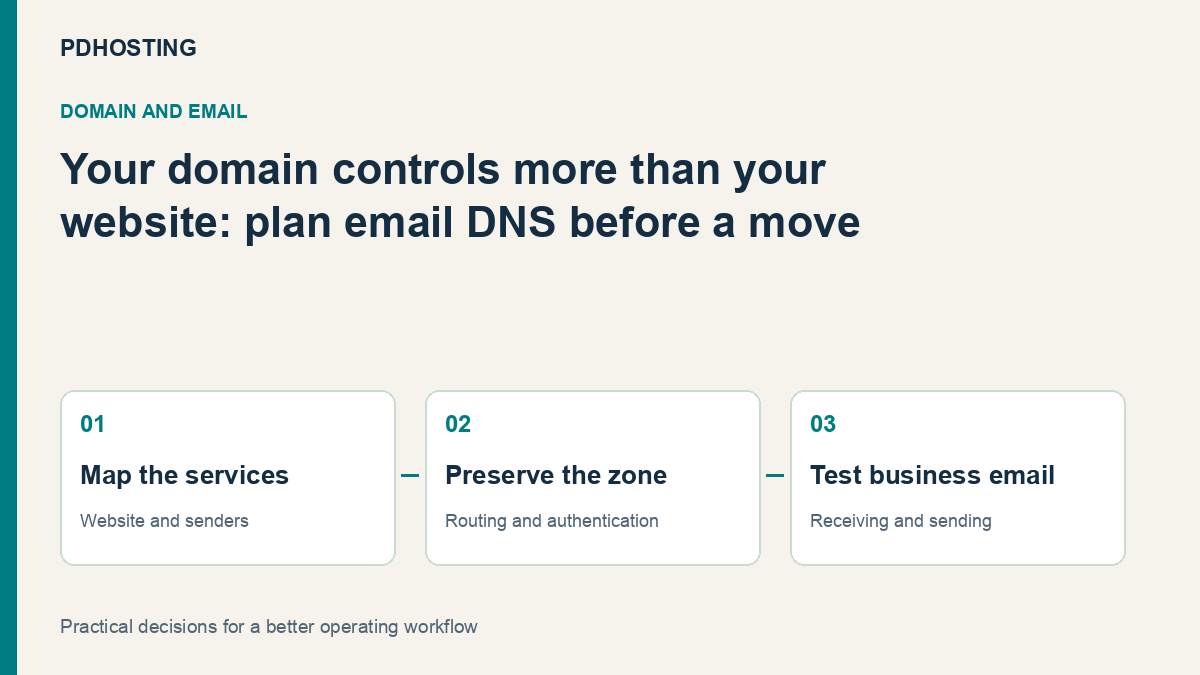
Moving a Domain? Plan Your Email DNS as Carefully as Your Website
Moving a UK domain or website? Plan MX, SPF, DKIM and DMARC, preserve existing email and test the business journeys before retiring the old service.
A website can work perfectly after a move while the business’s email quietly stops reaching the right place. The reason is often simple: the move was planned as a website task, even though the domain also supports mailboxes, contact forms and other senders.
Moving a domain, moving DNS, moving a website and moving email are separate decisions. You can move one while keeping the others where they are. The useful starting point is to identify which services should change and preserve the records needed by everything that is staying.
For a UK business changing hosting or domain provider, that makes email DNS part of the handover rather than a problem to discover afterwards. This guide explains the questions to answer before the switch, including how to change nameservers while keeping existing email.
Decide what is actually moving
A registrar manages the domain registration relationship. Authoritative DNS publishes the domain’s records. Website hosting serves the site, while a mail provider receives or sends messages. Those roles may be supplied by one company or several.
A registrar transfer does not inherently require moving the website or mailboxes. Equally, changing a website’s destination does not require replacing its mail service. The work becomes clearer when each change has a named owner and an intended result.
For example, a business might move WordPress hosting to PD Hosting while retaining its existing hosted email. In that case, the website records change, while the relevant mail records and account arrangements need to keep working. Copying a generic new-host DNS template over the whole zone would not express that plan.
Another business might be moving both website and email. That needs a mailbox and message-migration plan in addition to DNS. Redirecting new mail towards a server does not copy the history already stored in the old mailboxes.
Write the intended arrangement down before any change. A short service map is easier to verify than an assumption that everything “moves with the domain”.
Inventory the records before changing nameservers
Nameservers identify where the authoritative DNS information is served. If you change them, the replacement DNS service needs the intended record set, not just the new website address.
Keep a record of the existing configuration and identify which entries support the website, mail, subdomains and external applications. The person responsible for each service should confirm the values that need to remain.
| Record or setting | What to review before the move | Why it belongs in the plan |
|---|---|---|
| Website A, AAAA or CNAME | Intended web destination and relevant subdomains | The site and its aliases need the correct target |
| MX | The mail provider that should receive messages | A working website says nothing about inbound delivery |
| SPF TXT | All systems authorised to send for the domain | Website forms and external senders can differ from mailbox hosting |
| DKIM records | Current selectors and provider-issued public values | A sender can use a selector that a generic template does not include |
| DMARC | Existing policy, alignment expectations and reporting | A DNS move should not silently become an authentication-policy change |
| Other application records | Verification, service-discovery and application-specific entries | Business systems can depend on records unrelated to the homepage |
Use the inventory to prepare the destination zone and decide which values are intentionally changing. Do not treat every unfamiliar TXT record as obsolete: it may be the record that lets a service recognise the domain.
Preserve receiving email with the correct MX records
MX records route incoming mail towards the intended mail service. If email is staying with its current provider, prepare the records required by that provider at the DNS service that will become authoritative.
Check the priorities and targets as a set, not just whether any MX row exists. A copied entry belonging to the old hosting arrangement can send messages somewhere different from the mailbox service you intend to keep.
Some setups also use related hostnames, service-discovery records or client-configuration entries. Review the mail provider’s instructions for the actual service rather than assuming the MX row is the entire configuration.
A useful acceptance test is a message arriving from an independent external account into the intended mailbox. That tests the receiving journey. It does not yet establish that the business can send successfully or that every application sender remains authenticated.
Review SPF against every legitimate sender
Businesses often send mail through more systems than they remember. Staff mailboxes may use one provider, while contact forms, invoices or campaign software use another.
SPF expresses which sending systems are authorised for the relevant domain. Google’s SPF setup guide starts with identifying all senders, including web servers, forms and third-party services. That is useful preparation even when the mailbox provider is not Google.
Do not copy an SPF example for one provider without checking the other systems your business uses. Likewise, adding a second independent SPF record is not a substitute for designing the intended policy. Have the responsible administrator review the combined sending arrangement.
A website move is a good moment to check whether forms use a configured mail service or depend on the former hosting server. The new site can display a successful form confirmation without proving that the resulting message was accepted and delivered.
Test that actual journey: submit through the agreed process and confirm the intended notification arrives. Keep the form’s sender configuration separate from the question of where staff receive their own mail.
Keep DKIM selectors with the sender that uses them
DKIM uses a message signature and a public key published for the sending service. The DNS entry belongs to a named selector, so a replacement zone needs the selectors still used by active senders.
A domain can legitimately have several selectors. A mailbox service and an application sender may use different ones, and a provider may publish more than one during a key change. “We copied the DKIM record” is therefore less useful than identifying which sending systems and selectors were reviewed.
Google’s DKIM guide distinguishes publishing the public key from enabling and verifying signing. Preserve the provider-issued public values and use the sender’s own instructions to confirm that it is signing as intended. Private signing keys do not belong in an ordinary DNS handover document.
After the change, inspect a suitable test message’s authentication results as well as its arrival. A message reaching a mailbox is useful evidence, but not proof that every sender is signing or aligning correctly.
Avoid changing DMARC policy accidentally
DMARC relates domain authentication and alignment to the domain owner’s published handling preference and reporting. The current protocol is described in RFC 9989.
A hosting move should not become an unplanned decision to strengthen, weaken or replace a working policy. Record what is present, understand which sending systems it covers and preserve the intended arrangement while the DNS change is made.
If authentication needs improvement, make that a deliberate work item with the person responsible for mail. A more restrictive policy is not something to paste from a generic example simply because it sounds more protective; legitimate sending paths need to be understood first.
That separation makes the move easier to assess. You can establish that the intended DNS service is publishing the agreed records, then evaluate any subsequent policy change against its own purpose.
Plan mailbox history separately from new delivery
DNS directs future lookups and delivery attempts. It does not migrate stored messages, folders, contacts or client settings between mailbox systems.
If email is moving too, establish which mailboxes exist, what historical data should be copied, how users will connect afterwards and how changes made during the transition will be handled. Keep those tasks distinct from preparing MX and authentication records.
If email is staying where it is, confirm that the old hosting account can be retired without removing the mail service or the DNS service still in use. The name on an invoice is less important than which service is actually performing each role.
A clear inventory also prevents a common surprise: cancelling an old package that still supplies the authoritative DNS zone or a mailbox the business uses every day. Retire the old arrangement after the intended dependencies have been identified and the replacement has been checked.
Verify the move through business journeys
Choose a change window and a check list suited to the business. Record when the authoritative change is made, and allow for caches to continue using earlier answers according to their remaining lifetime. Avoid promising a single exact global propagation time.
Check the website and important subdomains, incoming mail, outgoing mailbox mail and application-generated messages. Review the relevant authentication results and confirm that the normal users can reach the intended service.
A hypothetical local business moving WordPress but retaining its hosted mail might use four acceptance checks: the site loads from the intended hosting, an external message arrives, a staff reply reaches an external recipient and a website enquiry generates its notification. That is a useful starting set, not proof that every possible business integration has been tested.
Keep the previous configuration available during the agreed transition. If a result differs from the plan, the service map helps identify which part changed instead of asking everyone to wait indefinitely for “DNS” to fix itself.
Make the handover part of choosing a provider
A good domain and hosting discussion should include what stays in place as well as what moves. Bring the service map and record inventory when arranging a migration, so the provider can assess the actual scope.
Explore PD Hosting domain services and WordPress hosting if you are reviewing your next arrangement. Explain where email currently lives and which business applications send messages before agreeing the change.
That gives the move a clear objective: a working website and a working mail service, with the intended provider responsible for each part. The domain is the common name connecting them, not a reason to treat them as one indivisible service.
Frequently asked questions
Will transferring my domain automatically move my email?
No. Registration, DNS, mailbox hosting and stored messages are separate parts of the arrangement. Specify which services should change and which should remain.
Can I change website hosting while keeping my existing email provider?
Yes. Plan the web-record change while preserving the intended mail and authentication records. Confirm the actual sending and receiving journeys afterwards.
What should I copy before changing nameservers?
Inventory the complete intended zone, including website, mail, authentication and application-verification entries. Confirm which values remain valid rather than copying an unexplained template.
Does changing MX copy old messages?
No. MX affects mail routing. Moving historical messages and mailbox settings requires a separate migration process.
Should I replace SPF with the new hosting provider’s example?
Review every legitimate sender first. The correct arrangement depends on mailbox, website and application senders; one provider’s example may not include them all.
Is a successful contact-form confirmation enough?
No. Confirm the resulting message reaches the intended recipient and inspect the relevant sender and authentication setup. A successful web response does not establish mail delivery.
