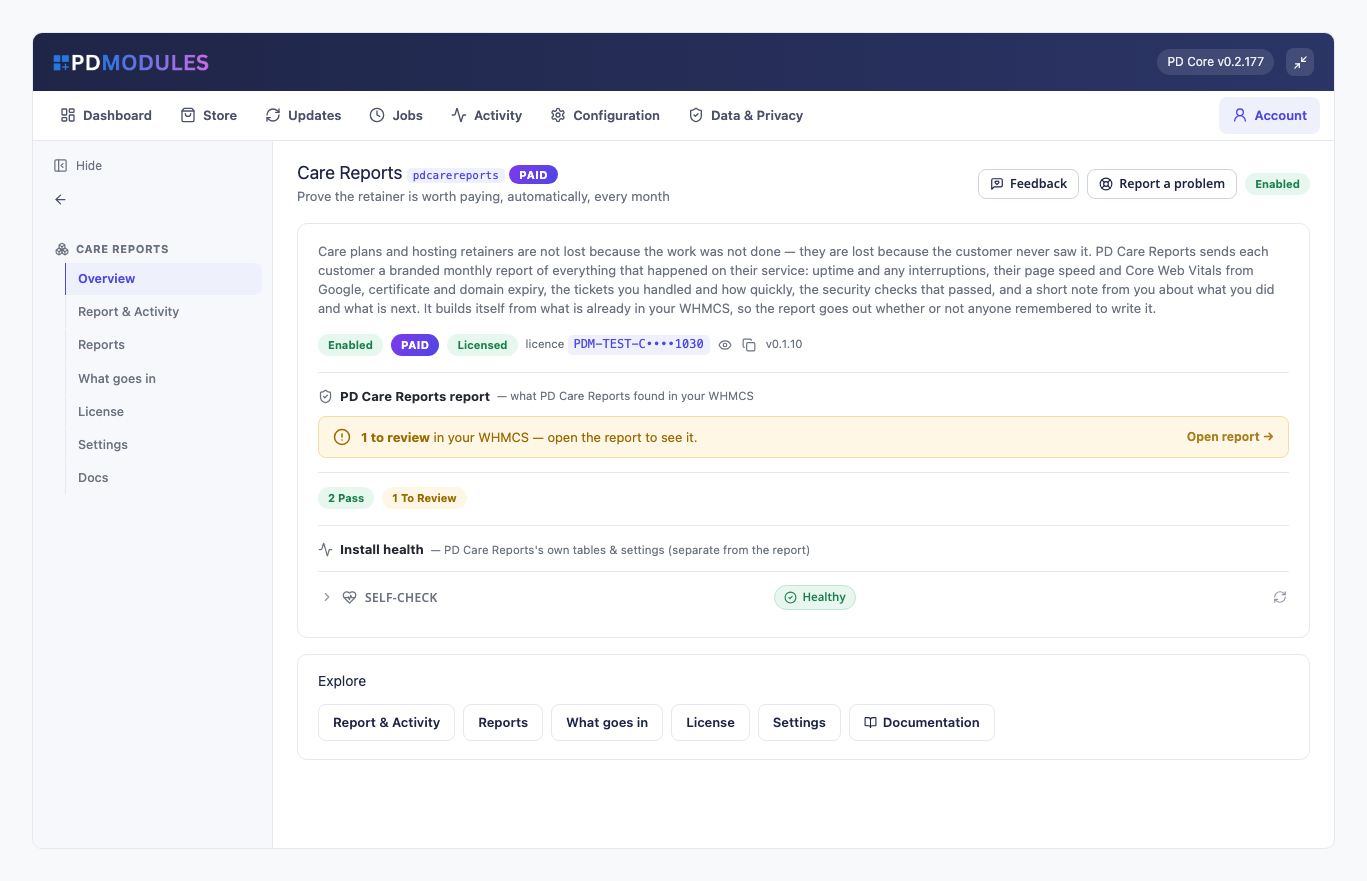
PD Care Reports sends each of your care-plan and managed-hosting customers a branded monthly report of what happened on their service, built automatically from what is already in your WHMCS. Uptime and interruptions, security checks, page speed, tickets handled, upcoming renewals and a short note from you arrive in their inbox every month, whether or not anyone remembered to write it.
Care plans are not lost because the work was not done. They are lost because the customer never saw it. This is for hosts and agencies who sell care plans, retainers or managed hosting and want every customer to see, in plain English, what they are paying for.
Why hosts choose PD Care Reports
The value of the retainer is never invisible. Each report shows the month's uptime, how long any interruption lasted, whether the site passed its security checks, how fast it loads and what you did. The numbers prove the service was running and your note proves you were there.
Built from data you already have. Uptime comes from PD Uptime & Status, security from PD Site Sentinel, speed from Google PageSpeed Insights, tickets and renewals from WHMCS. You do not export anything or paste anything into a template.
Only real data goes in. A section with nothing measured is left out, never padded with a comfortable number. A service that was monitored but not yet checked is not shown as 100%. That is the only reason a customer can trust the sections that are there.
It goes out under your name. Your name, logo, accent colour, opening paragraph and sign-off appear on every report. Leave the name empty and your company name is used.
You stay in control. Automatic sending is off until you have seen a few reports. Until then you can generate and send by hand. Each report has a short note from you added before it goes out.
Reports that cannot embarrass you. A report with no measured data and no note is not sent, and Send every draft tells you how many were skipped and why. A report that has been sent is frozen: its numbers and its note are never rewritten.
How it works
- Choose who gets a report. Pick the products that make up your care plans with a searchable picker. Leave it empty to report on everything.
- Choose what goes in. Switch sections on or off. The What goes in screen shows which sections are available on your install and why.
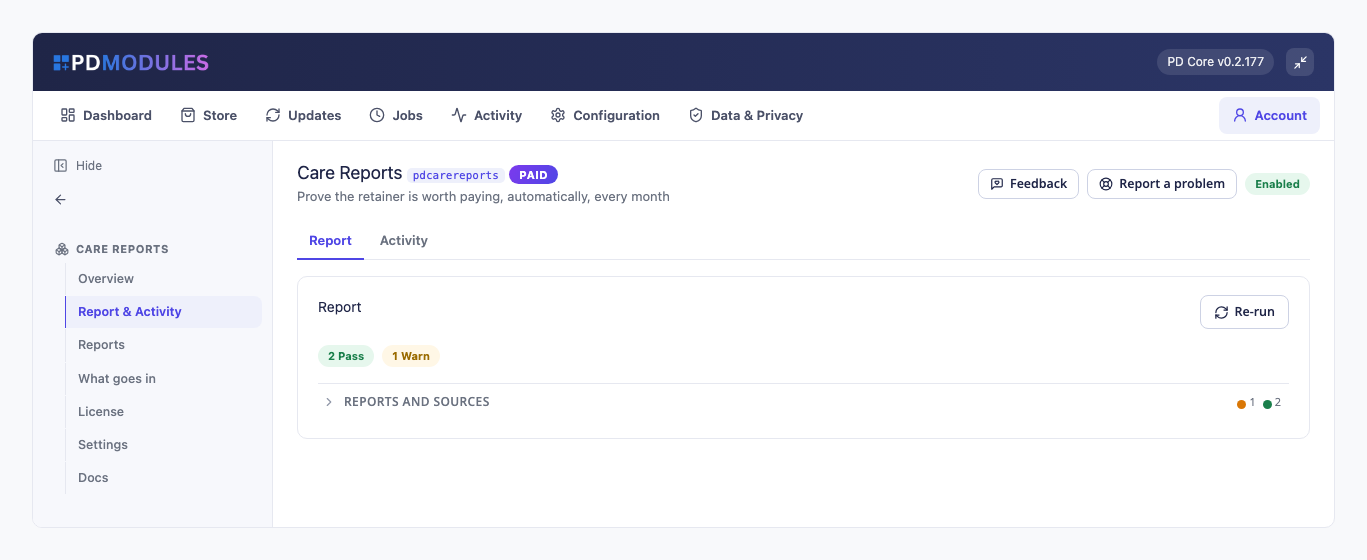
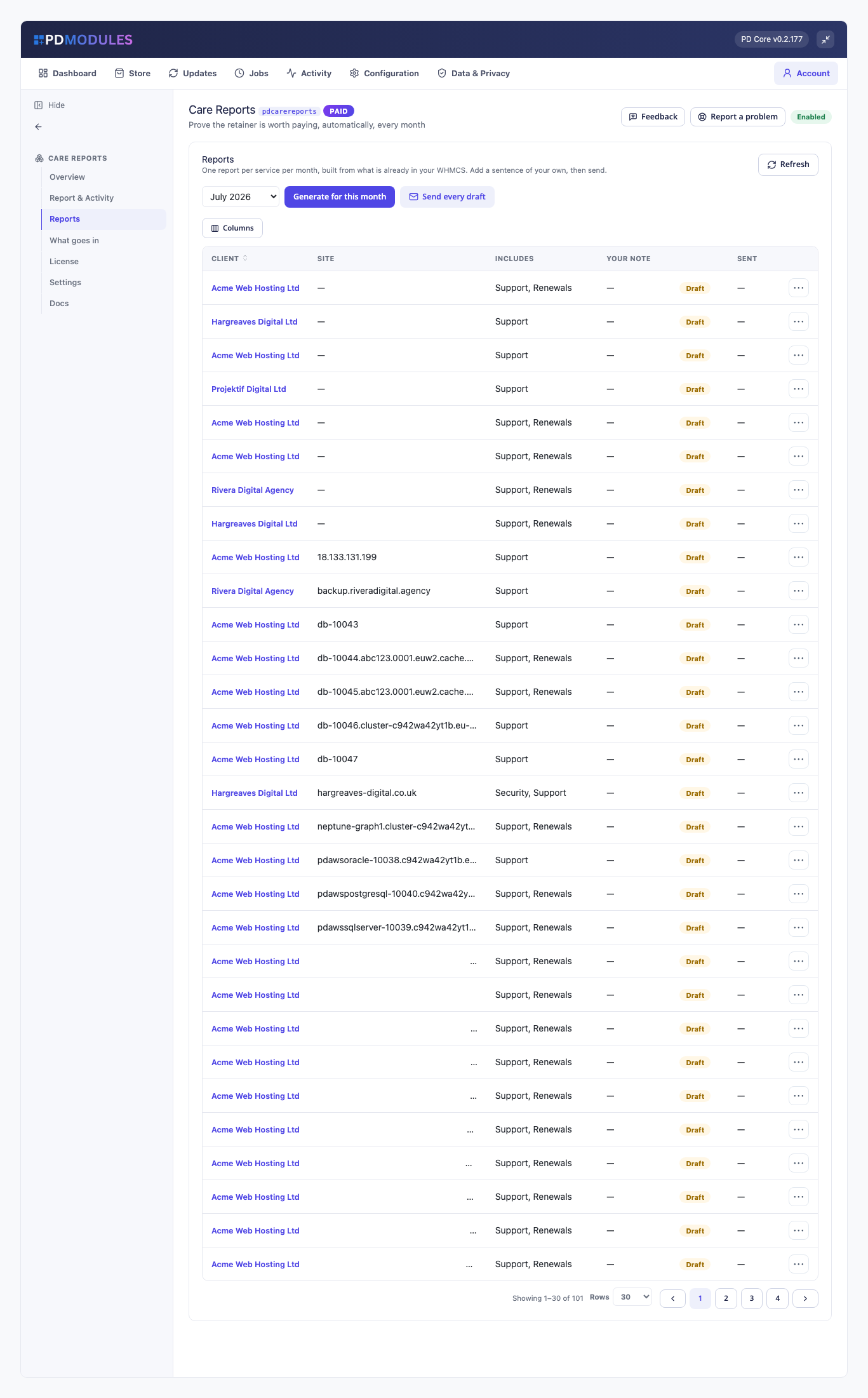
- Review the drafts. Reports cover the previous calendar month. Generate them, add a sentence of your own to each, then send.
- Or let it run. With automatic sending on, last month's reports are built and emailed on the day you choose, from 1 to 28 (the 1st by default). If the server missed the day, they go out on the next run, and never twice for the same month.
What you get in WHMCS
What goes in a report
- Availability: the month's uptime from the checks actually recorded, total interruption in minutes within the month, and every incident with when it started and how long it lasted. A perfect month says so in a sentence
- Security: when the site was last checked and how many things need attention. A clean site reads "We checked your site from the outside and found nothing that needs your attention." Advisory notes are not counted and an unreachable check is left out
- Speed: one mobile measurement per site per month, with a score out of 100 and Largest Contentful Paint, Cumulative Layout Shift, Total Blocking Time and Speed Index each rated good, okay or poor. It needs your own free Google API key, stored encrypted and never shown back
- Support: tickets opened and resolved in the month and your median first-response time. A month with none says "You did not need to contact us this month". Tickets come from your WHMCS tickets.
- Renewals: the hosting, domain and certificate dates still ahead, each with how many days away
- What we did: your own words, added to each report before it goes out
Running it day to day
- A Reports screen with one line per service per month: customer, site, what it includes, your note and whether it is a draft or sent
- Generate for this month and Send every draft, from one screen
- A report that cannot be emailed stays unsent, is retried on the next run, and the run is reported as failed
- The report email is an editable, translatable template, and goes to the client's primary address
- Regenerating touches drafts only
What your customers get
- A branded monthly email with a link to the full report, or, if you prefer, reports published in the client area only
- A report they can read at a glance: headline figures, then a short section for each thing measured, in plain sentences
- Their own reports only. The link opens by an unguessable token, or for the signed-in customer who owns it, and drafts are never visible to a customer
- A record they can keep. Reports already produced stay readable and downloadable
Security built in
- Nothing leaves your server except one PageSpeed request per site per month, and only if you switch it on with a key. Everything else is read from your own WHMCS database.
- Reports are sent through your own mail settings.
- The PageSpeed key is stored encrypted.
One product, every feature
PD Care Reports is one paid module with everything included, at £10 per month or £100 per year. There are no tiers to compare.
If your subscription lapses, the reports already produced stay readable and downloadable. Building and sending new ones stops until you renew, and customers can keep viewing their reports until their service is suspended.
Requirements
- WHMCS 9 or later and PHP 8.2 or later
- PD Modules (free), which installs PD Care Reports
- The ionCube Loader
- PD Uptime & Status and PD Site Sentinel for the availability and security sections (optional; without them those sections are left out)
- A free Google PageSpeed Insights API key for the speed section (optional)