PD Care Reports for WHMCS
£10/mo or £100 annual (save £20)
- Requires
- WHMCS 8.13 or later
- Version
- 0.1.41
- Updated
- 4 Nov 2026
Prove the retainer is worth paying, automatically, every month
Made and supported by Projektif Digital Ltd. Runs inside PD Modules, the panel every module installs into.
£10/mo or £100 annual (save £20)
£10/mo or £100 annual (save £20)
That is why care plans get cancelled. Not because the work was not done — because the customer never saw it. The updates, the monitoring, the small fixes, the ticket you answered in four minutes on a Sunday: all invisible by the time the renewal invoice lands.
PD Care Reports makes it visible, every month, without anyone having to remember.
You write two or three sentences a month about what you actually did. That is your part.
The module builds the rest from what is already in your WHMCS or Blesta — uptime and incidents, security checks, page speed, tickets you handled and how quickly you replied, renewals coming up — and lays it out with your logo, your colour and your words. Nothing is sent until you say so.
Your customer receives a branded report by email and can open it any time from their client area.
A section that could not be measured is left out rather than filled with a comfortable number. That is what makes the sections that ARE there worth reading.
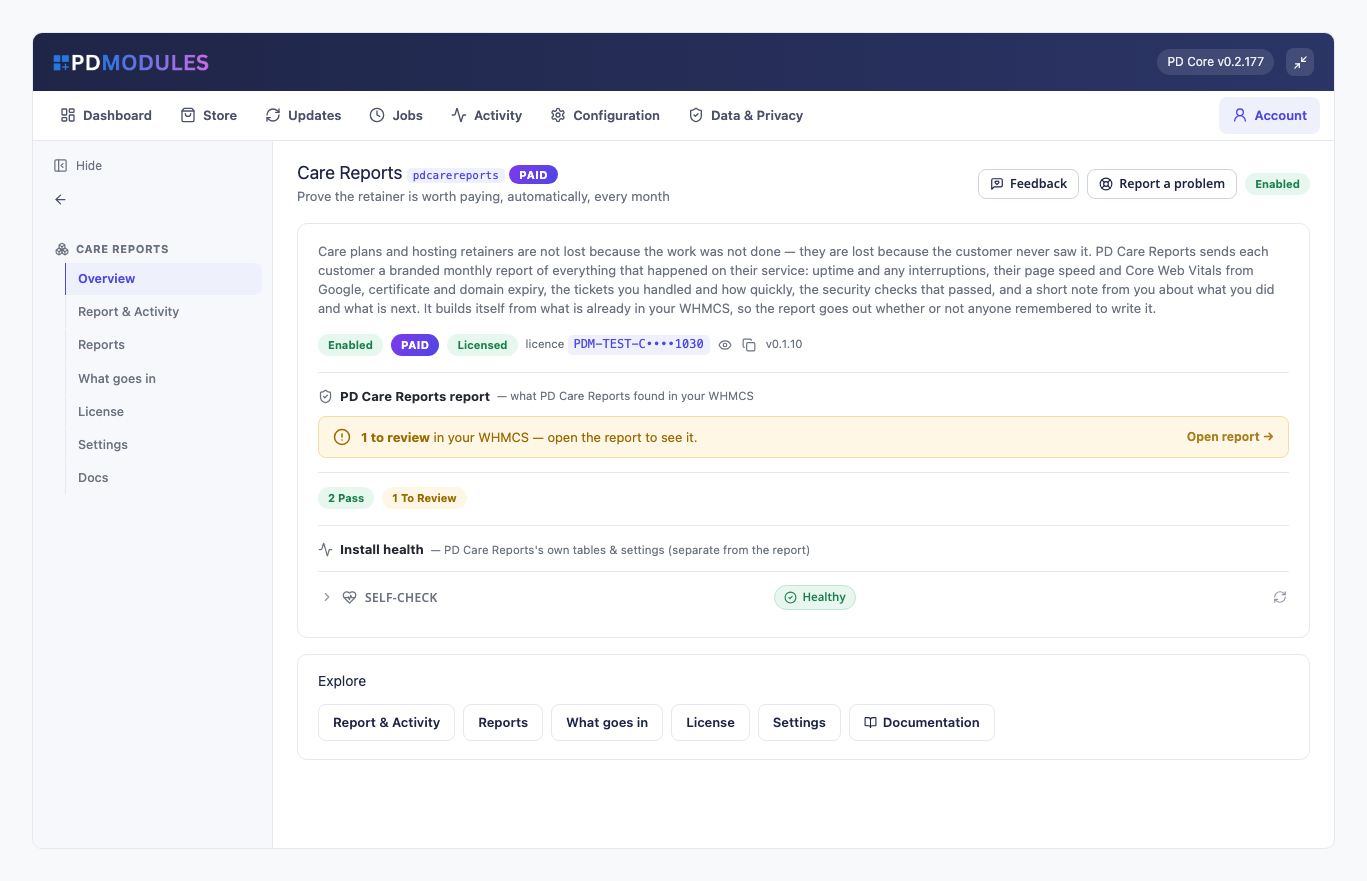
Each month, every service on a care plan gets a branded report:
A section that could not be measured is left out, never invented.
No uptime module means no availability section. No PageSpeed key means no speed section. A report showing "100% uptime" because nothing was measured would be worse than no report at all — this is the one document a customer is asked to take on trust, and it only works if every number in it is real.
A report stores its numbers when it is generated, so last month's report still says what it said after this month's data changes. And a report that has been sent is never rewritten underneath the customer: what they read is what stays on record.
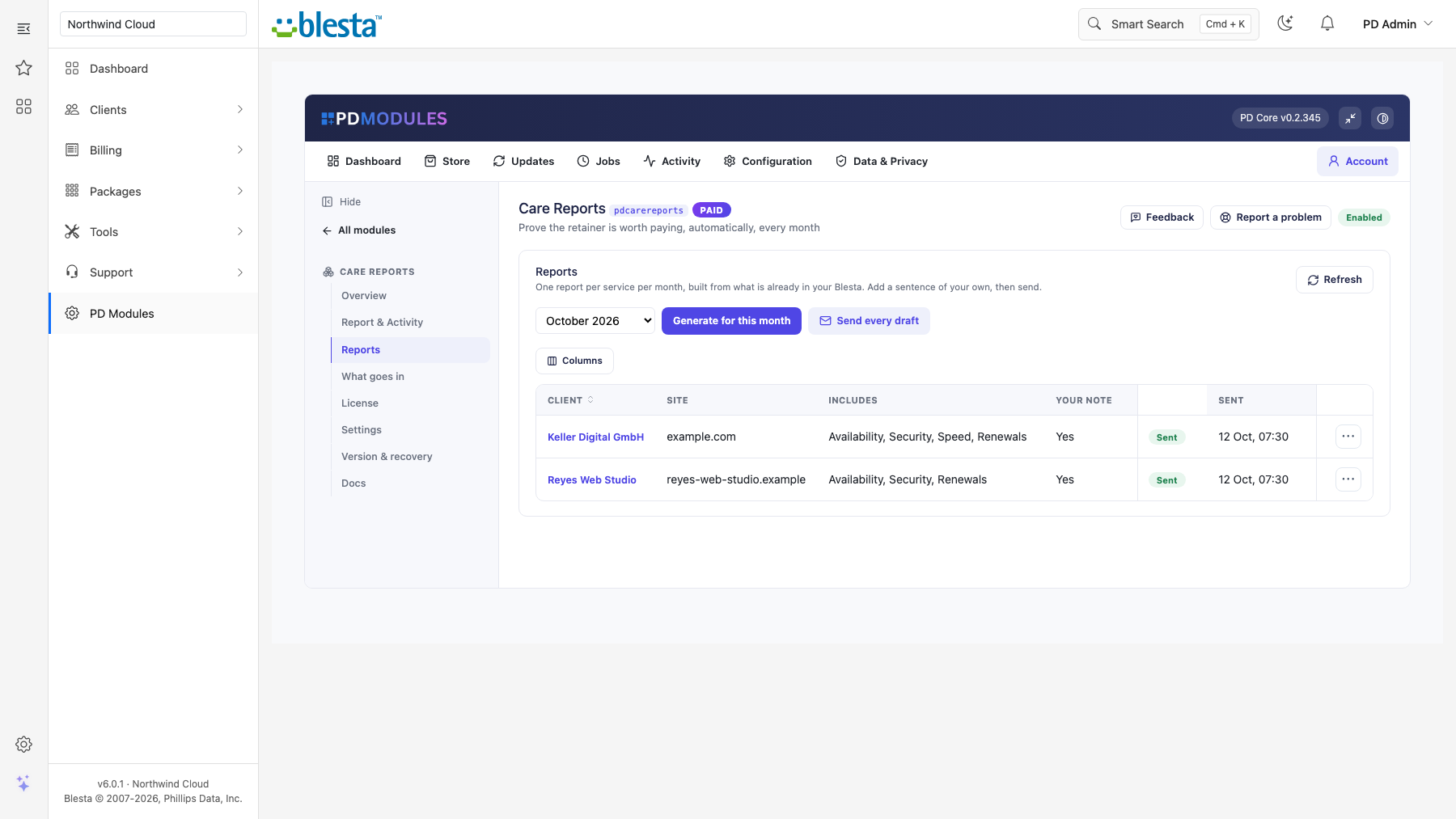
Generate a whole month in one click and nothing goes out. Read them, add your note, then send one or send every draft. When you are happy with a couple of months, turn on automatic sending on the day you choose.
A report with nothing in it is skipped rather than emailed empty.
Your name, your accent colour, your opening line, your sign-off. Customers keep every report in their client area and can open any of them from the emailed link. The whole thing is one template you can restyle, with changes that survive updates.
PD Care Reports is available for WHMCS (8.13 or later) and Blesta (6.0 or later). Each has its own page with the screenshots, requirements and price for that system. A module is added to the PD Modules licence of the installation it runs on, so a WHMCS installation and a Blesta installation each hold their own licence.
No, but the report is much stronger with them — they fill the availability and security sections automatically. Without them you can still send a report with support activity, renewals and your own note. The "What goes in" tab shows exactly which sections are available on your install.
The report is generated but not sent. A report with no measured data and no note is skipped rather than emailed empty, and the send action tells you how many were skipped.
No, deliberately. A sent report is never rewritten underneath the customer: what they read is what stays on record. Regenerating a month touches drafts only.
No. A report stores its numbers at generation time, so it keeps saying what was true that month even after this month's data changes.
Yes — the link in their email carries an unguessable token, which is what makes the email useful. Signed-in customers can also open their own reports from the client area, and only their own. Drafts are never visible to a customer.
Nothing. Google's PageSpeed Insights API is free and the module makes one request per site per month, well inside the free quota. Without a key the section is simply absent.
Because one awkward ticket that sat over a bank holiday weekend would drag an average into a number that misrepresents your normal service. The median is the honest figure.
Generating and sending pause. Reports already sent stay readable and downloadable by their customers — a customer must never lose the record of work you did for them.
Your customers' data stays in your WHMCS or Blesta. To confirm your licence, the platform sends us four things and nothing else: your licence key, the domain, your server's own IP address and the directory it is installed in — the four values recorded against your licence in your client area. Alongside that we see which module and version you run and whether its licence is healthy, so we can ship compatible updates. We never receive your clients' personal data, your credentials, or the contents of your WHMCS or Blesta. Crash reports are off unless you turn them on, and a diagnostic report is only ever sent when you send one, after showing you a preview you can edit.
Monitors that create themselves — every service you provision is watched from the moment it goes live
Watch your customers' websites from the outside, the way an attacker would

Rich client, service & domain notes with reminders
Find out your customers' email is broken before their customers do