PD AWS SNS lets a hosting company text its clients from WHMCS through its own Amazon SNS account. Clients get a text when an invoice is created or paid, when a service is activated or suspended, when staff reply to a ticket and when a domain renewal fails. Your team gets a text when a new order lands or something goes wrong. You can also run a campaign to a filtered group of clients. Amazon bills your AWS account at its own per-message rate, with no marked-up credits in between.
It is built for hosts who already run on AWS, want SMS on the same bill and the same account as the rest of their infrastructure, and want WHMCS to send without a separate SMS dashboard.
Why hosts choose PD AWS SNS
Your AWS account, your rate. You connect an access key from your own AWS account, so every text is billed by Amazon at its own price. We sell no credits and add no margin.
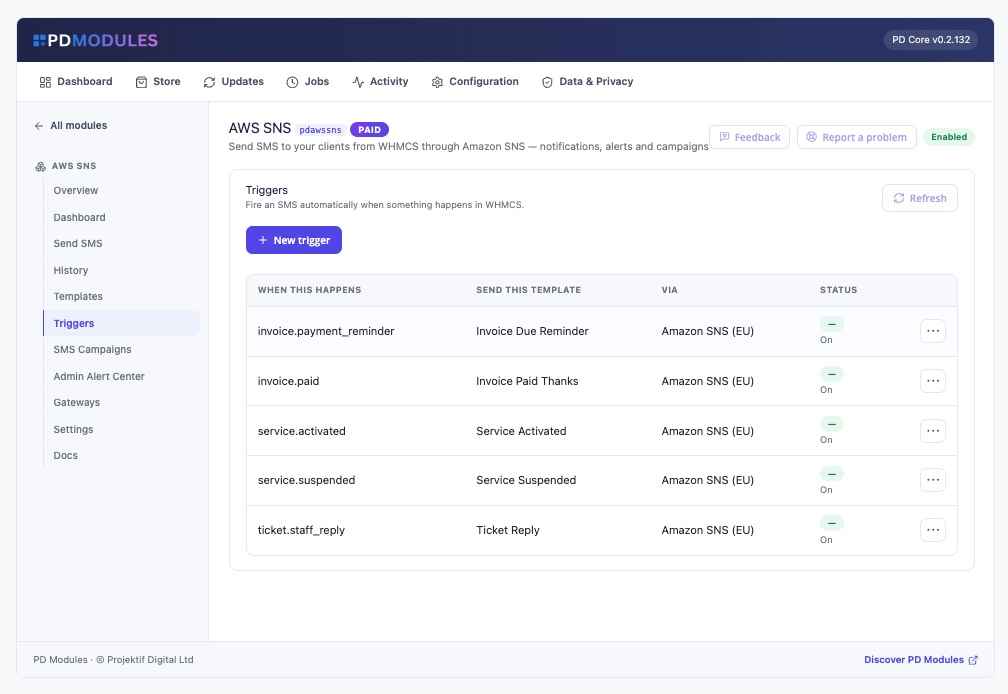
Texts at the moments that matter. Email about a failing card gets filtered, but a text gets read. Triggers send on invoice created, invoice paid, service activated, service suspended or unsuspended, staff ticket replies, failed domain renewals and client sign-ins.
Honest about what SNS does. When Amazon SNS accepts a message, the panel says "Accepted by Amazon SNS" rather than "sent", because delivery itself shows only in SNS's own delivery logs. A text to a UK number that has no Sender ID and no origination number is refused with that reason before anything is sent, instead of failing silently later.
Know the cost before you send. The Send screen counts segments the way providers bill them: 160 characters for GSM-7, 70 for Unicode, with emoji and extension characters counted correctly. Campaigns show the audience and the segment total before you commit.
Consent built in. Clients choose which kinds of text they receive, promotional texts are agreement-only by default, and an opt-out made while a message waits in the queue is respected.
A safe way to trial everything. The Test gateway records messages in History without calling Amazon, so you can build templates and triggers without spending anything.
How it works
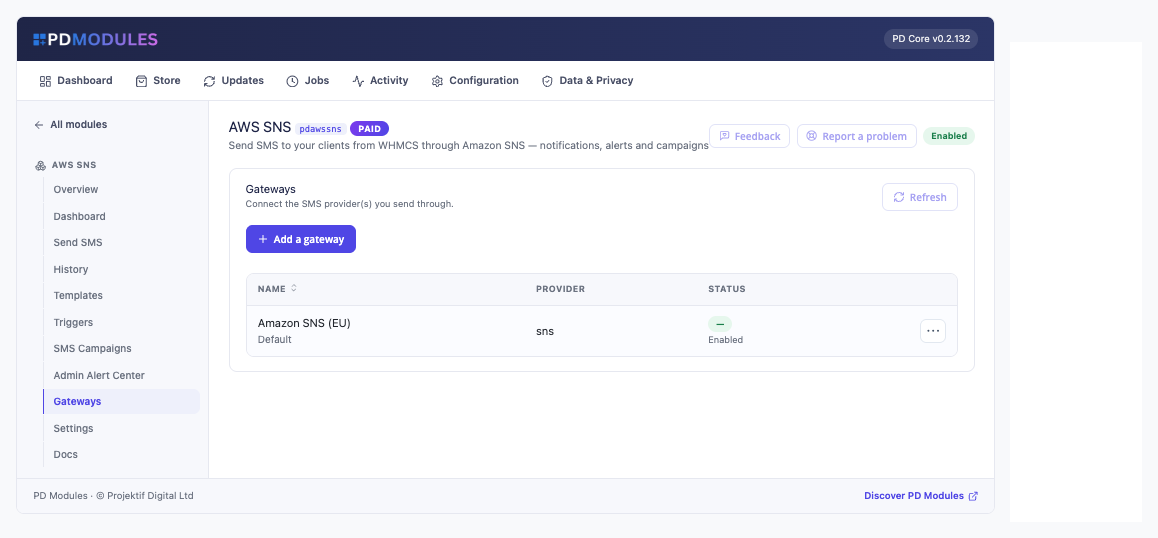
- Connect Amazon SNS. Under AWS SNS, then Gateways, add an IAM user's access key ID and secret key and choose a region. Roles and temporary credentials are not supported. Optionally set a Sender ID, an origination number and the SMS type, Transactional or Promotional.
- Check it. Test connection sends nothing. If the key can read your SMS settings, it also reports your monthly spend limit and whether the account is still in the SMS sandbox. Send test SMS delivers a real message to a number you give.
- Switch on the messages you want. Map templates to events, or send by hand from the Send screen.
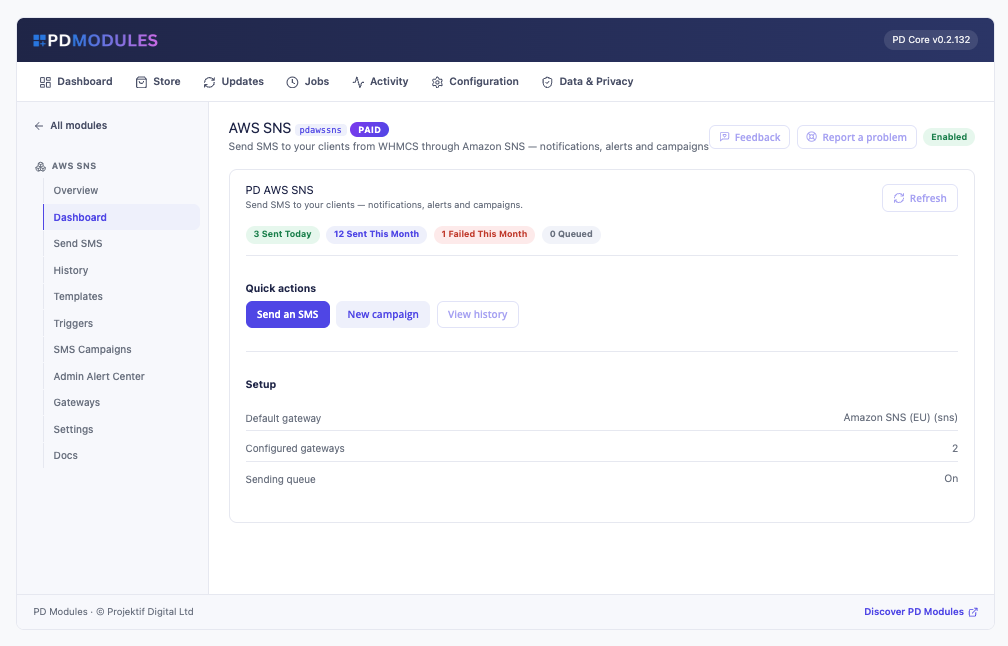
- Watch it work. The dashboard and History show what went out and how each message fared.
What you get in WHMCS
Sending
- Send a one-off message to a client picked by name, email or client ID using the number on file, or to any number you type
- Count segments before you send; drop a saved template into the message
- Several SNS gateways at once, such as one per region, with one as the default; each trigger and campaign can use a chosen gateway
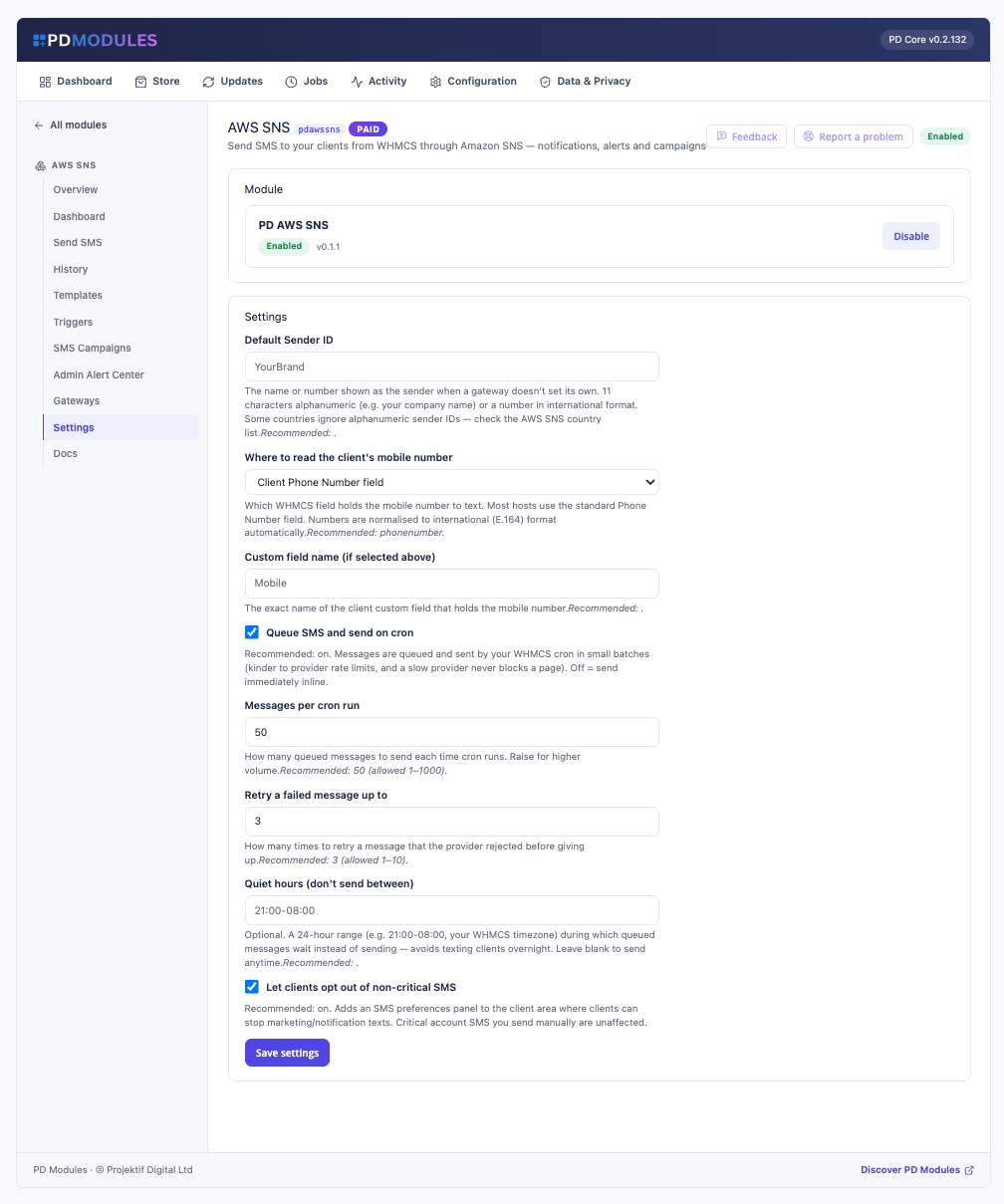
- A default Sender ID that fills in when a gateway leaves it blank
- An origination number on the gateway is used as the number Amazon SNS sends from
- Numbers are converted to international format automatically, using the client's country when the number is written locally
- A text box on the client's admin profile, beside the number we would use and when you last texted them
Templates and triggers
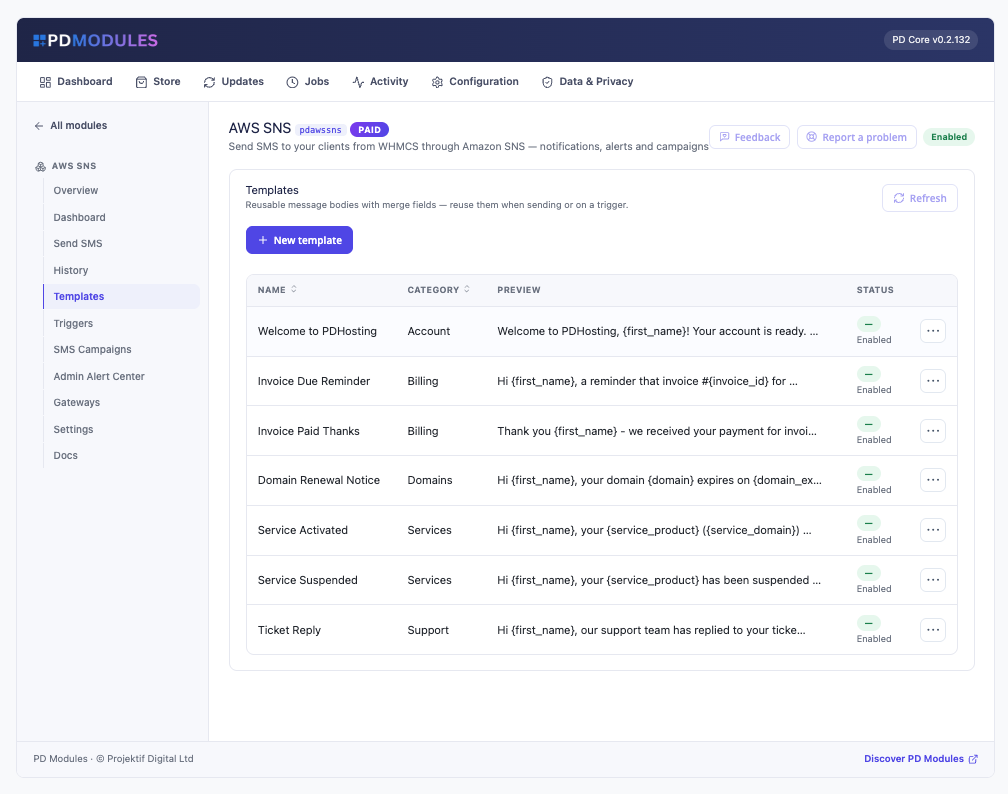
- Templates grouped by category, with merge fields for first name, client name, company, invoice number, total and due date, product, domain, ticket subject and ticket number
- An empty merge field is left blank, never shown as raw braces
- Triggers for invoice created, invoice paid, service activated, service suspended or unsuspended, staff ticket reply, failed domain renewal and client sign-in
Campaigns
- Target clients by status and client group, send now or schedule
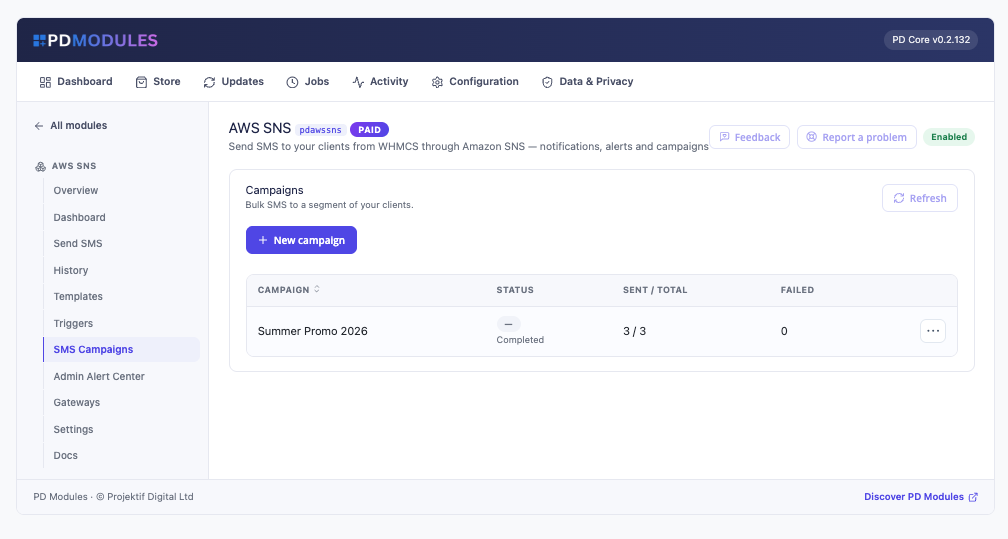
- Preview audience and cost shows who a campaign reaches and how many segments it costs
- Only clients who agreed to marketing texts are included; cancelling drops the unsent messages
Staff alerts
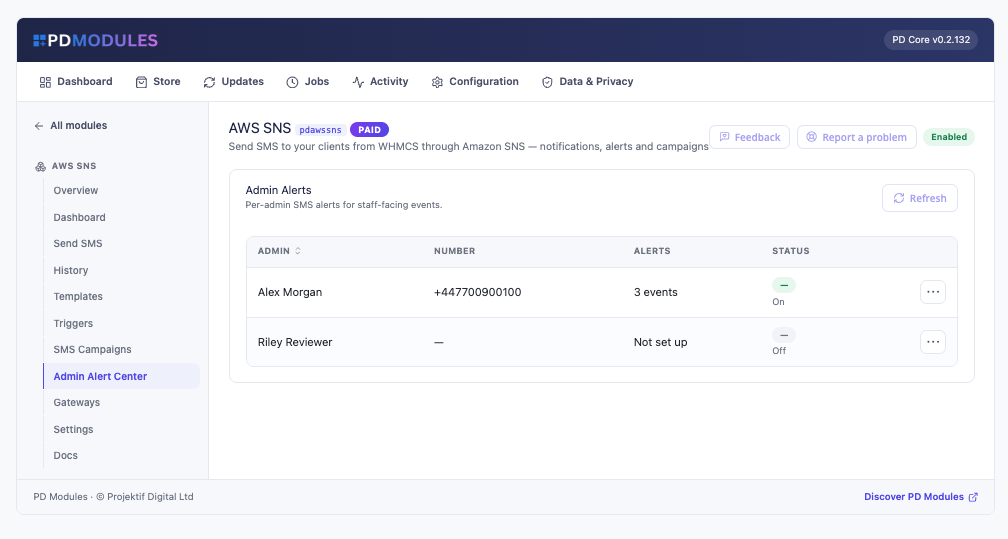
- Each administrator sets their own number and picks the events that text them: new order, paid invoice, new ticket, cancellation requests, service setup failures and domain failures
- Alerts and manual sends are never held back by quiet hours
Running it day to day
- A sending queue drained by your WHMCS cron in batches, with retries and optional quiet hours
- History searchable by number or text and filterable by status, gateway and date; open any message for its body, the provider's reference and any error, and resend it in one click
- A Health report showing whether the gateway is ready, what failed this month and whether the queue drains
What your customers get
- A Text messages page in their client area with their recent texts and a summary of what they have agreed to
- Preferences on their Account Details page, beside their email preferences, each with a plain explanation
- Real control. A customer who unticks a category is not texted in it
The pages render on WHMCS's Six, Twenty-One and Nexus themes, and their wording can be changed in a file that survives updates.
Security built in
- Your AWS keys are stored encrypted and never shown again after saving
- A disabled gateway never sends, even if a trigger names it
- A message and number go only to Amazon. Nothing about your clients comes to us
One product, every feature
PD AWS SNS is one paid module with everything included: triggers, campaigns, staff alerts, client preferences and the Test gateway. There are no tiers. It installs into PD Modules in one click and uninstalls cleanly. Customers' text preferences are kept when you uninstall, on purpose, so consent is never lost.
If you also send through Twilio, Azure, Vonage, Clickatell or another HTTP gateway, PD SMS Manager covers all of them in one module.
If your subscription ever lapses, your data is kept. After a 14-day grace period admin features lock, then customer-facing features stop and automatic texts pause until you renew.
Requirements
- WHMCS 9 or later on PHP 8.2 or later, with the ionCube Loader and cron running
- An AWS account with Amazon SNS SMS enabled, and an IAM user access key
- PD Modules, the free control panel every PD module installs into