PD AWS SQL Server for WHMCS
£15/mo or £150 annual (save £30)
- Requires
- WHMCS 8.13 or later
- Version
- 0.4.62
- Updated
- 5 Nov 2026
Resell fully-managed SQL Server databases on AWS — provisioned, billed and managed in WHMCS or Blesta
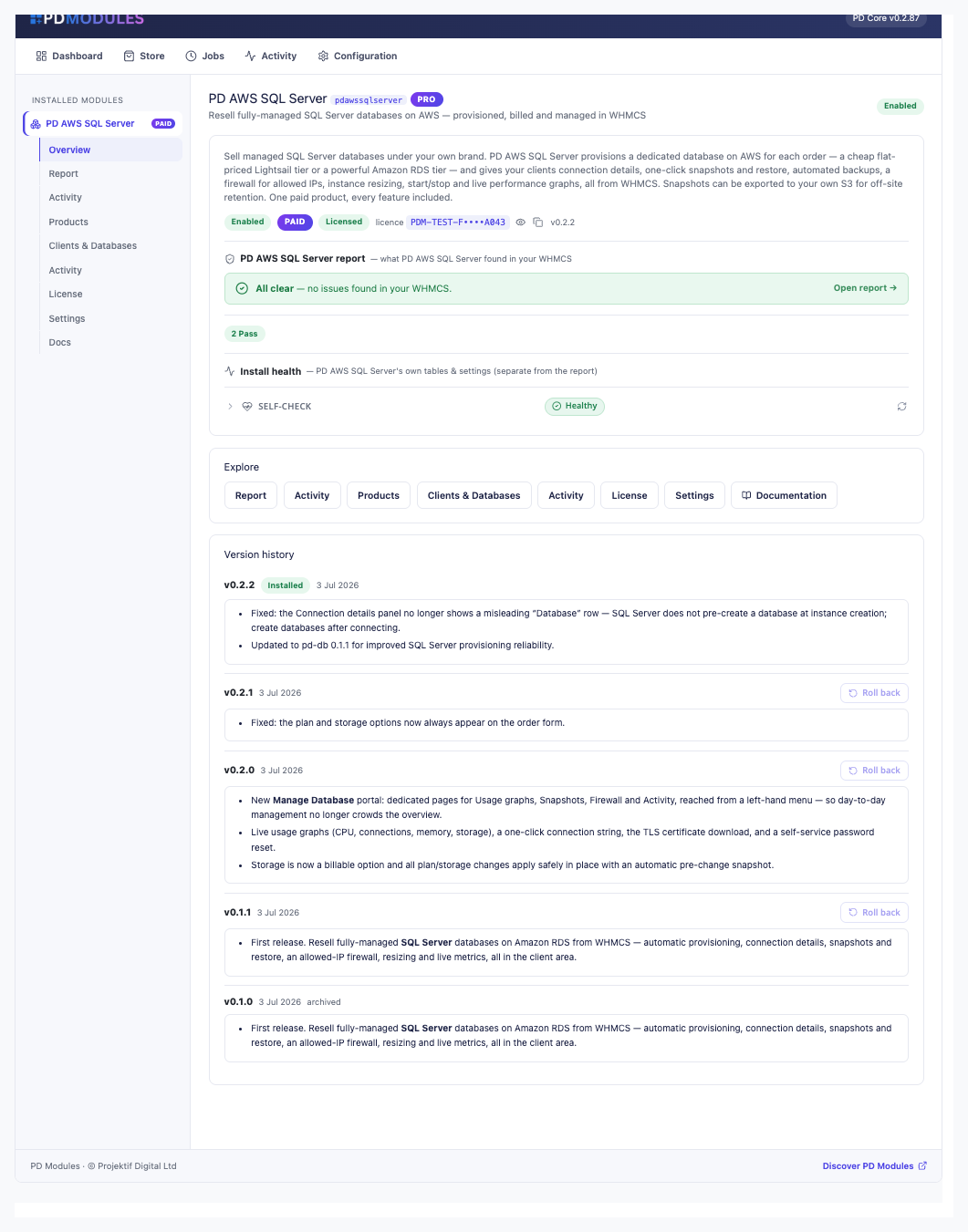
Made and supported by Projektif Digital Ltd. Runs inside PD Modules, the panel every module installs into.
£15/mo or £150 annual (save £30)
£15/mo or £150 annual (save £30)
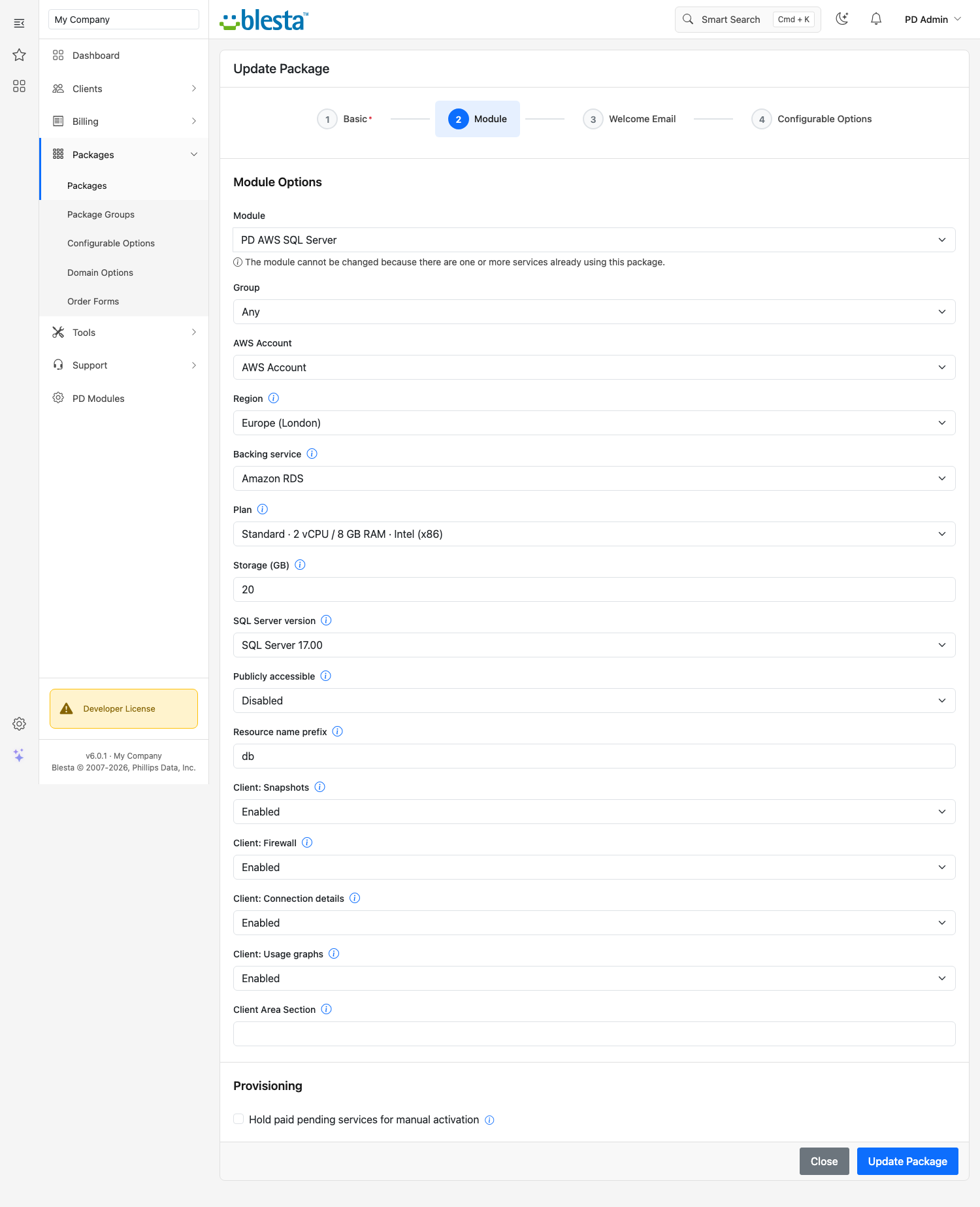
Sell fully-managed Microsoft SQL Server databases on AWS under your own brand — provisioned, billed and managed entirely inside WHMCS or Blesta, with no AWS console for you or your clients to touch.
Each database gets its own "Manage Database" navigation menu in the client area, with five dedicated sections that put every feature where clients can find it:
sqlcmd connection string. Power controls on the same screen: Start, Stop, Reboot and Reset passwordSQL Server is the database behind countless Windows applications, legacy CRMs and enterprise workloads. PD AWS SQL Server provisions Standard Edition (license-included) on Amazon RDS — AWS handles the licensing, the engine and the infrastructure; you just set a price and provision on order.
Clients connect on port 1433 using the pdmaster master user. Because SQL Server lets you create multiple databases on a single instance after connecting (using standard CREATE DATABASE SQL), there's no fixed database name at provisioning time — clients create their own databases once they connect, exactly as SQL Server is designed to work.
Upgrading a client to a larger plan or adding storage? The module automatically takes a pre-change snapshot before applying any resize — so client data is always preserved before any modification, with no extra steps from you or your client. Configurable storage options (20 GB, 50 GB, 100 GB and above) let you sell the right compute-and-storage combination for each workload.
PD AWS SQL Server is one module in the PD AWS database family — one focused module per engine (MySQL, MariaDB, PostgreSQL, SQL Server). Buy only the engines you actually sell. Every module in the family shares the same client portal design, so your clients get a consistent experience across every database they run.
One paid product unlocks everything — provisioning, connection details, CloudWatch graphs, snapshots, firewall, power controls, plan resizing and activity log. No tiers to juggle, no add-ons to upsell. Databases run on your own AWS account: you pay AWS at cost, set your sell price, and the difference is your margin.
PD AWS SQL Server is available for WHMCS (8.13 or later) and Blesta (6.0 or later). Each has its own page with the screenshots, requirements and price for that system. A module is added to the PD Modules licence of the installation it runs on, so a WHMCS installation and a Blesta installation each hold their own licence.
Yes. You connect your AWS credentials once in WHMCS or Blesta admin, and every SQL Server database is provisioned directly into your own AWS account. AWS bills you at cost; you set the sell price in WHMCS or Blesta and keep the difference.
Amazon RDS SQL Server Standard Edition, license-included. AWS includes the SQL Server licence in the instance cost, so there is nothing extra to purchase — just set up your AWS account and start provisioning.
This is intentional and correct SQL Server behaviour. Unlike MySQL or PostgreSQL, SQL Server does not require a named database to be created at provisioning time — the instance is ready to accept connections immediately. Clients create their own databases after connecting using standard SQL: CREATE DATABASE myapp; GO. Multiple databases can share the same instance.
The client area Overview page shows the host, port (1433), username (pdmaster), password and a ready-to-paste sqlcmd connection string. A TLS CA certificate download link is also provided for encrypted connections. Clients can connect from any SQL Server-compatible client, driver or ORM using standard MSSQL connection settings.
Before any plan resize or storage upgrade is applied, the module automatically takes a pre-change RDS snapshot. This means client data is always preserved before any modification — no extra steps are required from you or your client.
Yes. The Snapshots page in the client portal lets clients create a manual snapshot in one click, see a timestamped list of all their snapshots, and restore from any of them. A styled in-page confirmation dialog appears before any restore or delete — no browser popups, works on every WHMCS or Blesta theme.
Four instance-class plans are available out of the box: Standard (db.m5.large), Standard XL (db.m5.xlarge), Memory (db.r5.large) and Memory XL (db.r5.xlarge). Storage is a separate billable configurable option (20 GB, 50 GB, 100 GB and above), so you can offer the right compute-and-storage combination for each client segment and bill for both independently.
Nothing of yours is touched, and nothing is deleted. The module steps down in stages instead: a 14-day grace period where everything still works and you get a renewal reminder, then admin management locks while your customers carry on being served, and only after that do the customer-facing features stop — behind a neutral "temporarily unavailable, please contact support" message that never mentions licensing to your customer. Anything the module provisioned keeps running in your own account throughout, and your data and settings stay exactly where they are. Renewing restores everything immediately.
Your customers' data stays in your WHMCS or Blesta. To confirm your licence, the platform sends us four things and nothing else: your licence key, the domain, your server's own IP address and the directory it is installed in — the four values recorded against your licence in your client area. Alongside that we see which module and version you run and whether its licence is healthy, so we can ship compatible updates. We never receive your clients' personal data, your credentials, or the contents of your WHMCS or Blesta. Crash reports are off unless you turn them on, and a diagnostic report is only ever sent when you send one, after showing you a preview you can edit.
Resell Amazon EC2 compute as your own cloud servers — provisioned, billed and managed in WHMCS or Blesta
Resell Amazon Lightsail as your own VPS — provisioned, billed and managed in WHMCS or Blesta
Resell fully-managed Oracle databases on AWS — provisioned, billed and managed in WHMCS or Blesta
Resell fully-managed PostgreSQL databases on AWS — provisioned, billed and managed in WHMCS or Blesta