PD AWS SQL Server — Resell Fully-Managed SQL Server Databases on AWS in Blesta
Resell fully-managed SQL Server databases on AWS — provisioned, billed and managed in Blesta
Made and supported by Projektif Digital Ltd.
Runs inside PD Modules, the panel
every module installs into.
Databases
Build the package once — plan, region and limits — and it is ready to sell.The service as you see it: its state at the provider and every control, in one place.Connect your own provider accounts — your keys, your billing, no middleman.What your customer sees: their service, its state, and the controls they can use themselves.Connection details your customer can copy safely, without you emailing credentials.Customers manage their own access rules — no ticket, no waiting on you.Snapshots your customer takes and restores themselves.The customer-facing side of AWS SQL Server, on their own service page.Your customer sees exactly what happened and when — fewer "what is going on?" tickets.1 / 9
PD AWS SQL Server lets a hosting company sell managed Microsoft SQL Server databases as its own package. Your customer orders in your Blesta order form, a dedicated SQL Server Standard Edition instance is built on Amazon RDS in your AWS account, and your customer manages it from their Blesta service page: connection details, usage graphs, snapshots and a firewall, with no AWS console and no AWS login. The Microsoft licence is included in the AWS price, so there is nothing separate to buy. You set the price, AWS bills you its cost, and the difference is your margin.
It is built for hosts whose customers run Windows applications, line-of-business software and .NET back ends that need SQL Server, and who want to offer it without a Windows server to patch or a licence to track.
Why hosts choose PD AWS SQL Server
No Microsoft licence to buy. Every order is SQL Server Standard Edition on Amazon RDS, licence included. AWS builds the licence into the instance price, so your cost is one AWS line and your margin is the gap between that and your price.
Four sizes, honest about what AWS runs. SQL Server Standard does not run on small burstable instances, so there are no toy plans to disappoint customers. One click creates the four documented sizes: db.m5.large and db.m5.xlarge for general workloads, db.r5.large and db.r5.xlarge when the working set needs more memory. Storage is a separate billable choice, so you price compute and disk independently.
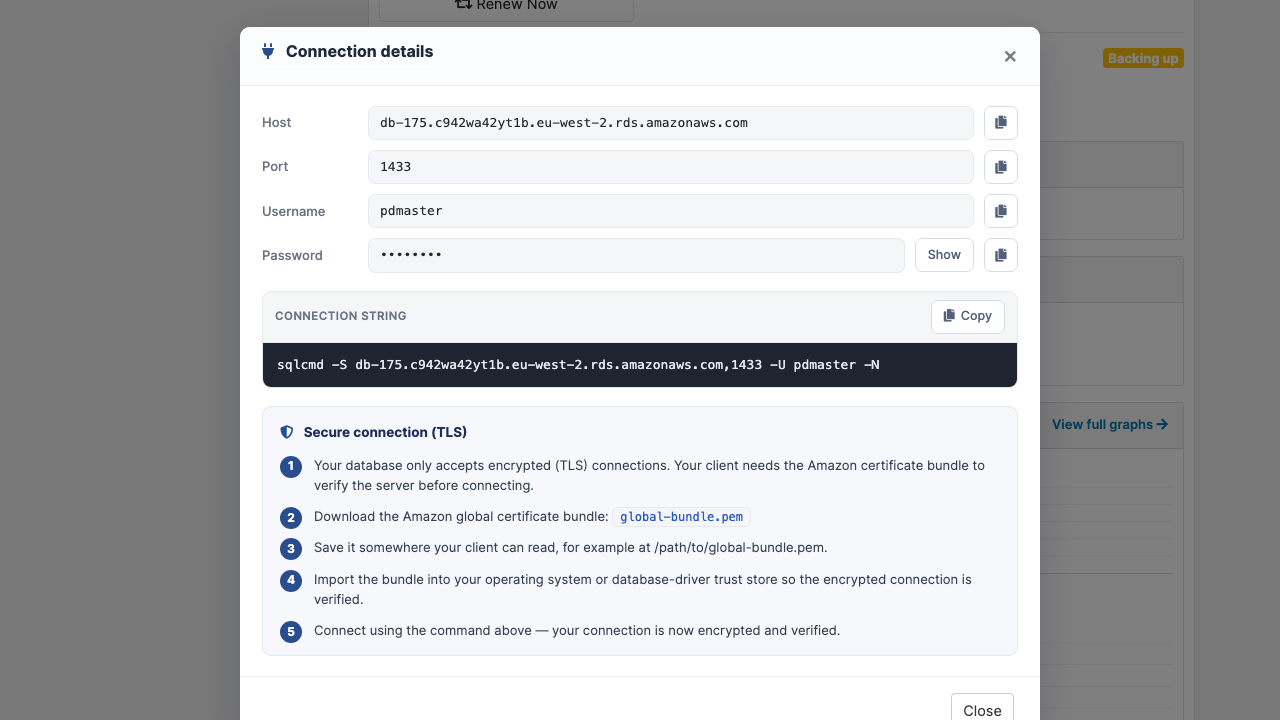
Customers create their own databases. An order creates the server, not a pre-named database. The connection details show host, port 1433, username and password with no Database field, and the customer creates databases with CREATE DATABASE after connecting, as SQL Server is meant to be used.
Connect with sqlcmd in one paste. The connection window gives a ready-to-paste sqlcmd command that encrypts the connection (-N), plus the steps to import the Amazon certificate bundle and verify the server.
Every customer is isolated. Each order gets its own instance, master credentials and firewall group. Nothing is shared, even with another installation using the same AWS account, and the module refuses to take over a database it did not create.
Changes made safely. A snapshot is taken before a plan or storage change is applied, so a restore point exists. Storage is only ever grown, online. A change that cannot be applied is reported to you, never accepted silently while the bill changes.
How it works
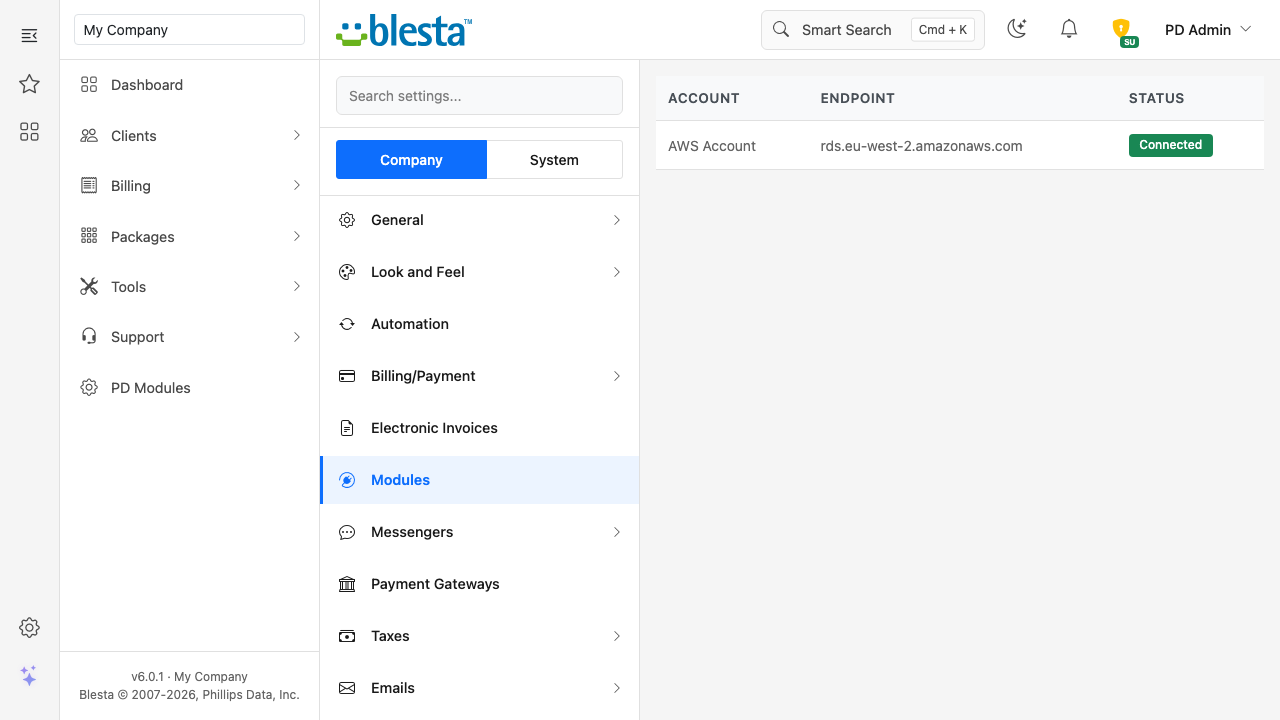
Connect your AWS account. In Blesta, open Settings, Company, Modules, and add an account with your access key. The secret is stored encrypted. Test Connection, in the PD Modules panel, makes one read-only call and creates nothing.
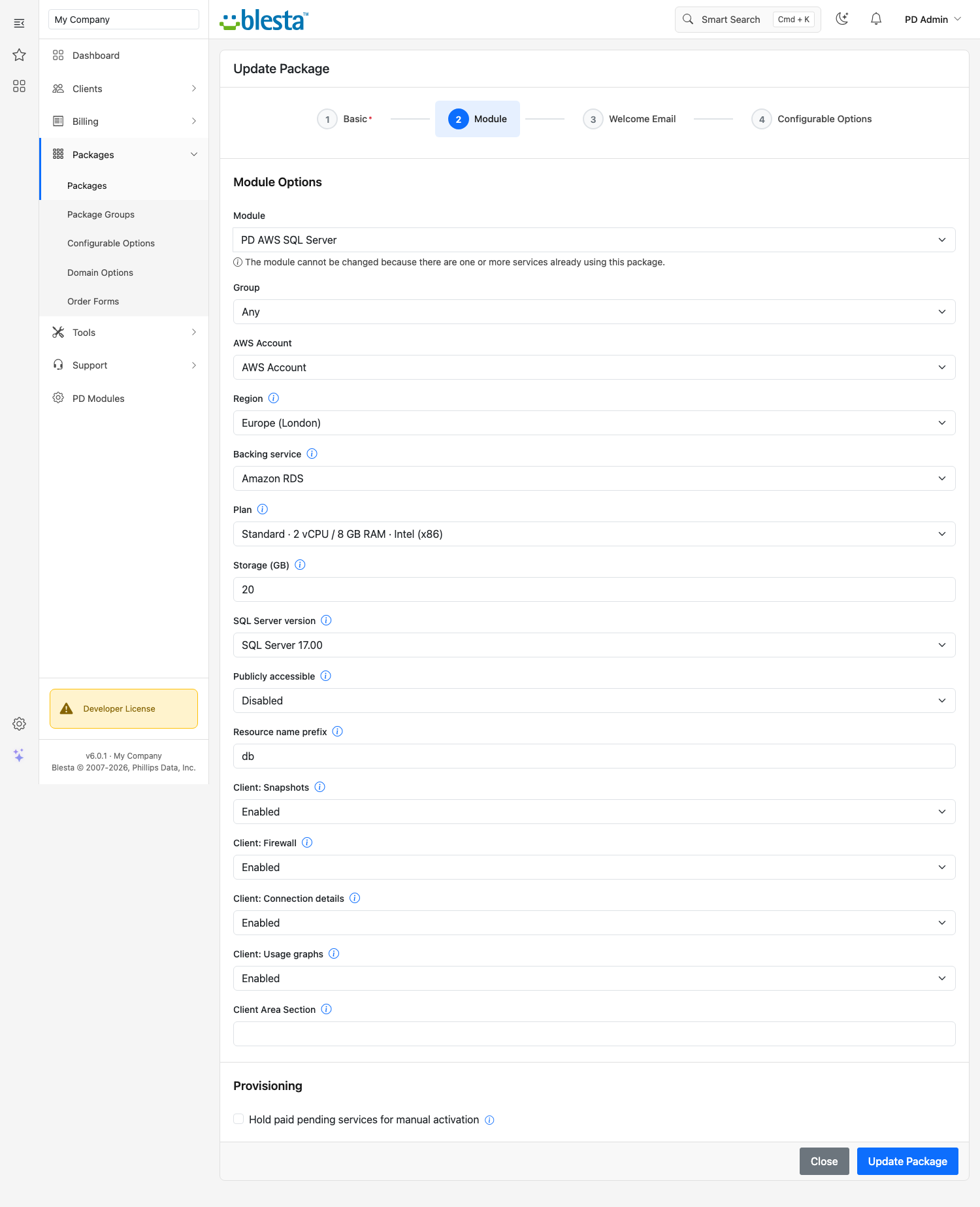
Create your package. Add a Blesta package, choose PD AWS SQL Server as its module, and set region, plan and storage. Press Generate plans to create the option group with the four sizes and storage choices.
Your customer orders. Once the order is paid, the instance is built in the region they chose. Their service page says so, then fills in with the connection details by itself.
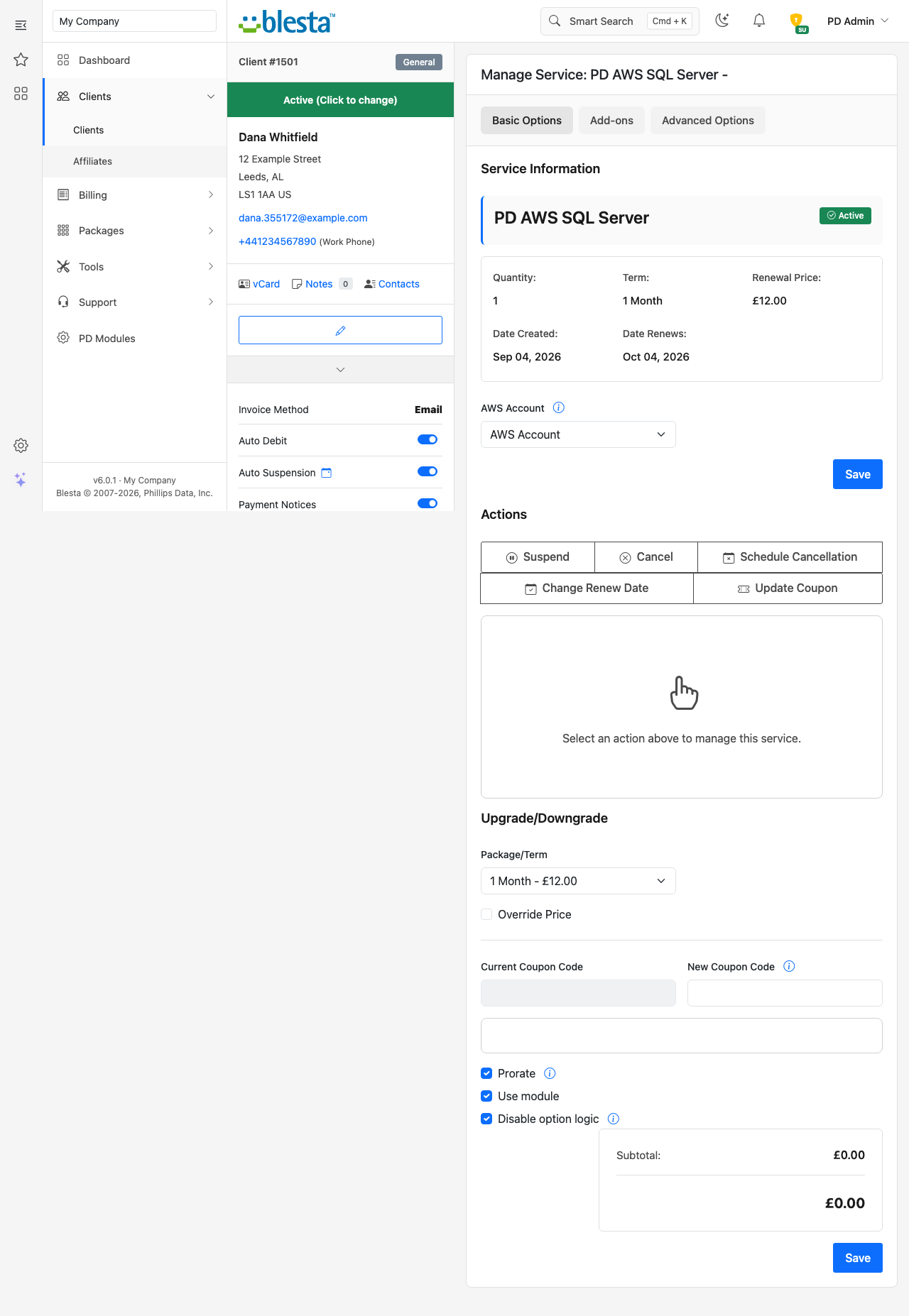
You get paid, they manage it. Blesta keeps billing as usual, and suspend, unsuspend and cancel follow your normal billing.
The package form: AWS account, region, Amazon RDS, a Standard plan, storage and the SQL Server version
What you get in Blesta
Selling and pricing
A package option group generated for you: region, plan, storage, high availability and public access
Every choice starts at no extra charge and you set the prices under Packages, Package Options
A "High availability (Multi-AZ)" choice that gives the customer a standby in a second zone
A public-access choice; left off, the database is reachable only inside the AWS network
Sync with AWS hides choices AWS has retired and adds new ones, without touching prices or existing customers
Billing stays yours: the service is charged at the prices of the package and its options, and nothing is metered into Blesta
Provisioning you can trust
Plan upgrades resize the instance in place and keep its data
Failed setups are recorded with the real reason for you, and running setup twice never creates a second instance
Suspend stops the database and keeps it stopped, even though AWS restarts stopped databases after seven days. Unsuspend starts it again with its data
Terminating deletes the instance with its backups, snapshots and firewall group straight away; a host who wants a copy keeps one in the AWS console first
Running it day to day
Clients & Databases, in the PD Modules panel, lists every database with its service, plan, region, endpoint and live state
An activity log of provisioning, resizes, snapshots and password resets across every service
A report that checks your licence, the AWS SDK and how many credential sets and databases you have
Read-only assistant tools that report a service's database state and recent provisioning activity, with no way to create, resize, delete or restore anything
What your customers get
Start, stop and reboot, and a stopped database keeps its data
Password reset with the rules stated on the form (8 to 128 characters), and a weak password refused before anything is queued
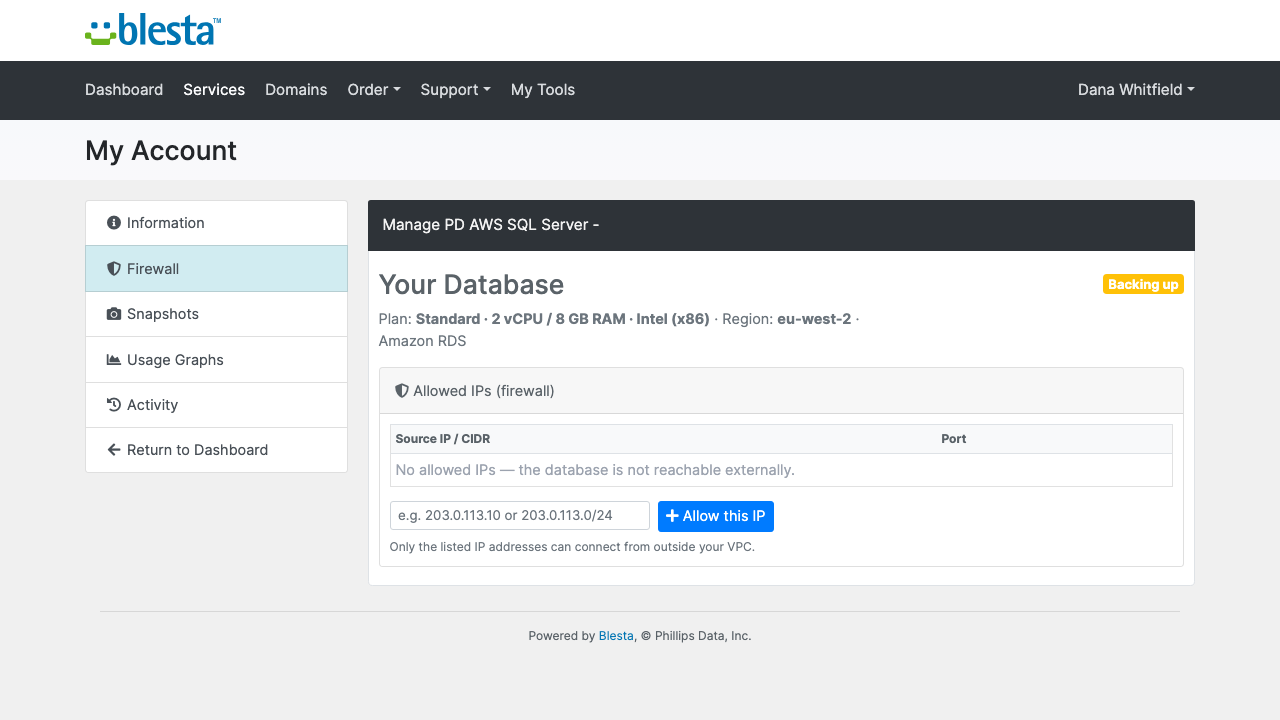
A firewall of allowed IPv4 addresses and ranges for port 1433, applied on the next scheduled run
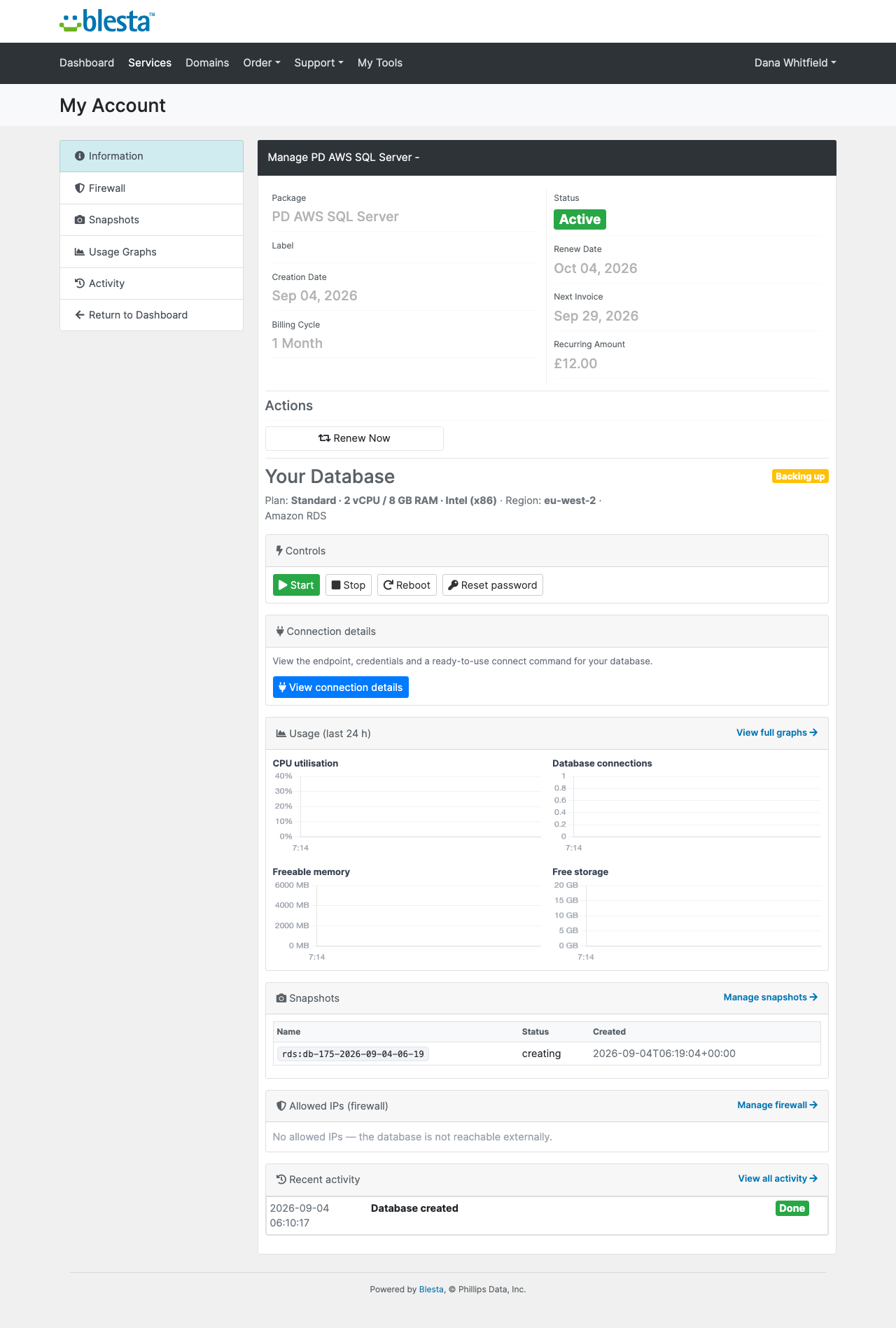
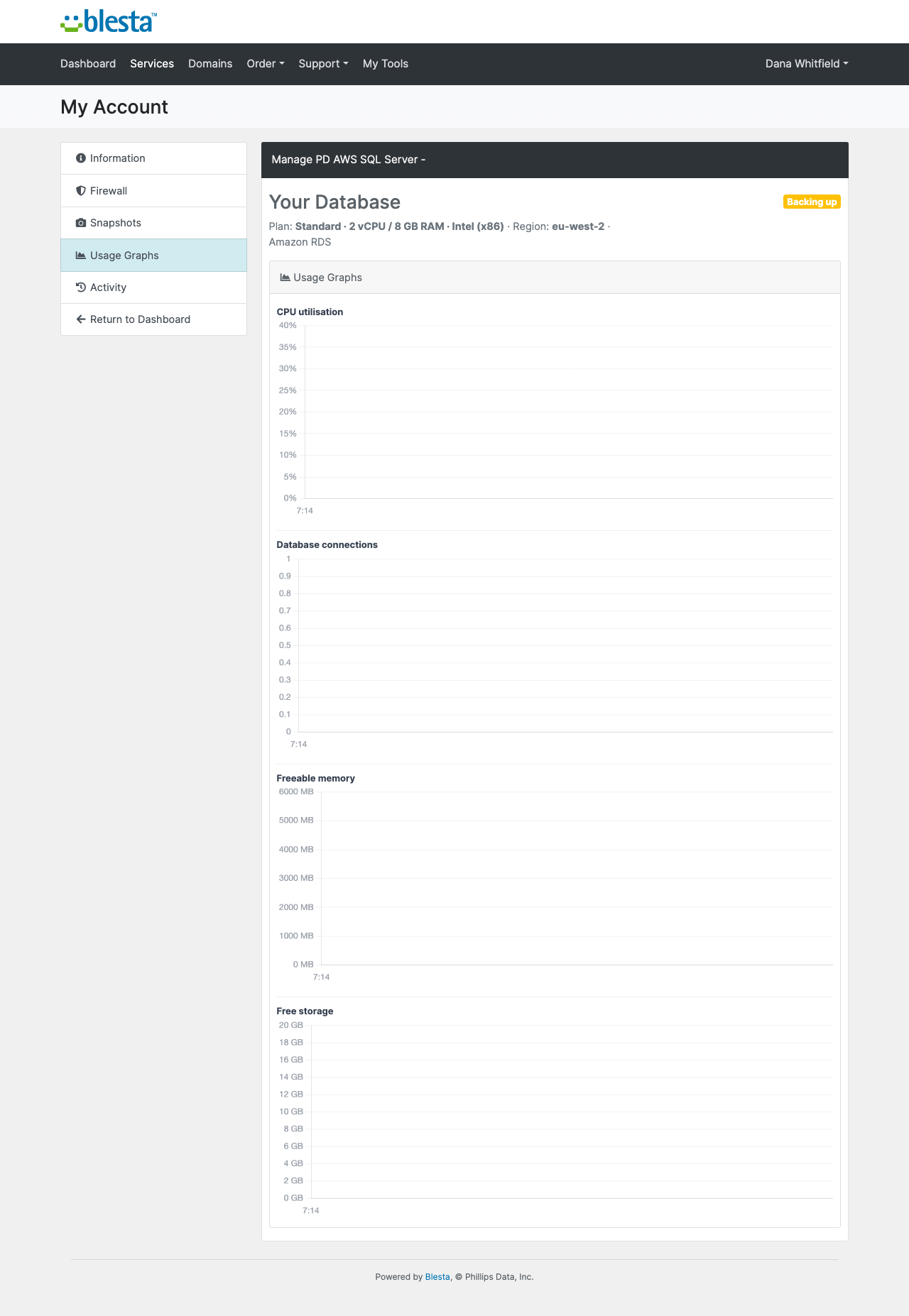
Usage graphs for CPU, connections, freeable memory and free storage over the last 24 hours, from AWS's own metrics
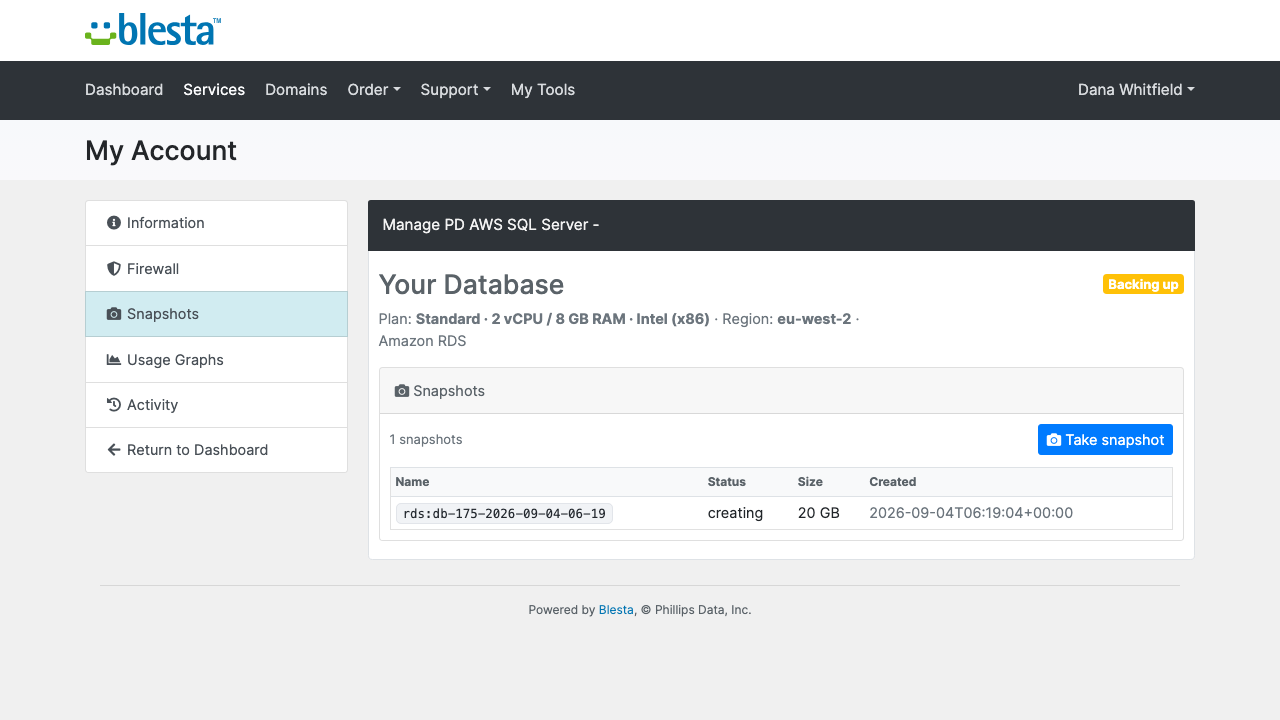
Snapshots they take and delete themselves, with the automated daily backups, kept seven days, listed beside them
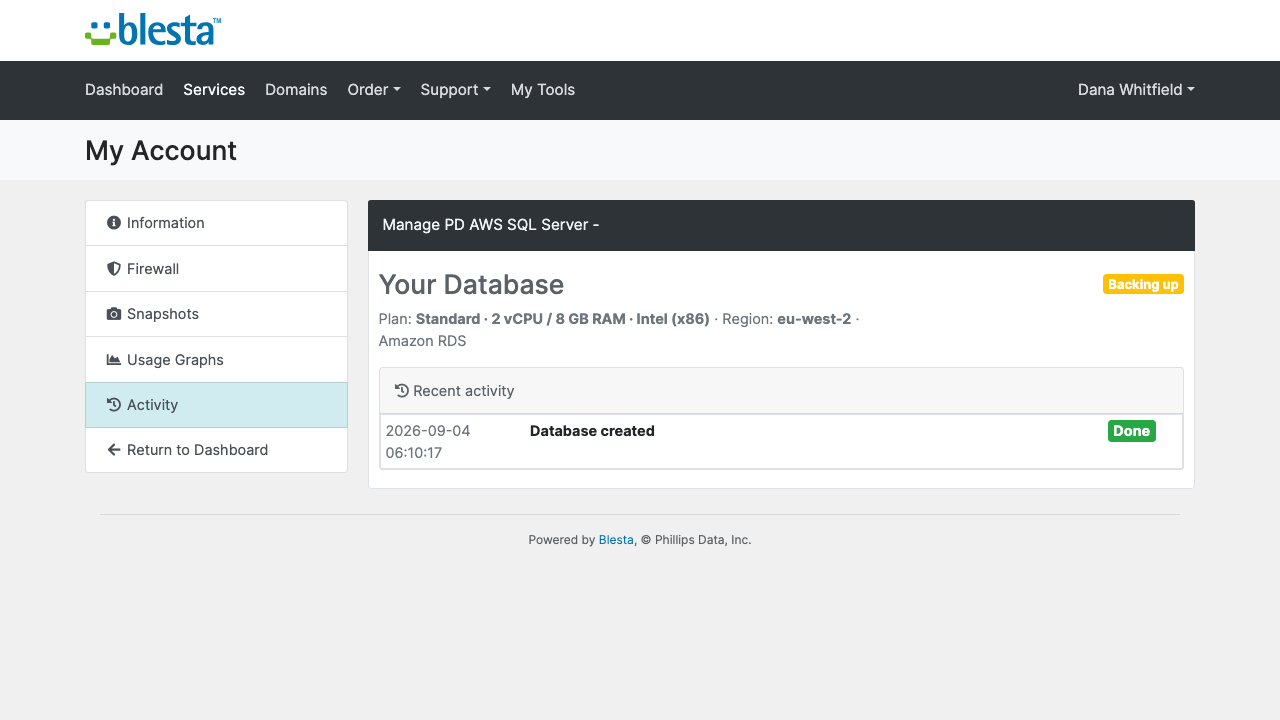
Activity in plain words, with the time and outcome of each action
The connection details window: host, port 1433, username, a sqlcmd command and the steps to verify the connection with the Amazon certificate bundleSnapshots the customer takes themselves, with name, status, size and dateActivity: the time and outcome of what happened to the database
Snapshots, Firewall, Connection details and Usage graphs are each a setting on the package. Turn one off and it disappears from the customer's page, and the request is refused however it is made. The pages render in Blesta's client portal and follow its theme, and every word can be translated or reworded with override files that survive updates. Customers see only your brand.
Security built in
Your AWS keys are stored encrypted in Blesta and never appear on a customer page, in a message or in a log.
Database passwords are stored encrypted on the service, including one the customer sets with Reset password.
Only port 1433 is opened, and only to the addresses the customer lists.
Customer data goes only to your own AWS account. We receive licence, module and version information, nothing else.
Restores stay with you: customers take and delete snapshots, and you restore from the AWS console when asked.
One product, every feature
PD AWS SQL Server is one paid module with everything included. There are no tiers, no add-ons and no per-database fee from us: you pay AWS at cost, licence included, and keep the margin. SQL Server costs more to run than MySQL or MariaDB, so price accordingly. Each order creates a real, billable AWS resource, so there is no free trial.
If your subscription ever lapses, customers' databases are never touched or deleted. You get a 14-day grace period with everything working and a renewal reminder, then admin management locks while customers keep being served, and only after that do customer features pause behind a neutral "temporarily unavailable, please contact support" message. Renewing restores everything at once.
Requirements
Blesta 6 or later on PHP 8.2 or later, with the ionCube Loader
An AWS account and an access key with the Amazon RDS permissions we list, plus the security group permissions every order needs
PD Modules, the free control panel every PD module installs into
Questions
Do I need my own AWS account?
Yes. You connect your AWS credentials once in Blesta admin, and every SQL Server database is provisioned directly into your own AWS account. AWS bills you at cost; you set the sell price in Blesta and keep the difference.
Which SQL Server edition does this provision?
Amazon RDS SQL Server Standard Edition, license-included. AWS includes the SQL Server licence in the instance cost, so there is nothing extra to purchase — just set up your AWS account and start provisioning.
Why is there no database name on the connection details page?
This is intentional and correct SQL Server behaviour. Unlike MySQL or PostgreSQL, SQL Server does not require a named database to be created at provisioning time — the instance is ready to accept connections immediately. Clients create their own databases after connecting using standard SQL: CREATE DATABASE myapp; GO. Multiple databases can share the same instance.
How do clients connect to their database?
The client area Overview page shows the host, port (1433), username (pdmaster), password and a ready-to-paste sqlcmd connection string. A TLS CA certificate download link is also provided for encrypted connections. Clients can connect from any SQL Server-compatible client, driver or ORM using standard MSSQL connection settings.
What happens to a client's data if they resize their plan?
Before any plan resize or storage upgrade is applied, the module automatically takes a pre-change RDS snapshot. This means client data is always preserved before any modification — no extra steps are required from you or your client.
Can clients take their own snapshots and restore from them?
Yes. The Snapshots page in the client portal lets clients create a manual snapshot in one click, see a timestamped list of all their snapshots, and restore from any of them. A styled in-page confirmation dialog appears before any restore or delete — no browser popups, works on every Blesta template.
What plans and storage sizes can I offer?
Four instance-class plans are available out of the box: Standard (db.m5.large), Standard XL (db.m5.xlarge), Memory (db.r5.large) and Memory XL (db.r5.xlarge). Storage is a separate billable configurable option (20 GB, 50 GB, 100 GB and above), so you can offer the right compute-and-storage combination for each client segment and bill for both independently.
What happens if my subscription lapses?
Nothing of yours is touched, and nothing is deleted. The module steps down in stages instead: a 14-day grace period where everything still works and you get a renewal reminder, then admin management locks while your customers carry on being served, and only after that do the customer-facing features stop — behind a neutral "temporarily unavailable, please contact support" message that never mentions licensing to your customer. Anything the module provisioned keeps running in your own account throughout, and your data and settings stay exactly where they are. Renewing restores everything immediately.
What data leaves my server?
Your customers' data stays in your Blesta. To confirm your licence, the platform sends us four things and nothing else: your licence key, the domain, your server's own IP address and the directory it is installed in — the four values recorded against your licence in your client area. Alongside that we see which module and version you run and whether its licence is healthy, so we can ship compatible updates. We never receive your clients' personal data, your credentials, or the contents of your Blesta. Crash reports are off unless you turn them on, and a diagnostic report is only ever sent when you send one, after showing you a preview you can edit.
What’s new in 0.4.62
On Blesta, the plan options screen now says the region, plan and version are chosen on the package, instead of reporting a database error.