PD AWS DocumentDB for WHMCS
£15/mo or £150 annual (save £30)
- Requires
- WHMCS 8.13 or later
- Version
- 0.3.67
- Updated
- 29 Oct 2026
Resell fully-managed, MongoDB-compatible databases on AWS — provisioned, billed and managed in WHMCS or Blesta
Made and supported by Projektif Digital Ltd. Runs inside PD Modules, the panel every module installs into.
£15/mo or £150 annual (save £30)
£15/mo or £150 annual (save £30)
Sell fully-managed MongoDB-compatible databases on AWS under your own brand — provisioned, billed and managed entirely inside WHMCS or Blesta, with no AWS console for you or your clients to touch.
Each database gets its own "Manage Database" navigation menu in the client area, with five dedicated sections that put each feature front and centre:
mongosh command with TLS flags pre-filled) and power controls (start, stop, reboot, reset password)Amazon DocumentDB grows its storage automatically as data is added — there is nothing for you or your clients to size, provision or resize. Charges are purely usage-based on your AWS account.
Each order creates a dedicated, isolated DocumentDB cluster on your AWS account automatically — no shared databases, no shared credentials. One product, every feature included.
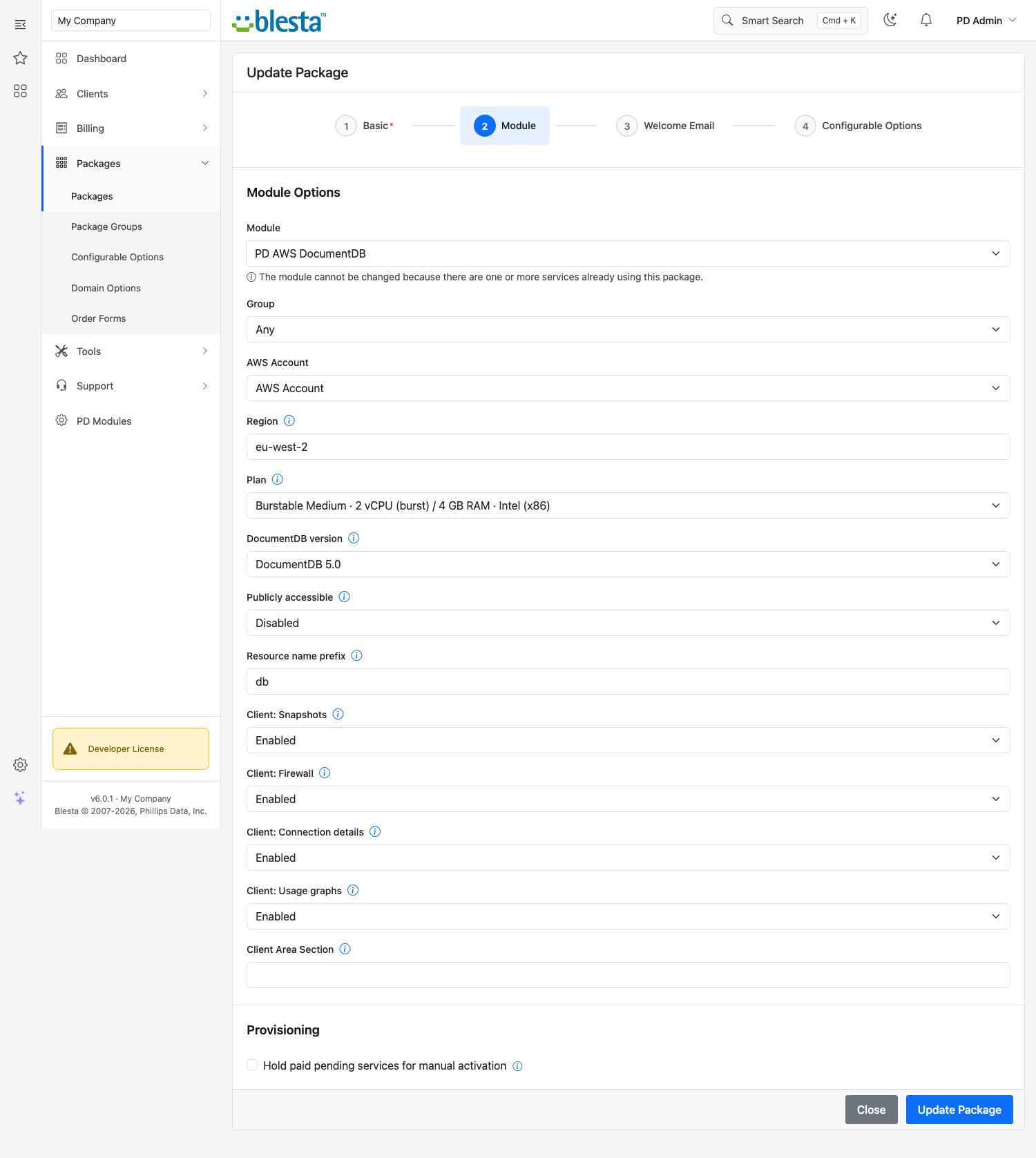
Open the Products panel and hit Generate plans — a ready-to-price set of instance sizes (from the affordable db.t3.medium through the memory-optimised db.r6g.2xlarge) is created and linked as configurable options for you. No manual option wrangling.
No add-ons and no tiers to juggle — one paid product unlocks every feature. Clusters run on your own AWS account: you pay AWS at cost, you set the sell price, and the difference is your margin. Renders natively on every WHMCS or Blesta theme with no extra CSS.
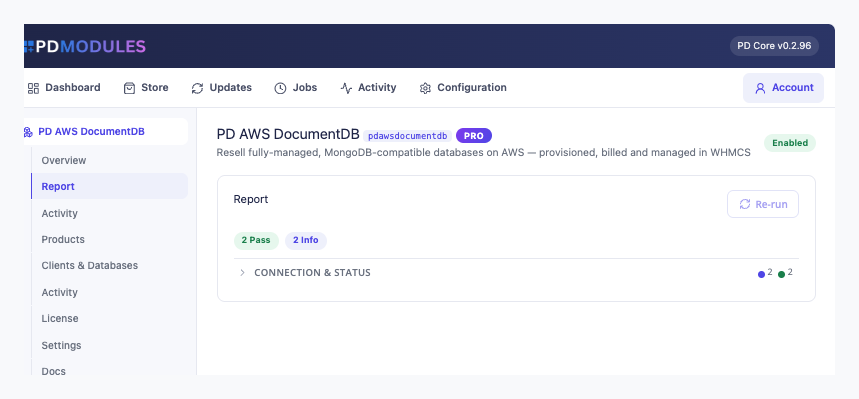
PD AWS DocumentDB is available for WHMCS (8.13 or later) and Blesta (6.0 or later). Each has its own page with the screenshots, requirements and price for that system. A module is added to the PD Modules licence of the installation it runs on, so a WHMCS installation and a Blesta installation each hold their own licence.
On your own AWS account — as dedicated, isolated Amazon DocumentDB clusters provisioned in the region you choose. You pay AWS for the compute and storage; you set the sell price in WHMCS or Blesta and keep the difference.
Amazon DocumentDB is a fully-managed, MongoDB-compatible document database on AWS. It is compatible with MongoDB drivers and tools (mongosh, Compass, and others) while AWS handles patching, backups, storage scaling and high availability.
Yes. You connect your AWS credentials in the WHMCS or Blesta Server settings once, and every client cluster is provisioned automatically into your account. No per-client AWS access required.
Yes. Amazon DocumentDB grows its storage automatically as data is added — there is no disk size to choose at order time. Neither you nor your clients ever need to resize storage manually.
Yes. Changing the configurable option on the service resizes the underlying instance class in place — all data is preserved.
The client area shows the cluster endpoint, port, username, and a ready-to-paste mongosh connection string (TLS flags pre-filled). MongoDB drivers and tools use the same endpoint. TLS with the Amazon global CA bundle is required; a download link is on the Overview page.
Trial availability is set per product by the hosting provider. Note that a DocumentDB trial provisions a real AWS cluster, so factor that into how you offer it.
No. The module communicates with AWS through the AWS SDK bundled with PD Core — nothing else needs to be installed on your server.
Nothing of yours is touched, and nothing is deleted. The module steps down in stages instead: a 14-day grace period where everything still works and you get a renewal reminder, then admin management locks while your customers carry on being served, and only after that do the customer-facing features stop — behind a neutral "temporarily unavailable, please contact support" message that never mentions licensing to your customer. Anything the module provisioned keeps running in your own account throughout, and your data and settings stay exactly where they are. Renewing restores everything immediately.
Your customers' data stays in your WHMCS or Blesta. To confirm your licence, the platform sends us four things and nothing else: your licence key, the domain, your server's own IP address and the directory it is installed in — the four values recorded against your licence in your client area. Alongside that we see which module and version you run and whether its licence is healthy, so we can ship compatible updates. We never receive your clients' personal data, your credentials, or the contents of your WHMCS or Blesta. Crash reports are off unless you turn them on, and a diagnostic report is only ever sent when you send one, after showing you a preview you can edit.
Open a ticket from your client area, or use Get help inside the PD Modules panel, which attaches a diagnostic report — you see a preview of exactly what it contains, and can exclude any part of it, before anything is sent. Support is included with an active subscription; bug reports are welcome whatever your licence state.
Resell fully-managed MySQL databases on AWS — provisioned, billed and managed in WHMCS or Blesta
Resell Amazon EC2 compute as your own cloud servers — provisioned, billed and managed in WHMCS or Blesta
Resell Amazon Lightsail as your own VPS — provisioned, billed and managed in WHMCS or Blesta
Resell fully-managed SQL Server databases on AWS — provisioned, billed and managed in WHMCS or Blesta