PD Agreements for WHMCS
£10/mo or £100 annual (save £20)
- Requires
- WHMCS 8.13 or later
- Version
- 0.2.43
- Updated
- 29 Oct 2026
Versioned terms, contracts and SOWs your customers actually sign — with evidence you can produce years later
Made and supported by Projektif Digital Ltd. Runs inside PD Modules, the panel every module installs into.
£10/mo or £100 annual (save £20)
£10/mo or £100 annual (save £20)
That is fine until the day it matters — a chargeback, an abuse complaint, a data-protection question, or a customer who says they never agreed to the clause you are relying on. At that point you need to show which version of your terms was in force, what it said, and that this customer accepted it on this date.
PD Agreements gives you exactly that.
Nobody has to remember to chase anyone, and when a dispute arrives years later you produce the evidence record rather than an argument.
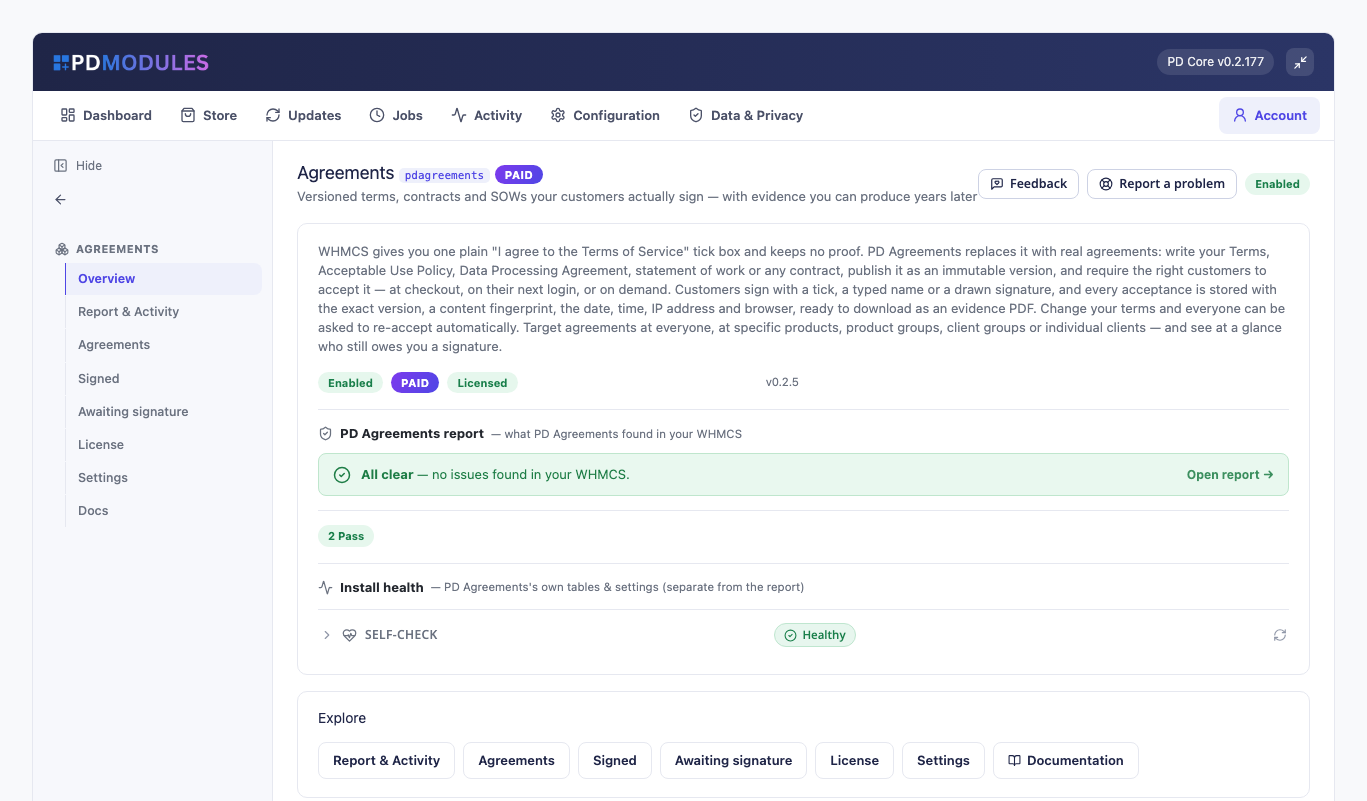
Compose your Terms of Service, Acceptable Use Policy, Data Processing Agreement, statement of work or any other document in the panel, in plain Markdown. Publishing freezes the text as a numbered version with a SHA-256 fingerprint — published text is never editable, so a customer who signed version 1 stays attached to exactly what version 1 said.
A tick box, a typed full name, or a signature drawn with a finger or mouse. Optionally require the customer to scroll to the end before the accept button unlocks.
Every acceptance stores the document version, the content fingerprint, the date and time, the IP address, the browser and the signature itself — and downloads as a self-contained evidence PDF containing the full text exactly as accepted, with your company name and registration line at the foot.
The signing screen works from the keyboard and with a screen reader: the agreement scrolls with the arrow keys, the signature pad is labelled, and a customer who can't draw a signature can choose "I can't draw a signature" and type their name instead. The record shows the method they actually used, so your evidence stays honest.
Download the signatures or the audit log for any period as a CSV. Your own systems can follow signing too — ask whether a client has accepted, list who is outstanding, or ask a client to sign — and your assistant can look up who has signed, or ask a client to sign and send reminders once you confirm.
> PD Agreements is the record-keeping mechanism. The wording of your agreements — and whether a given > signature method suits your jurisdiction — remain matters for your own legal adviser.
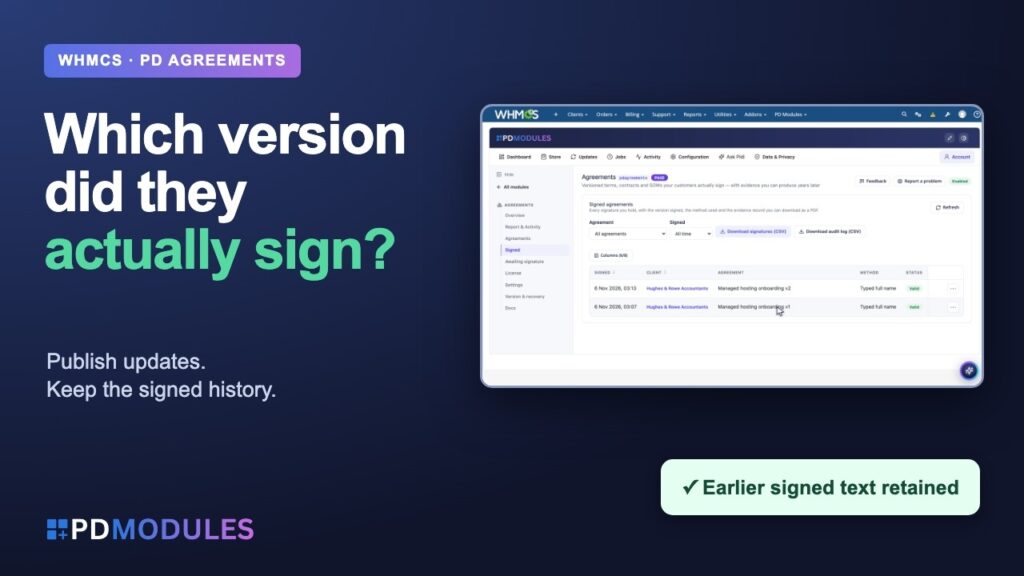
WHMCS Customer Agreements: Setup, Signatures & Version Control - PD Agreements | PD Modules. Watch on YouTube. The player loads from YouTube when you press play.
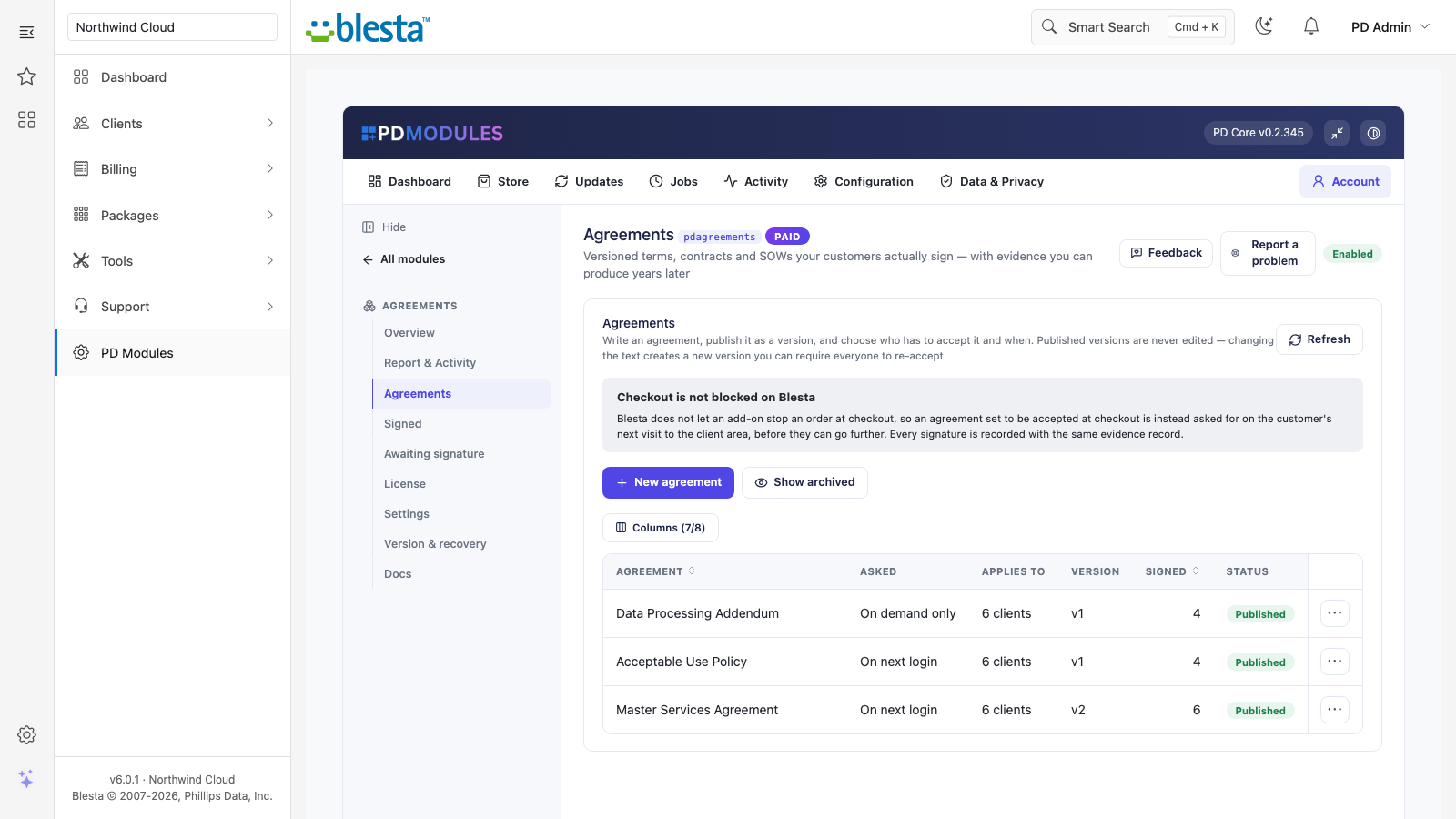
PD Agreements is available for WHMCS (8.13 or later) and Blesta (6.0 or later). Each has its own page with the screenshots, requirements and price for that system. A module is added to the PD Modules licence of the installation it runs on, so a WHMCS installation and a Blesta installation each hold their own licence.
In most jurisdictions an electronic signature is capable of being binding, and what decides a dispute is the evidence that a specific person accepted a specific text at a specific time — which is exactly what is stored: the version, a fingerprint of the wording, the date and time, the IP address and browser, and the signature itself. Whether a particular method suits your contract type and country is a question for your legal adviser.
No, deliberately — the value of the record is that the text cannot be changed after the fact. Edit and publish again: you get a new version, and version history shows what changed and when.
Only if you choose that. By default an unsigned customer can still pay invoices and open tickets, so you never block a customer from paying you. You can tighten it to "nothing until signed" or loosen it to "everything except placing new orders". Logging out and password reset are always available.
No. PD Agreements makes no outbound calls. Agreements, signatures and evidence records live in your own WHMCS or Blesta database, and the evidence PDF is generated on your server using the PDF engine already bundled with WHMCS or Blesta.
Yes — by default they see their signed agreements in their client area and can download the same evidence PDF you can. You can turn that off in Settings.
You can revoke one, which records the reason and the time and asks the customer to sign again. You cannot delete it, because a record you can quietly remove is not evidence. Deleting an agreement removes it from your list and stops anyone being asked, but every signature keeps its evidence record, with the exact text that was signed.
Your customers are never locked out — the signing surfaces keep working and everything you have already collected stays readable and downloadable. Authoring new agreements and chasing signatures is what pauses until the licence is active again.
Nothing beyond the module subscription. PD Agreements runs entirely inside your WHMCS or Blesta and does not connect to a paid third-party service, so there is no usage bill, no per-message or per-GB charge, and no metered anything.
Yes. The agreement scrolls from the keyboard, the signature pad is labelled for screen readers, and a customer who cannot draw a signature can choose to type their name instead. The record shows the method actually used.
Yes. Download the signatures or the audit log as a CSV for any period. A drawn signature appears as yes or no rather than the image, and the IP address and browser columns are left out when you have turned that recording off.
Yes. In the agreement, under "Except these customers", pick the add-ons, products, product groups or client groups to leave out. A customer who has any of them is not asked, whatever else you targeted, including an agreement for everyone. It is checked every time, so when a customer buys the add-on they stop being asked with nothing for you to remove, and if they lose it they are asked again. Signatures already collected are kept.
Yes. Open the agreement and press Remove beside the client in the list of clients asked by name, or press Remove on their page in your admin area. They are no longer asked because they were named, and anything they already signed is kept. If your targeting still reaches them they are still asked, and the screen tells you so.
Rich client, service & domain notes with reminders
 Featured
Verify callers with a per-client Support PIN
Stop fake signups & order fraud before they provision
 Featured
Automatic discounts, product bundles and free trials for WHMCS or Blesta — rule-based, no promo code needed