PD Google Cloud SQL Server for WHMCS
£15/mo or £150 annual (save £30)
- Requires
- WHMCS 8.13 or later
- Version
- 0.1.48
- Updated
- 31 Oct 2026
Sell managed SQL Server databases on Google Cloud under your own brand — provisioned, billed and managed in WHMCS or Blesta
Made and supported by Projektif Digital Ltd. Runs inside PD Modules, the panel every module installs into.
£15/mo or £150 annual (save £30)
£15/mo or £150 annual (save £30)
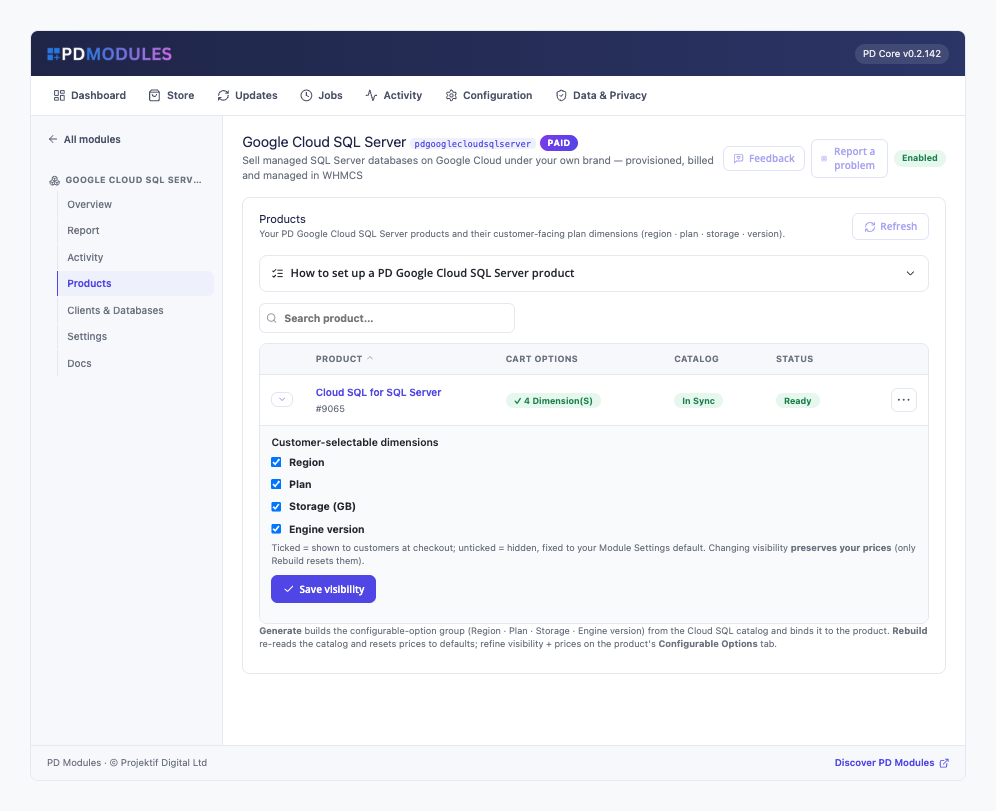
Sell managed Microsoft SQL Server databases on Google Cloud under your own brand — provisioned, billed and managed entirely inside WHMCS or Blesta, with no Google Cloud console for you or your clients to touch.
Offer Express, Web or Standard across SQL Server 2019, 2022 and 2025 — expose the choice at checkout or fix it per product, and price every edition exactly how you like.
sqlcmd commandPlan and storage upgrades apply in place and preserve data; storage auto-grows so a full disk never takes a database down; suspension pauses the instance without ever touching data; and termination is driven to zero orphaned instances.
No add-ons and no tiers to juggle — one paid product unlocks every feature. Your Google Cloud credentials never appear on any customer-facing page.
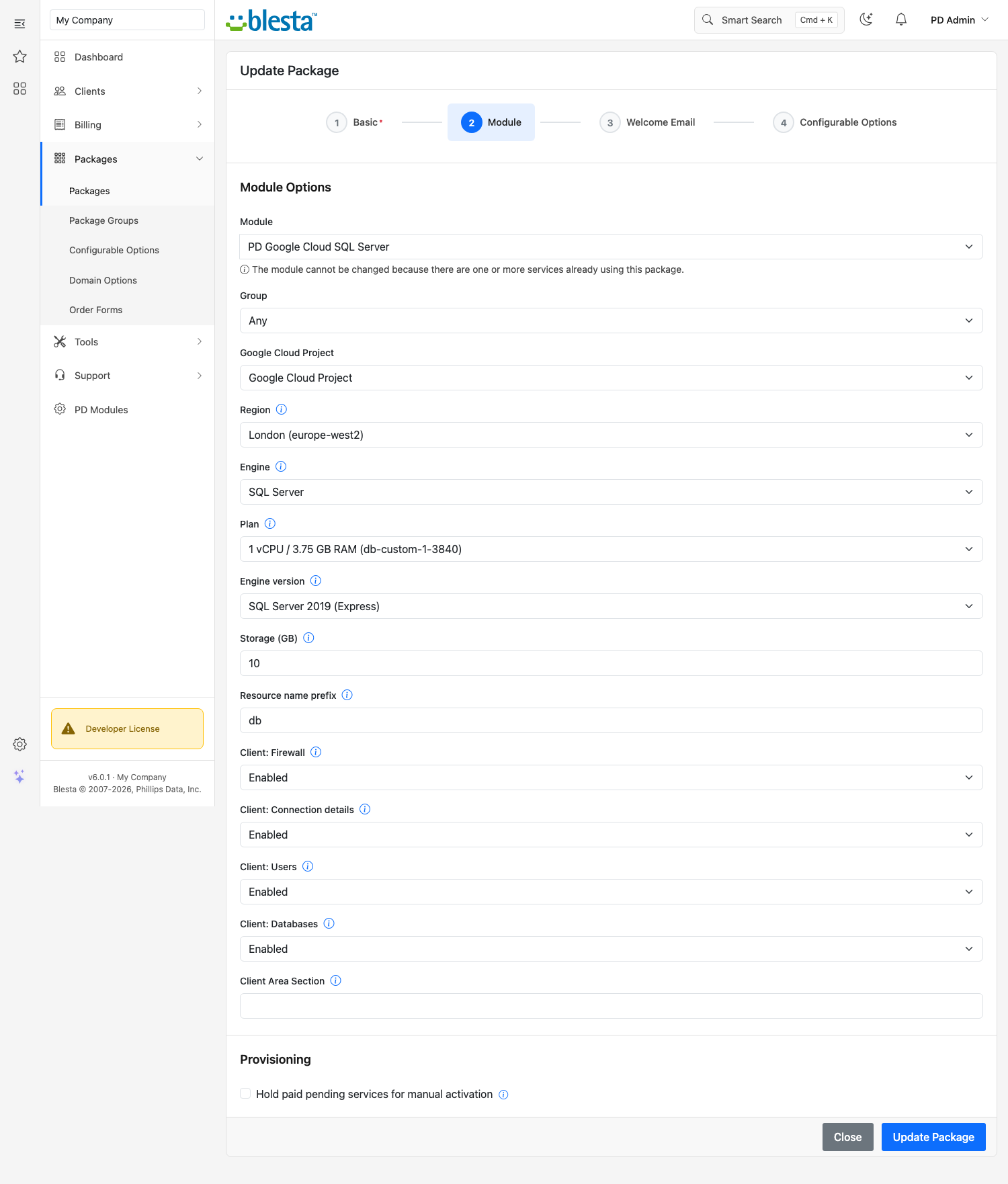
PD Google Cloud SQL Server is available for WHMCS (8.13 or later) and Blesta (6.0 or later). Each has its own page with the screenshots, requirements and price for that system. A module is added to the PD Modules licence of the installation it runs on, so a WHMCS installation and a Blesta installation each hold their own licence.
Yes. You connect a Google Cloud service-account key once, and every client's database is provisioned into your project — Google bills you, you bill your client through WHMCS or Blesta, and the difference is your margin.
Yes. Each instance gets a public endpoint on port 1433 with SSL/TLS, protected by a trusted-sources allow-list the client manages themselves — nothing can connect until they add an address.
Yes — from their client area they create and drop databases and SQL Server logins, set passwords and regenerate the admin password, all without a SQL client or the Google Cloud console.
Yes, through WHMCS's or Blesta's normal Upgrade/Downgrade flow. The instance is resized in place with the data preserved, and storage also auto-grows on its own before the disk fills.
Open a ticket from your client area, or use Get help inside the PD Modules panel, which attaches a diagnostic report — you see a preview of exactly what it contains, and can exclude any part of it, before anything is sent. Support is included with an active subscription; bug reports are welcome whatever your licence state.
Sell managed MySQL databases on Google Cloud under your own brand — provisioned, billed and managed in WHMCS or Blesta
Sell managed PostgreSQL databases on Google Cloud under your own brand — provisioned, billed and managed in WHMCS or Blesta
Sell Google Cloud Storage under your own brand — provisioned, metered and billed in WHMCS or Blesta
Manage your Google Cloud DNS zones and records inside WHMCS or Blesta — fast, self-service, auto-provisioned