PD AWS Neptune — Resell Fully-Managed Graph Databases on AWS in Blesta
Resell fully-managed graph databases on AWS — provisioned, billed and managed in Blesta
Made and supported by Projektif Digital Ltd.
Runs inside PD Modules, the panel
every module installs into.
Databases
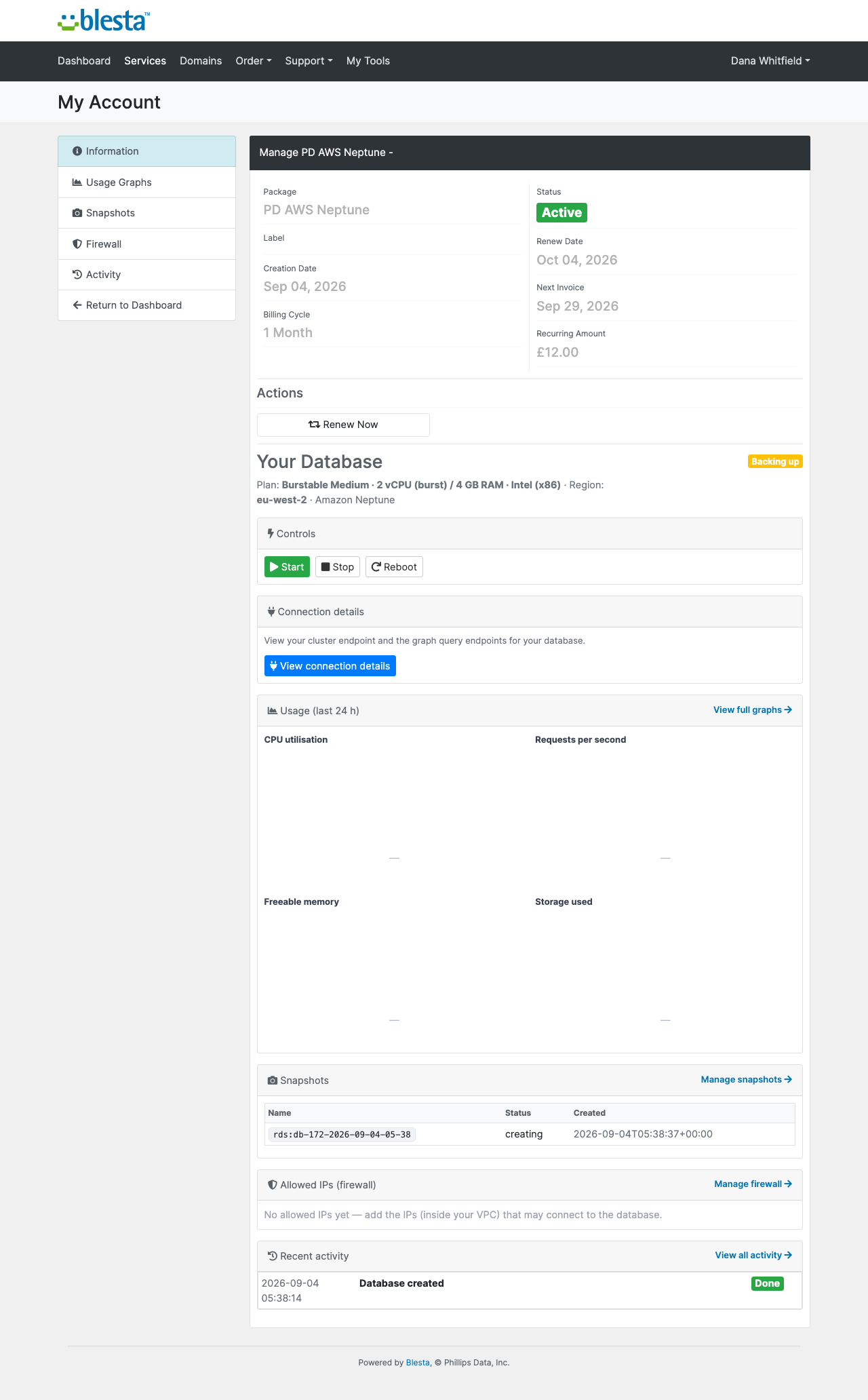
Build the package once — plan, region and limits — and it is ready to sell.The service as you see it: its state at the provider and every control, in one place.Connect your own provider accounts — your keys, your billing, no middleman.What your customer sees: their service, its state, and the controls they can use themselves.Connection details your customer can copy safely, without you emailing credentials.The customer-facing side of AWS Neptune, on their own service page.Snapshots your customer takes and restores themselves.Customers manage their own access rules — no ticket, no waiting on you.Your customer sees exactly what happened and when — fewer "what is going on?" tickets.1 / 9
PD AWS Neptune lets a hosting company sell Amazon Neptune, AWS's managed graph database, as its own package in Blesta. Your customer orders and pays, a dedicated cluster is built in your AWS account, and your customer manages it from the Blesta client portal: query endpoints, usage graphs, snapshots and an allowed-address list, with no AWS console and no mention of Amazon. You set the price, AWS bills you the cost, and the difference is your margin.
It is built for hosts whose customers work with connected data: recommendation engines, fraud and identity graphs, knowledge graphs and network maps. Those teams are comfortable with Gremlin, openCypher or SPARQL, rarely want to run a graph database themselves, and would rather buy one from their host than open an AWS account.
Why hosts choose PD AWS Neptune
A package few hosts offer. Graph workloads are real and the teams that build them have few places to buy a managed graph database from a provider they already trust. You become that place, with your pricing and your brand on every page.
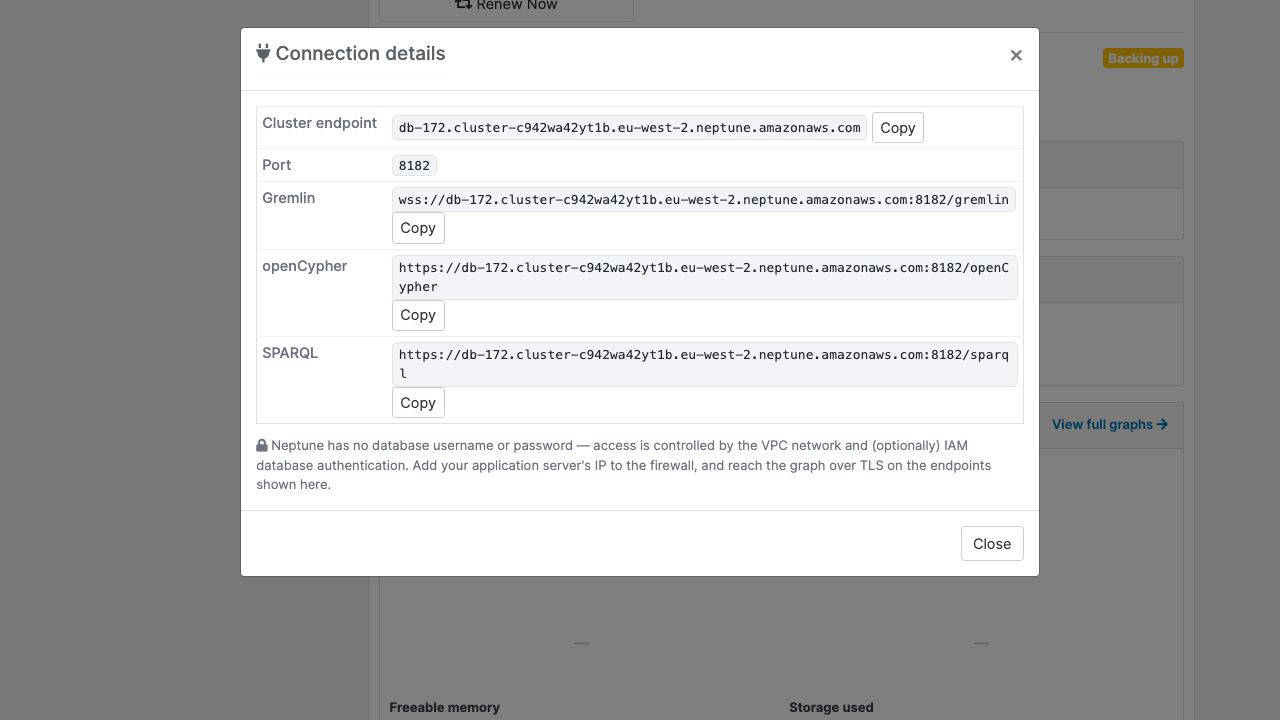
All three query languages, ready to copy. The connection details show the cluster endpoint on port 8182 and the Gremlin (wss), openCypher and SPARQL (https) endpoints, each with a copy button. They are the cluster's real query endpoints.
Every paid order sets itself up. Blesta adds a new order as pending and provisions it once the invoice is paid, through its Provision Paid Pending Services task. The cluster is built in the region the customer chose, with the plan and version they picked, and nobody on your team opens the AWS console.
Nothing is shared between customers. Each cluster gets its own security group, named for the service. If the region has no default network, or your key cannot create a security group, the order is refused with the reason in your Activity log. The cluster is never put on a shared firewall.
Told plainly how access works. Neptune has no database username or password. Access is controlled by the network, so whatever the cluster's firewall lets in can read and write the graph, and the customer's page says exactly that. Customers add the addresses of their own application servers, and nothing else gets through.
Nothing left billing. Terminating a service removes the cluster, its instances, its own firewall and its manual snapshots, then confirms at AWS that they are gone. A cluster stopped for suspension is started first so AWS will delete it.
How it works
Connect your AWS account. Create an IAM user with the policy in our guide. Under Settings, Company, Modules, open PD AWS Neptune and add an account with its keys. The secret is stored encrypted. Test Connection in the PD Modules panel makes one read-only call; nothing is created.
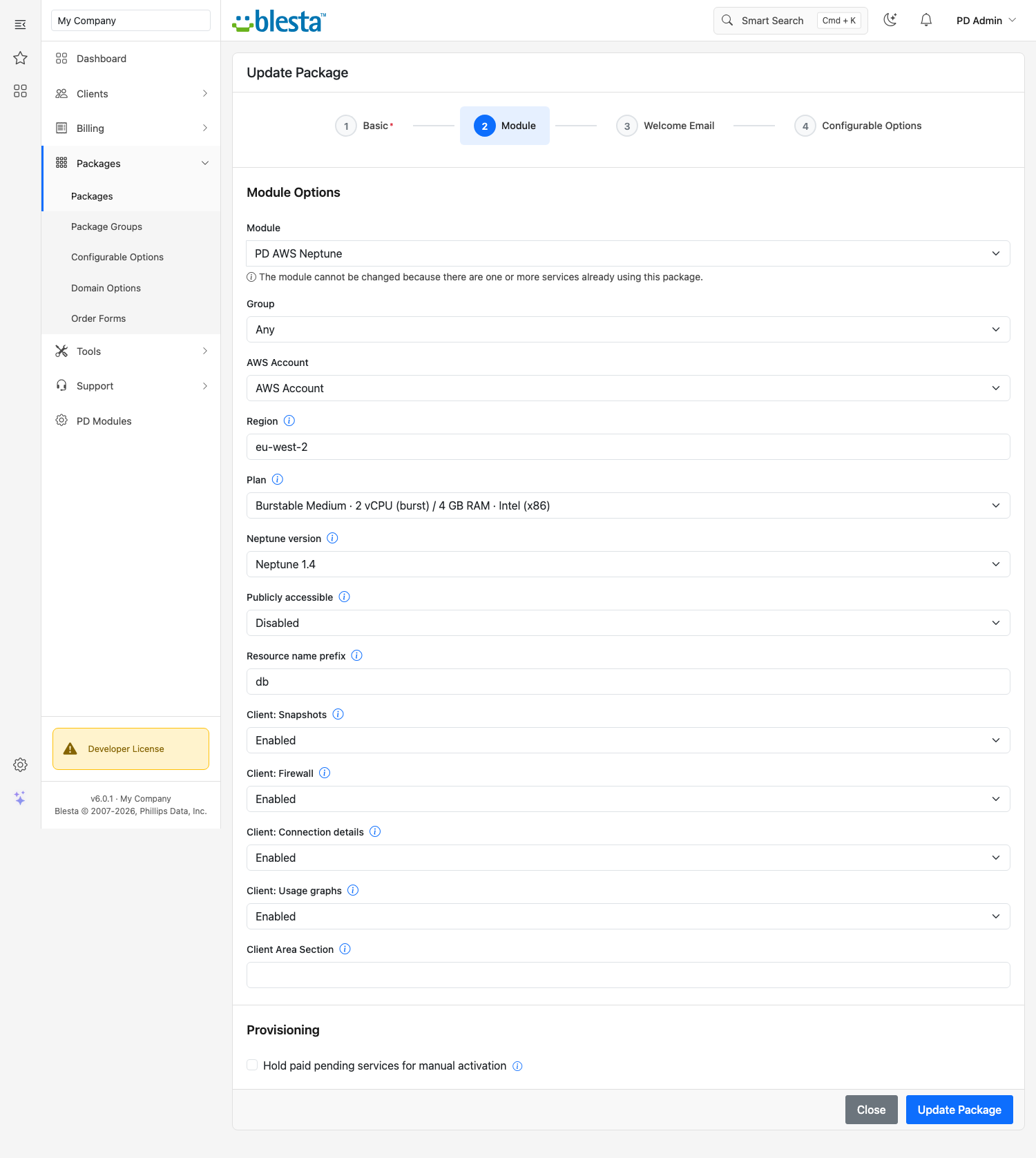
Create your package. Choose PD AWS Neptune as the module and pick the account, region, plan and Neptune version. The package form offers dropdowns of what is actually on offer, and private network access is the default.
Generate and price the options. One click in the Products panel attaches Region, Plan and Version as package options, trimmed to what AWS offers in that region, each at price zero. You set every price under Package Options. The module never changes a price after generation unless you press Rebuild, and the button warns you first.
Your customer orders. They choose their options and pay. Their endpoints appear on the service page as soon as AWS reports the cluster available.
The package form: AWS account, region, plan, Neptune version, private network access and a switch for each customer feature
What you get in Blesta
Selling and pricing
Region, Plan and Version as package options, with plans trimmed to what AWS actually offers in the package's region
A default plan that is always one AWS currently offers
A blank version means whatever AWS uses for new clusters; a chosen version is the one provisioned
A chosen option's price is what the invoice and every renewal charge, in the customer's currency
A resource name prefix of your choice, so clusters read as <prefix>-<service id> in AWS
Switches for each customer feature, per package: snapshots, firewall, connection details and usage graphs
Provisioning you can trust
If AWS refuses an order, you see AWS's reason in the Activity log and the customer is told it could not be set up, never left on "still provisioning"
Creating the service again adopts the cluster that already exists instead of building a second one
Plan upgrades and downgrades resize the cluster in place and keep the data
Suspending stops the cluster and keeps the data. AWS restarts a stopped cluster after seven days, and the module stops it again
A cluster deleted outside Blesta is reported to you in the Activity log, never to the customer
The module refuses to be deactivated while it still tracks clusters, so no record is orphaned
Running it day to day
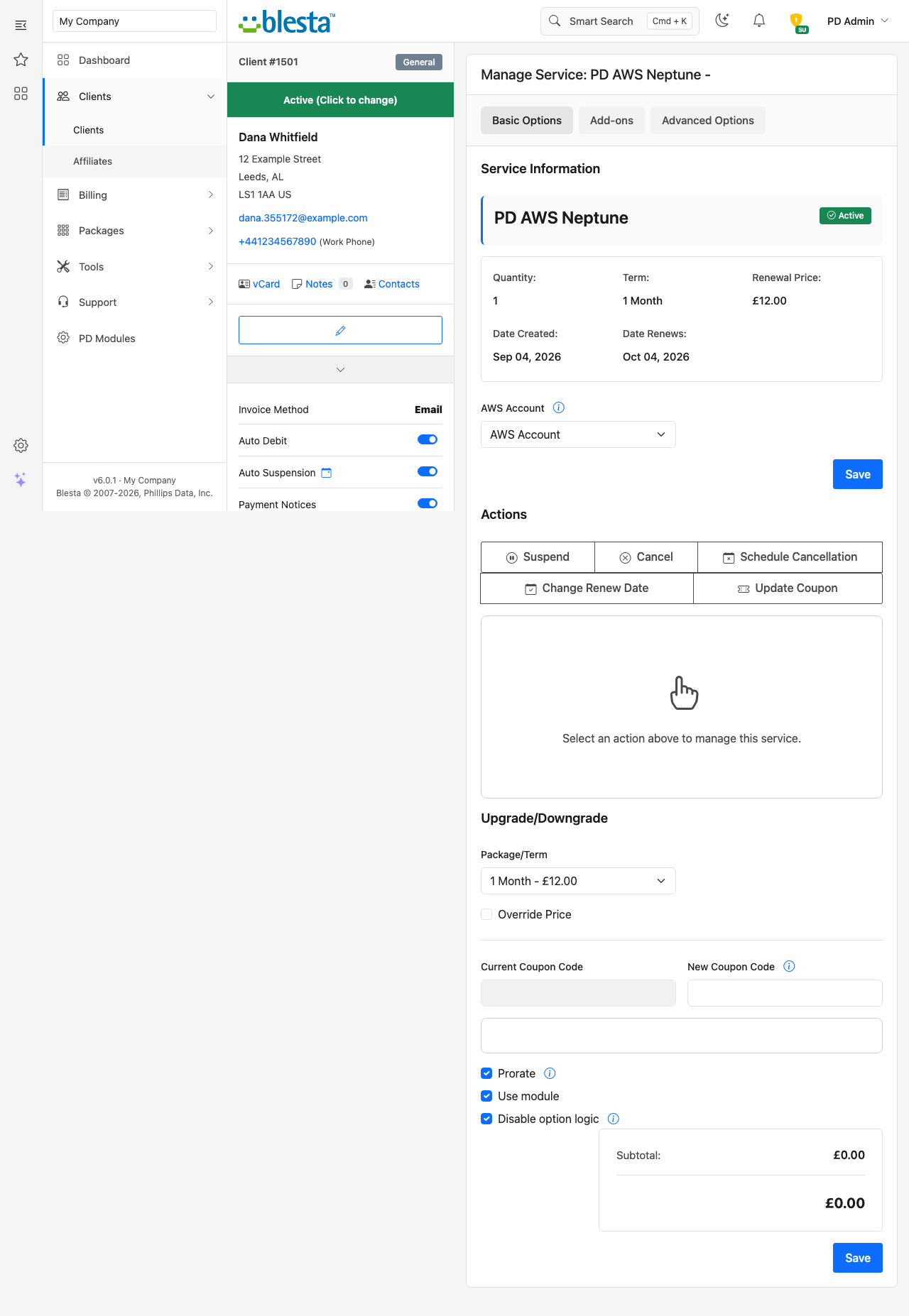
Clients and Databases: every cluster with its service, plan, region, endpoint and state
Activity: recent provisioning and actions across all clients, with the outcome and AWS's reason for any failure
A Report showing licence state, your configured AWS accounts and the database count
Read-only AI tools for service status, the database list and recent activity; nothing can create, resize or delete through them
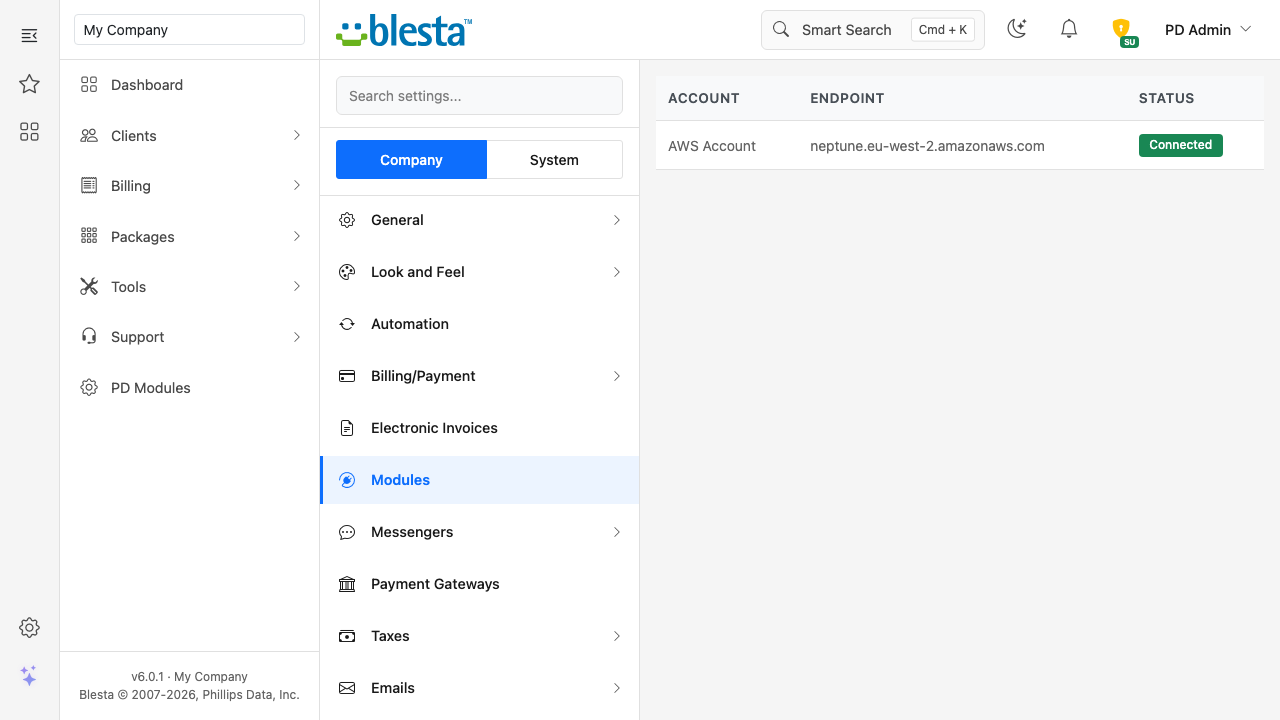
Your AWS account listed under Modules and shown as Connected
What your customers get
Start, stop and reboot, each behind a confirmation dialog in the page, and pressing one twice while the first is queued does it once
Query endpoints for Gremlin, openCypher and SPARQL, with copy buttons and a plain note on how access works
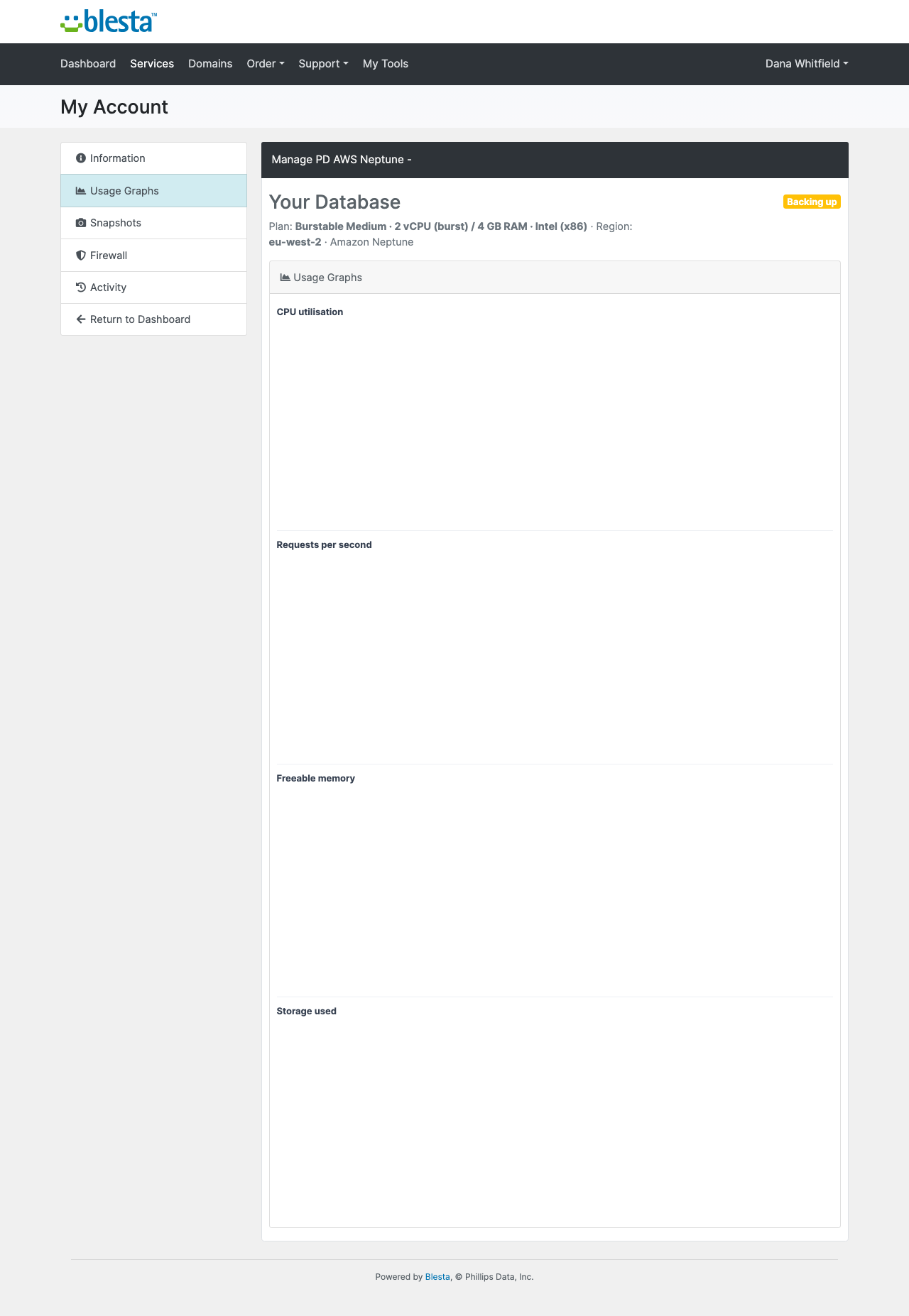
Usage graphs for CPU, requests per second, freeable memory and storage used over the last 24 hours
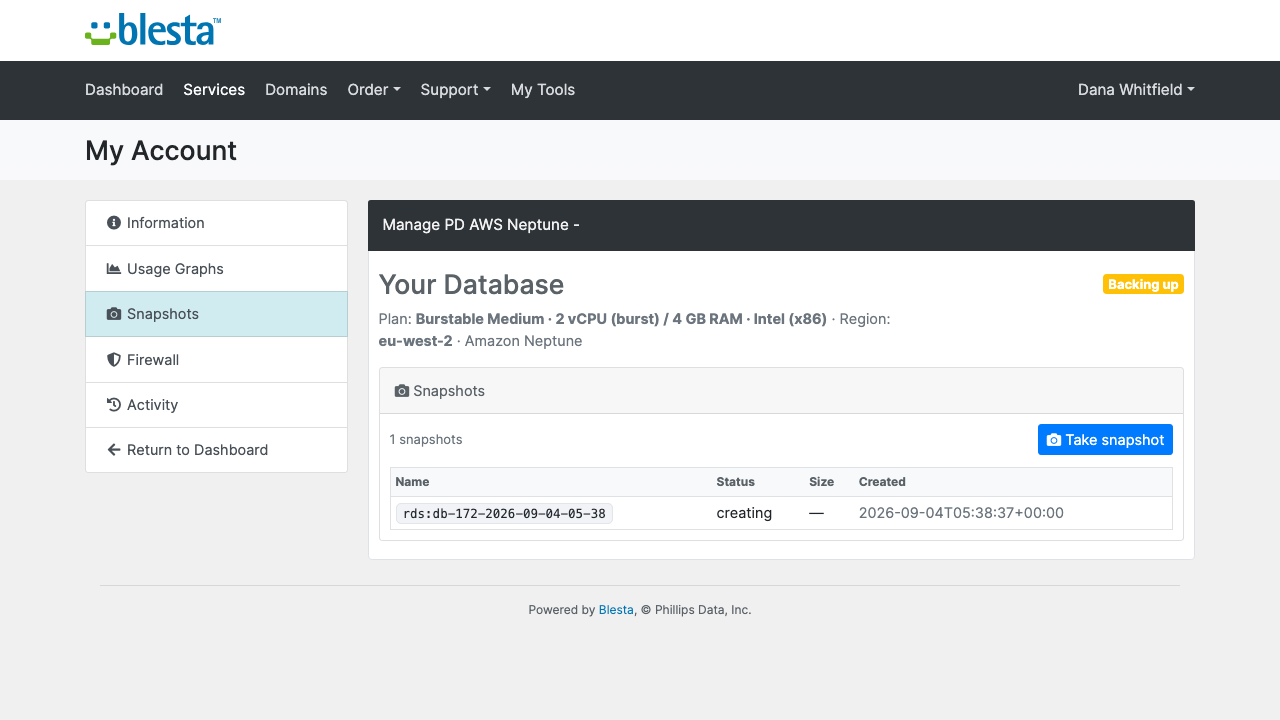
Snapshots they take in one click and delete when finished, each with its date. AWS also keeps automated daily backups for seven days
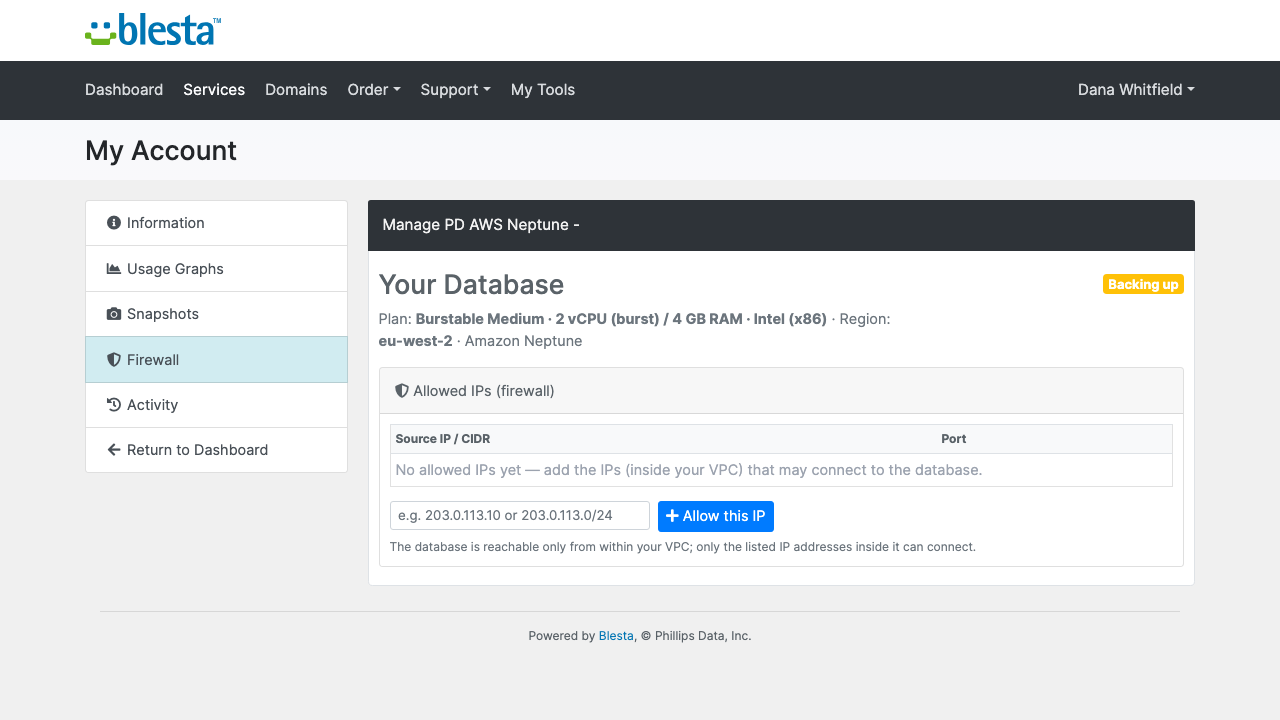
A firewall where they add and remove IPv4 addresses or ranges. A new cluster allows nothing until they do, and an invalid entry is refused with a message
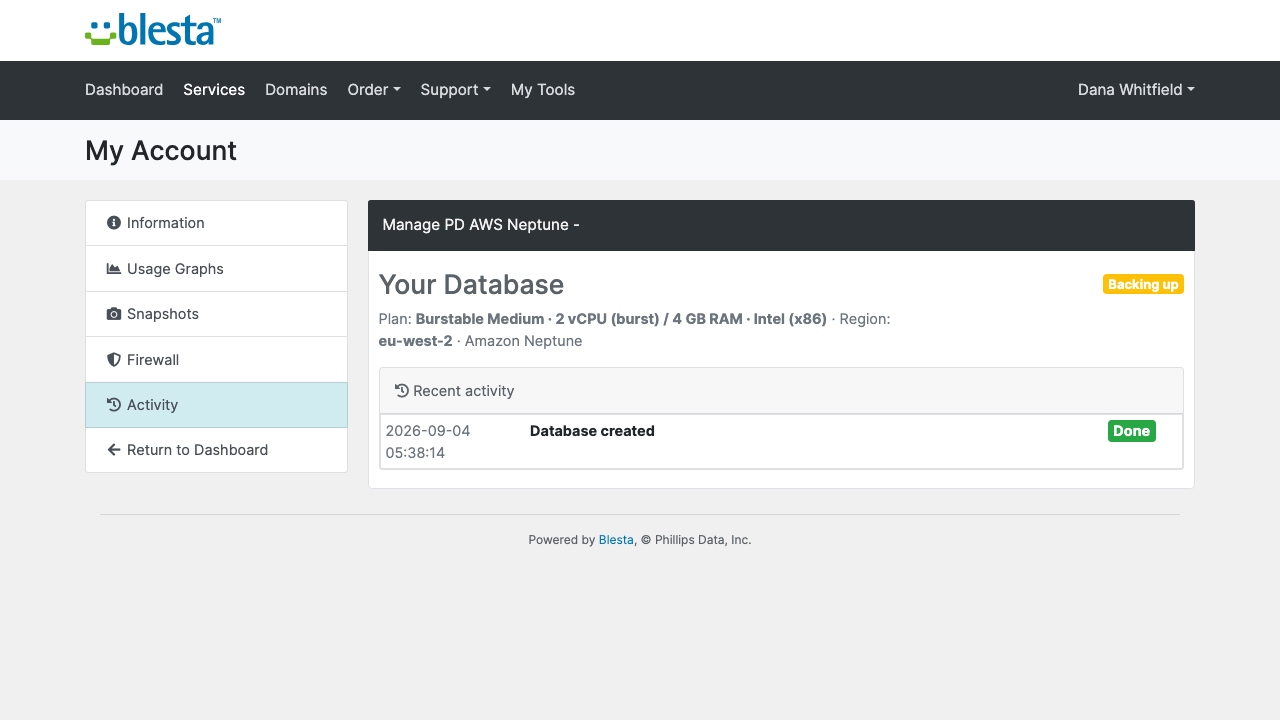
Activity, the last 40 actions in plain words with when and how each ended
The Activity page in the client portal: each action on the cluster, when it happened and how it ended
Each cluster has one instance, so a failure means a short outage rather than a failover, and the pages say so. Storage grows by itself, so there is no disk size to choose. Restoring a snapshot is your job in AWS. Clusters are private to your AWS network and never get a public address, so customers connect from an application server inside it. Every feature is a switch on the package: turn one off and it disappears from the customer's menu and the server refuses it too. The pages follow the client portal's own theme and are fully translatable, with overrides that survive updates.
Security built in
Your AWS key is stored encrypted on the module account and never reaches a customer page.
Neptune queries travel over TLS, and only the addresses a customer has allowed can reach the cluster.
A suspended, terminated, cancelled or fraud-held service cannot start, snapshot or change anything.
Only licence data reaches us. Customer data never does.
One product, every feature
PD AWS Neptune is one paid module with everything included: provisioning, power, snapshots, firewall, usage graphs and teardown. There are no tiers to compare. It installs into PD Modules in one click, updates itself, and uninstalls cleanly without modifying any Blesta files.
If your subscription ever lapses, nothing the module built is touched. You get a 14-day grace period with everything working, then admin management locks while customers keep being served, and only after that do customer features pause, behind a neutral message that never mentions licensing. Renewing restores everything at once.
Requirements
Blesta 6 or later on PHP 8.2 or later, with the ionCube Loader
An AWS account and an IAM user with the policy we provide
Blesta's cron running, so paid orders are provisioned
PD Modules, the free control panel every PD module installs into
Questions
Where do the databases run?
On your own AWS account — as dedicated, isolated Amazon Neptune clusters provisioned in the region you choose. You pay AWS for the compute and storage; you set the sell price in Blesta and keep the difference.
What is Amazon Neptune?
Amazon Neptune is a fully-managed graph database on AWS. It supports the Apache TinkerPop Gremlin, openCypher and W3C SPARQL query languages, while AWS handles patching, backups, storage scaling and high availability — ideal for connected-data workloads like fraud detection, recommendations, knowledge graphs and network topology.
Do I need my own AWS account?
Yes. You connect your AWS credentials in the Blesta Server settings once, and every client cluster is provisioned automatically into your account. No per-client AWS access required.
Does storage auto-scale?
Yes. Amazon Neptune grows its storage automatically as data is added — there is no disk size to choose at order time. Neither you nor your clients ever need to resize storage manually.
Can clients upgrade to a bigger plan?
Yes. Changing the configurable option on the service resizes the underlying instance class in place — all data is preserved.
How do clients connect to their database?
Neptune has no master username or password. The client area shows the cluster endpoint and port 8182, plus the Gremlin, openCypher and SPARQL endpoints. Connections are made over HTTPS/WebSocket from inside the cluster's VPC, optionally secured with IAM database authentication.
Is a free trial available?
This is a paid, paid-to-activate product — provisioning a Neptune cluster creates real, billable AWS resources, so there is no free tier. If you choose to offer a trial, it still provisions a real AWS cluster.
Does the module require any additional software on my Blesta server?
No. The module communicates with AWS through the AWS SDK bundled with PD Core — nothing else needs to be installed on your server.
What happens if my subscription lapses?
Nothing of yours is touched, and nothing is deleted. The module steps down in stages instead: a 14-day grace period where everything still works and you get a renewal reminder, then admin management locks while your customers carry on being served, and only after that do the customer-facing features stop — behind a neutral "temporarily unavailable, please contact support" message that never mentions licensing to your customer. Anything the module provisioned keeps running in your own account throughout, and your data and settings stay exactly where they are. Renewing restores everything immediately.
What data leaves my server?
Your customers' data stays in your Blesta. To confirm your licence, the platform sends us four things and nothing else: your licence key, the domain, your server's own IP address and the directory it is installed in — the four values recorded against your licence in your client area. Alongside that we see which module and version you run and whether its licence is healthy, so we can ship compatible updates. We never receive your clients' personal data, your credentials, or the contents of your Blesta. Crash reports are off unless you turn them on, and a diagnostic report is only ever sent when you send one, after showing you a preview you can edit.
Which Blesta and PHP versions does it need?
Blesta 6.0 or later, on PHP 8.1 or later. It installs alongside whatever else you run — it adds its own tables and templates rather than modifying Blesta files, so it does not collide with other vendors' modules or with a customised template. Uninstalling removes its own tables and settings and leaves no orphans behind.
What’s new in 0.3.66
On Blesta, the plan options screen now says the region, plan and version are chosen on the package, instead of reporting a database error.